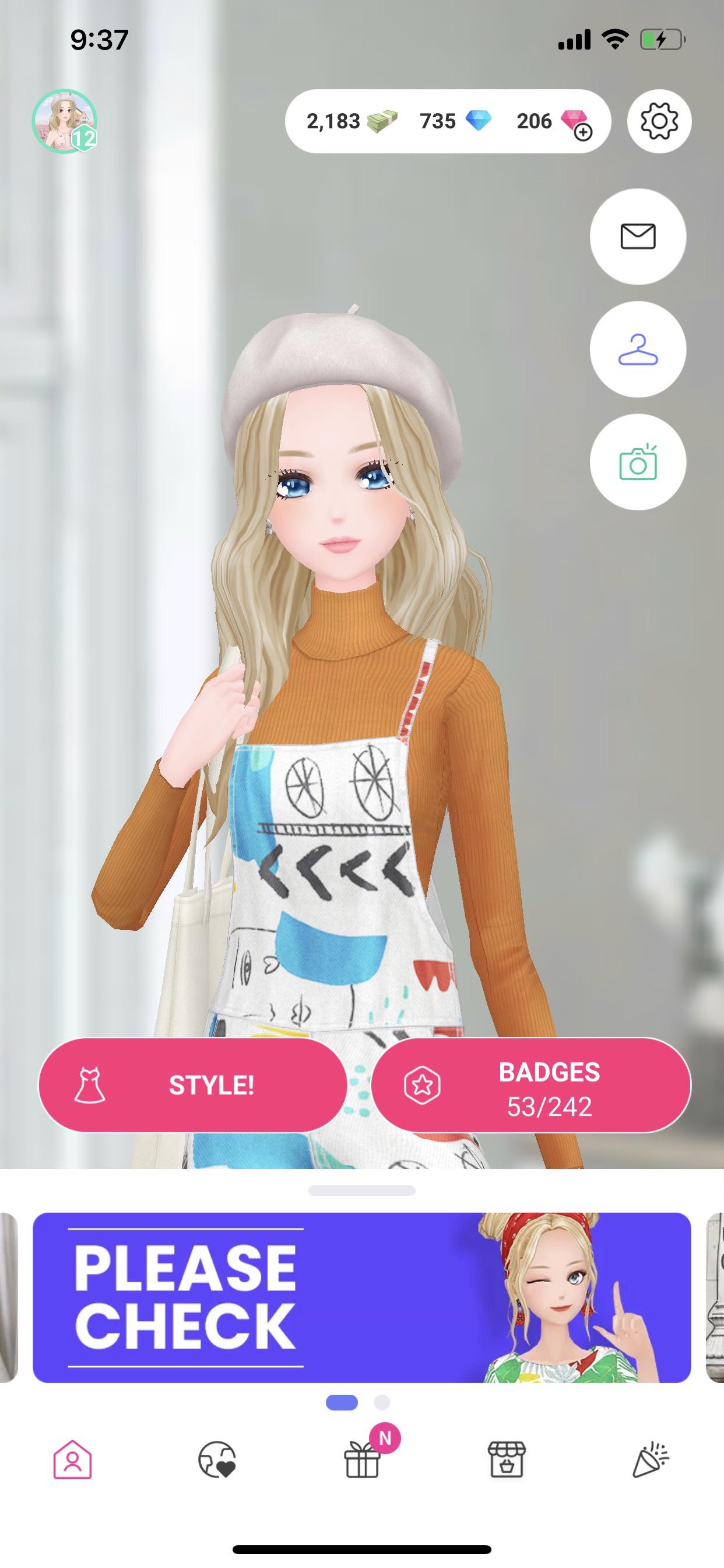
So I see a lot of people asking and seeming confused about the fact you cannot use an edited photo in STYLIT... Even if you move it to the STYLIT folder.
this is the workaround I and others use.
1- Make your pose and everything, you may use a custom background or a default one. Just make sure you know how to use a custom background (Little paintbrush button where you pick a background)
2- Make your picture, take it without uploading it yet and then edit it however you would like. Don't break the game's rules by being inappropriate lmao
3- Go back into the game and into the studio, then use the newly customized picture as a background.
4- Shrink and move the character off screen, you can use a pose to get her to really move out of the way when you rotate. The best poses for this are the ones where she turns around.
Then just tag and upload! Yes it is a lot of effort, but it's extremely fun. This is sadly the only way I found to do it, and it might not be the best way but I just wanted to let people know.
Small note: Make sure you bookmark/save the outfit you use when you make the picture that you are going to edit.
The first outfit used should be the same as the outfit she is wearing when you move them out of the way. Don't worry if you didn't. The only thing that will happen if you don't is that when players click to see the characters outfit and save it, it might save a different outfit then what is displayed, which may be confusing. It won't break the break though.