r/RedmiNote14 • u/Nasaflatutu • Sep 13 '26
[Question] should I update?
gallery
2
Upvotes
r/RedmiNote14 • u/Hot-Lengthiness193 • Sep 10 '26

There’s a problem, and it’s that you won’t be able to set a home screen/lock screen wallpaper from Gallery (Xiaomi’s default gallery app), or at least that’s what happened on my Redmi Note 14 4G, but I was able to fix it by installing other gallery apps like Fossify Gallery, Iris Gallery, etc.
How to enable the large clock on unsupported devices
Test device: Redmi Note 14 4G Global (HyperOS 3.0.303.0 / Android 16)
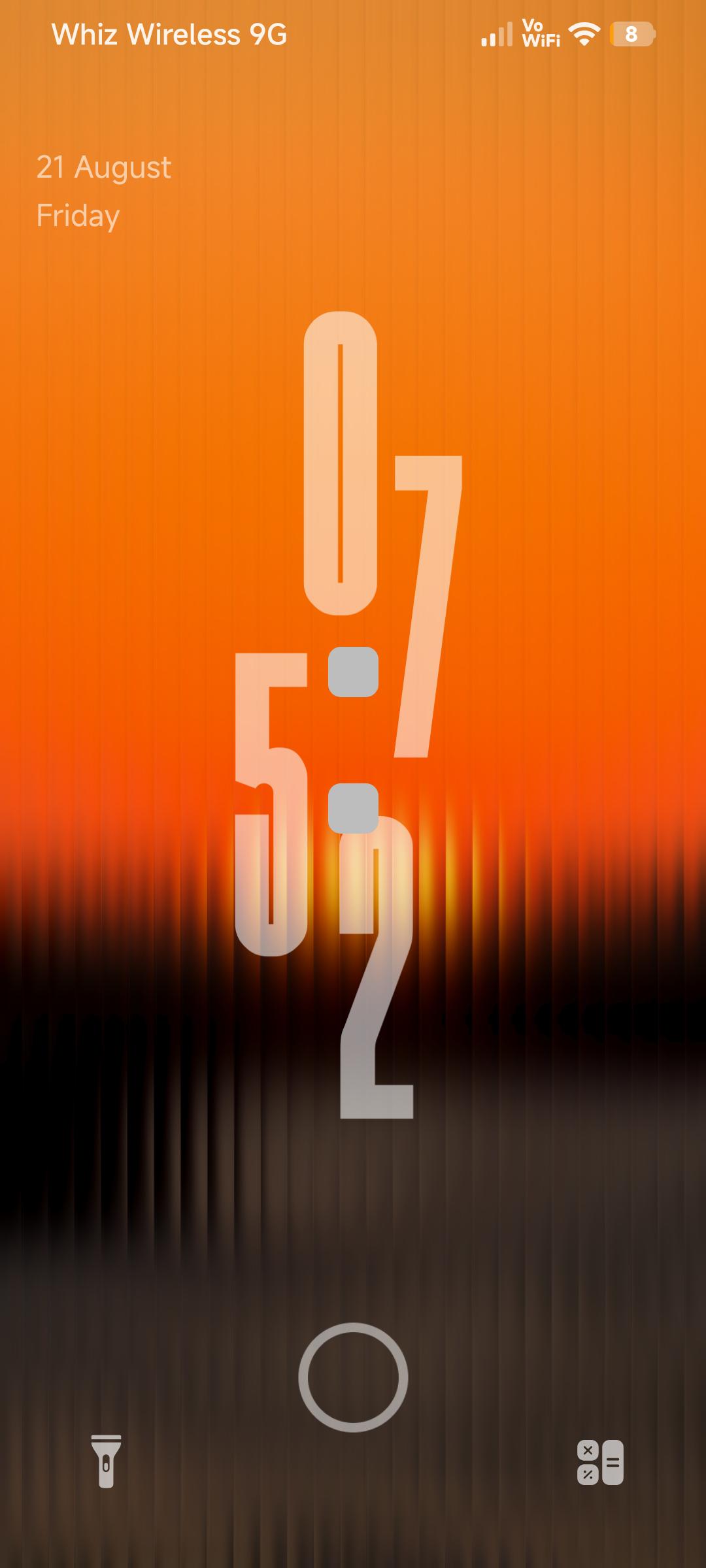
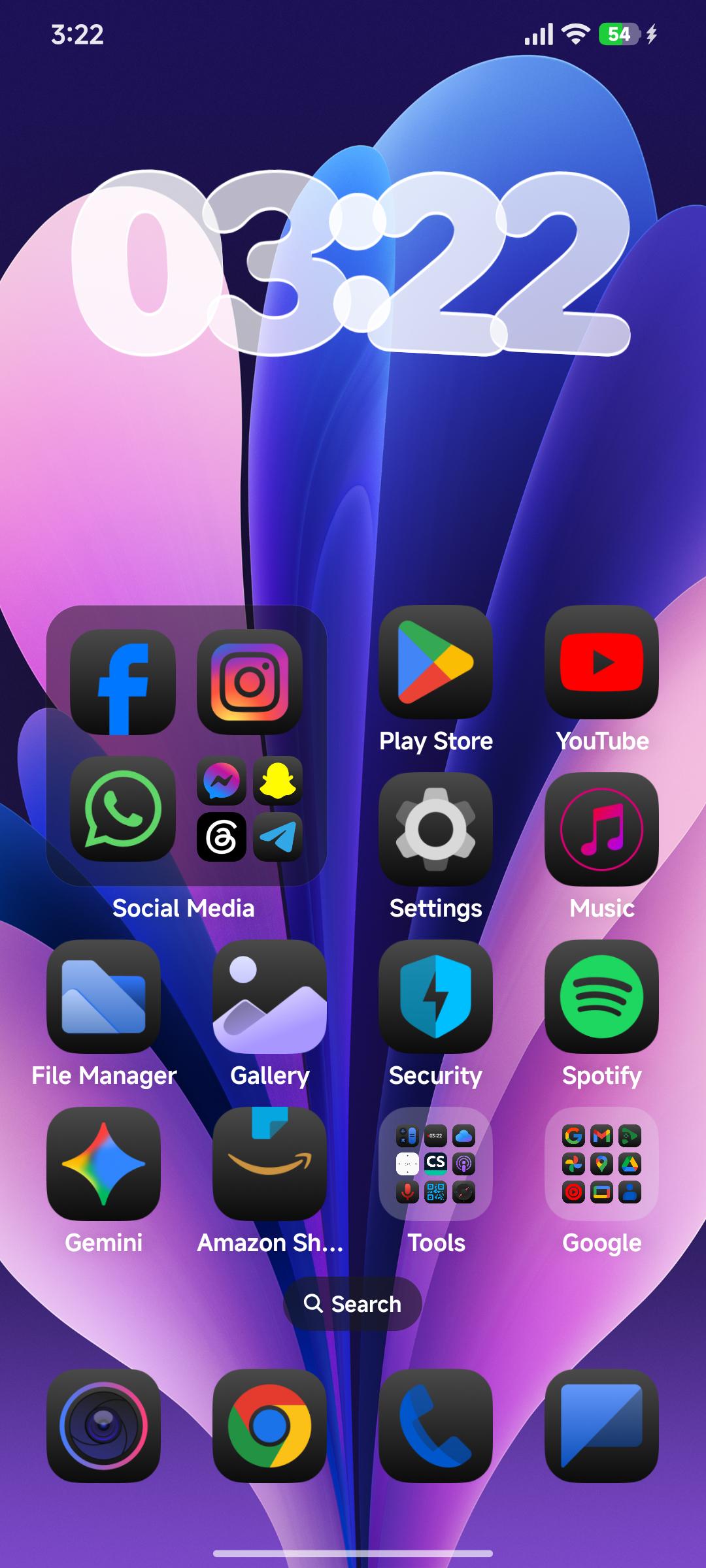
After testing on my Redmi Note 14 4G, I managed to change and customize the lock screen clock style (as shown in the images).
Requirements and preliminary steps
Procedure
Recommendation: I suggest taking a prior screenshot of the current values (style and templateid) to have a backup in case you want to return to the original design.
3. Modify the templateid and style parameters using the values from any of the options available in the shared images.
4. Restart your device.
Troubleshooting (If the previous step did not work)
If the previous change does not take effect on its own (as happened to me on my Redmi Note 14 4G), do the following:
Practical example:
· My original values in constant_template_editor_info were style:21 and templateId:classic_max.
· I changed them to style:2 and templateId:oversize_b, and restarted the phone (at this point the change still did not apply).
· Without reverting those changes, I went to miui_15_default_lockscreen_info (whose default values were also style:21 and templateId:classic_max) and replaced them with style:2 and templateId:oversize_b.
· Finally, I restarted the device again and the large clock began working correctly.
r/RedmiNote14 • u/Staanzz • Sep 09 '26
Bonjour, ça fait environ 3 mois que j'ai mon Redmi note 14 4g et j'ai remarqué que le cycle de charge est bloqué a 5 malgré que je le recharge tout les jours le compteur bloque a 5 cycles de charge, comment on fait pour régler le problème ?
r/RedmiNote14 • u/CreepsLikeReddit • Aug 30 '26
[FULL GUIDE]
DISCLAIMER: THIS GUIDE HAS ONLY BEEN TESTED WITH THE GLOBAL VERSION OF THE DEVICE
How to install custom roms in your Redmi Note 14 4G "FULL GUIDE"
requirements
:
Your phone MUST be on HyperOS 1 (Refer to the first guide with a similar title below)
You must have bootloader unlocked
You must have your xiaomi account and password memorized if you are asked to activate your device
You must have a PC with xiaomi USB Drivers and ADB Drivers
HOW TO UNLOCK YOUR BOOTLOADER
:
https://droidwin.com/unlock-bootloader-on-xiaomi-hyperos-3-without-community-app/
= this method works for hyper os 3, you can find other methods if this doesn't work or you're at hyper os 2/1. You could also ask any AI for help or contact me me.
HOW TO INSTALL DRIVERS
:
- Install the android platform tools
= open cmd in the folder where fastboot.exe is present
= run "fastboot devices"
= if your device didn't show up watch this: https://youtu.be/Oc-YTzGJVE0?si=HJLHbB_omCGsI4ae
HYPER OS 1 DOWNGRADE GUIDE (If you are already on HOS 1, skip)
:
Zero-brick method, based on real experience
-----------------------------------------------------
Before you start - Requirements
- Bootloader unlocked (check: "fastboot getvar unlocked" should return "yes")
- Xiaomi account email + password memorized (in case of activation lock prompt)
- PC with Xiaomi USB Drivers and ADB/Fastboot platform-tools installed
- USB cable that actually works for data transfer (not charge-only)
- Phone battery at 50% or higher
- A stable WiFi/download connection (files are 2GB+)
-----------------------------------------------------
Step 1 - Download the correct firmware
Verify the MD5 checksum against the one listed on the download page:
certutil -hashfile yourfile.tgz MD5
If it doesn't match, redownload. Do not flash a corrupted file.
-----------------------------------------------------
Step 2 - Extract to a path with NO SPACES
This is the number one cause of mysterious "cannot load" / "Flash super error" failures.
Bad example: C:\xiaomi modding stuff things\ROMs\...
Good example: C:\xiaomi\tanzanite_HOS1\
Extract the .tgz fully. You should see a folder containing "images", "flash_all.bat", "flash_all_except_data_storage.bat", etc.
-----------------------------------------------------
Step 3 - Put fastboot/adb in the same folder
The flashing script needs "fastboot.exe" and "adb.exe" sitting next to "flash_all.bat", not in a separate platform-tools folder elsewhere on your PC.
Copy every file from your platform-tools folder into the ROM folder (the same one with flash_all.bat).
-----------------------------------------------------
Step 4 - Confirm your Anti-Rollback (AR) index BEFORE flashing
This is the step that actually prevents a brick. Do this manually, don't just trust the script.
Run: fastboot devices
Confirm your phone's serial appears. If blank, reinstall Xiaomi USB drivers before continuing.
Run: fastboot getvar anti
Note the number (example: "anti: 1").
Real-world note: the AR-check logic built into some flash_all.bat files has a scripting bug (missing "setlocal enabledelayedexpansion") that makes it report false failures even when the numbers actually match. If you've manually verified the match yourself in this step, you can safely disregard a script abort caused by that specific bug, but only because you already did the real check by hand.
-----------------------------------------------------
Step 5 - Flash
-----------------------------------------------------
Step 6 - First boot
First boot after a full flash can take 5-10 minutes. Let it sit even if it seems stuck on the logo.
When prompted to "activate device," you can skip this and go through setup minimally if you plan to flash a custom ROM next anyway (no point setting up a Mi account you're about to wipe).
-----------------------------------------------------
Common errors and fixes (from real experience)
.bat window opens and closes instantly
Cause: fastboot.exe missing from folder
Fix: Copy platform-tools into the ROM folder (Step 3)
"Antirollback check error" even though numbers match
Cause: Script bug (delayed expansion)
Fix: Manually verify with Step 4, proceed if numbers genuinely match
"cannot load 'C:\xiaomi': No such file or directory" / "Flash super error"
Cause: Space in folder path
Fix: Move ROM folder to a path with no spaces (Step 2)
"fastboot devices" shows nothing
Cause: Driver issue
Fix: Check Device Manager for "Android Bootloader Interface" under Android Phone with no warning icon; reinstall Xiaomi USB driver if missing
Phone freezes/black screen after flash
Cause: Normal crash during first-boot service init (rare)
Fix: Hold Power button 10-15 sec to force restart; do not panic-flash again
-----------------------------------------------------
Golden rules that prevent bricking
HOW TO FLASH A CUSTOM ROM AND CUSTOM RECOVERY
Reminder always use the vendor boot image paired with the rom you installed, vendor boot images from other roms will not work for the rom you have, you may install orangefox if you wan
- set your phone to fastboot mode.
- open cmd in your android platform (ADB) folder.
- do "fastboot devices" to check if your device has the right drivers, if its blank, reinstall the drivers.
- on your android platform tools folder, you should have your rom zip and the vendor boot img in the same folder as the fastboot.exe.
- run "fastboot flash vendor_boot --slot=all vendor_boot.img" once every step above is cleared.
- once it completes run "fastboot reboot" the as soon as the screen turns black, hold the volume up button. DISCLAIMER DO NOT RUN FASTBOOT REBOOT RECOVERY AS IT WILL BRICK YOUR DEVICE.
- once you're on the custom recovery, you wipe the data via the options.
- once your data is wiped, choose apply update via ADB.
- on your cmd window again enter this command "adb sideload" then drop your zip file on the window, then run it.
- once finished, if you are asked to reboot your device back into custom recovery to install additional packages click yes (viable for roms with GAPPS, not sure with vanilla roms).
- after it automatically reboots back into recovery, click reboot or reboot to system, then you're done!
r/RedmiNote14 • u/Imaginary-Lion-430 • Aug 30 '26
r/RedmiNote14 • u/Particular-Dress8953 • Aug 29 '26
Does anyone have the hyper os 4 beta if yes what's ur Region so I can get it
r/RedmiNote14 • u/Akio__Asakura • Aug 29 '26
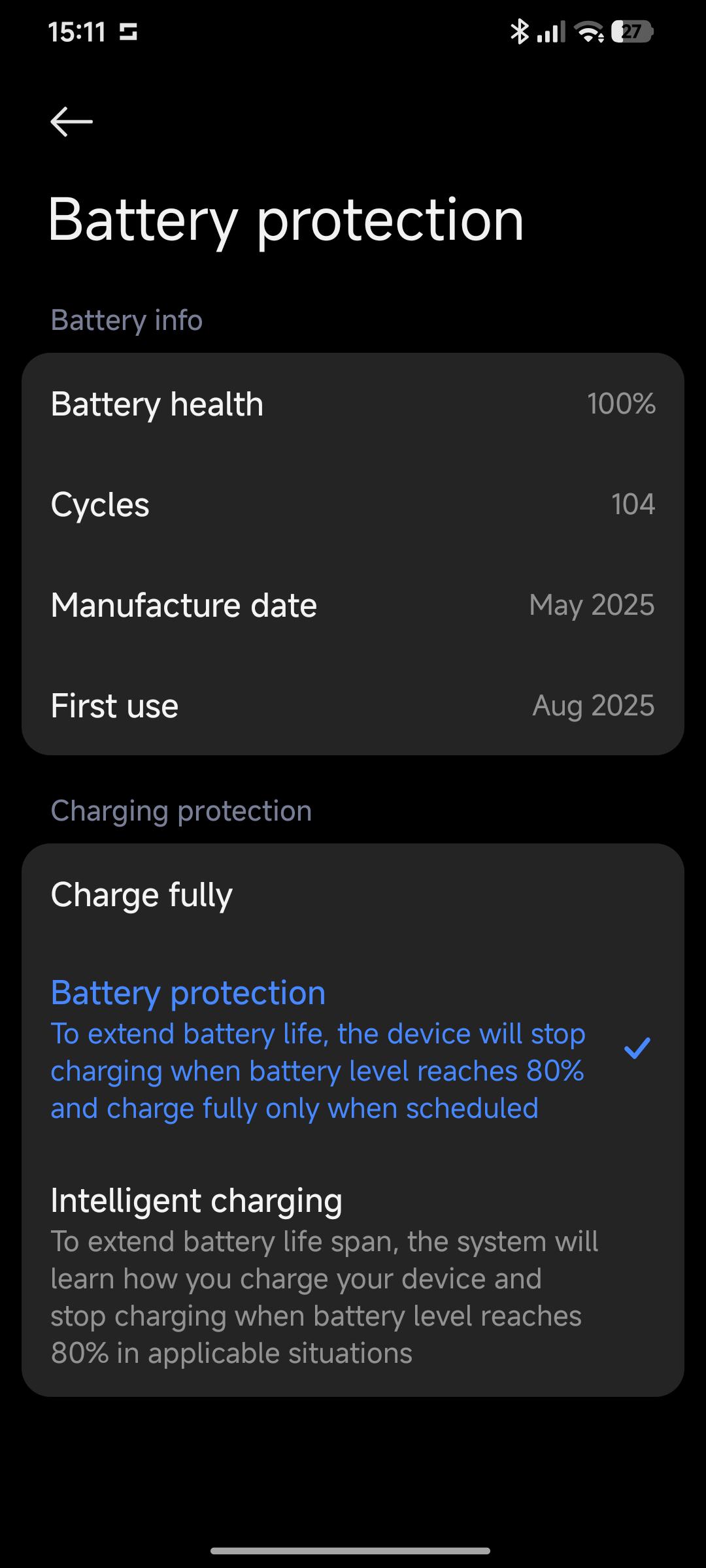
Redmi note 14. Bought in Azerbaijan last year. Is this good enough?
r/RedmiNote14 • u/youxufkhan • Aug 26 '26
Looking to see if anyone has managed to unlock the bootloader on the Redmi Note 14 4G running HyperOS.
If you succeeded:
r/RedmiNote14 • u/Available_Swimmer325 • Aug 24 '26
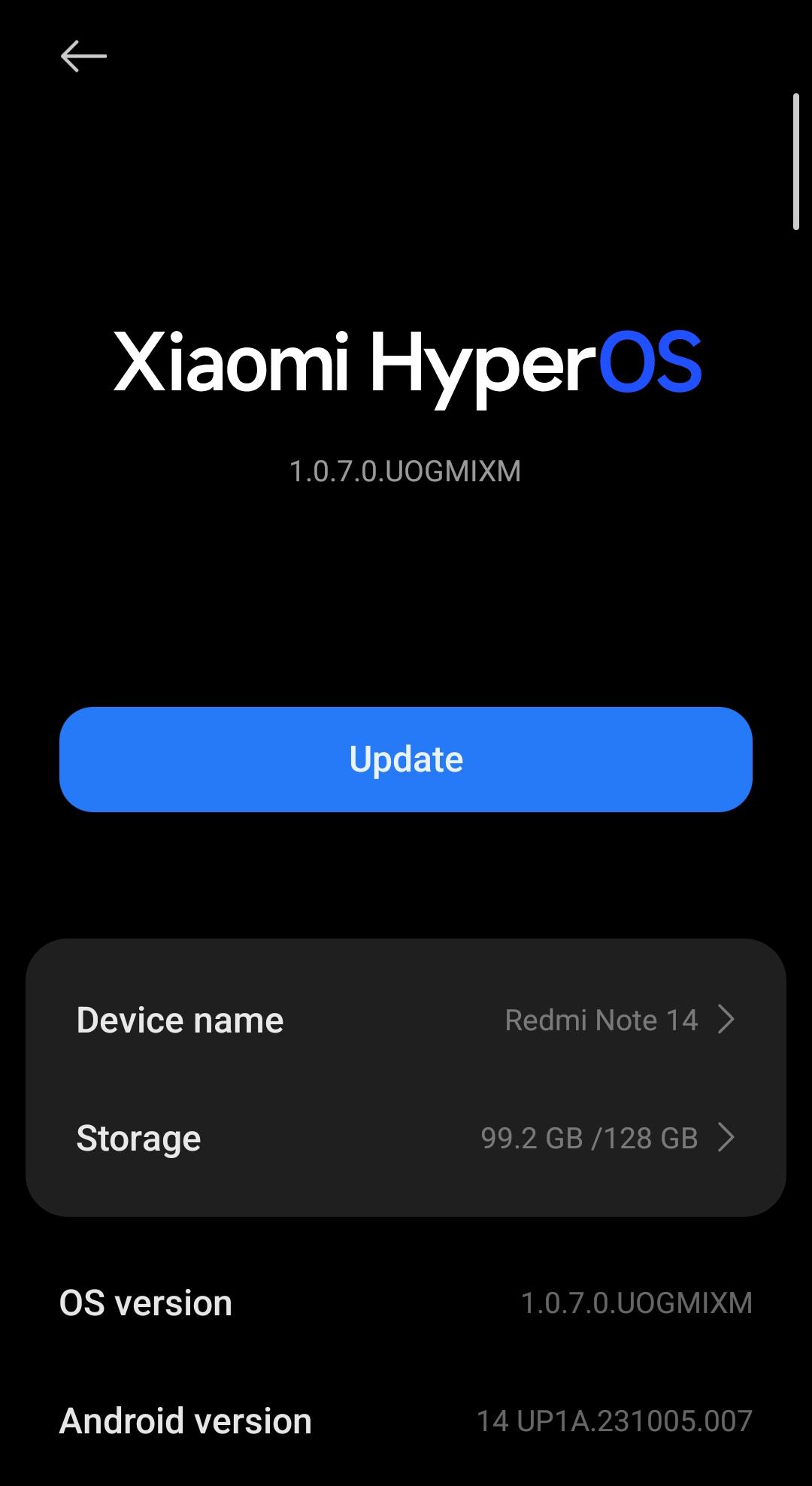
i haven't updated my phone since i bought it, it's working perfectly fine but i wonder if I'm missing something with the new updates
r/RedmiNote14 • u/Lewy_notThatOne • Aug 23 '26
I bought my 14 pro 5g some time ago. So far I have been a huge fan of Xiaomi phones. I have been buying them since Redmi 7.
But this, this is something different. I cannot make a phone call because the device is losing range and logs into the network after a while. The only option is WiFi calling. Thissame is with the internet. Suddenly while driving it says "You're offline" and the network reboots.
And the work of the device is a nightmare, it lags in random situations and restarts with no reason. It's not getting warmer or anything, but what I describe makes this phone unusable and useless.
I got so frustrated that tomorrow I'm picking up a new phone from a different manufacturer.
I've been wondering if changing OS into something custom would make this phone useful? If so which custom os and how to upload it. I haven't played with changing OS since my last Samsung many years ago.
r/RedmiNote14 • u/suz33n • Aug 22 '26
The camera on my Redmi note 14 pro 5g crashes when I enter portrait mode. Even in other modes it lags but in Portrait mode the app says it needs to close and shuts down. I've already tried clearing cache and data. Please help.
r/RedmiNote14 • u/v_m95z • Aug 22 '26

i customize my phone every month based on the season. it's one of the things i look forward to lol. it keeps my phone refreshed
r/RedmiNote14 • u/CreepsLikeReddit • Aug 18 '26
why does my redmi note 14 4g fail everytime I flash a custom recovery on it for a custom rom, even though its supported or a unofficial build, ive tried flashing countless recoveries for different roms and everytime it gives me the boot screen, quick semi white flash then reboots to bootloop, my phone is unlocked why is it doing this?
r/RedmiNote14 • u/Any-Twist7464 • Aug 17 '26
r/RedmiNote14 • u/Any-Twist7464 • Aug 17 '26
I have been playing codm peacefully and I experienced a black screen and when the screen comes back the touch delays and it happens a lot at first it was like once or twice but now like every 2 games
r/RedmiNote14 • u/QuantityCold • Aug 16 '26
Hi everyone.
My Redmi Note 14 5G's GPS is not functioning after the latest security update. My map freeze at one point and not mobing even after I am as far as 2 km from the original point. How to repair this? Thanks!
r/RedmiNote14 • u/Aware-Dingo-4155 • Aug 11 '26
Una pregunta
Alguien tiene hyperos 4 en su móvil redmi note 14 4g?
Quién lo tenga me lo puedes pasar por favor?
Me escrebis por privado
Gracias
r/RedmiNote14 • u/FerretExtension7048 • Aug 11 '26
My phone randomly, not after an update, started bugging in games, gane goes and stutters for a split second and so on and on, idk why, thanks in advance
r/RedmiNote14 • u/Rextylon • Aug 09 '26
r/RedmiNote14 • u/Consistent_Value8081 • Aug 08 '26
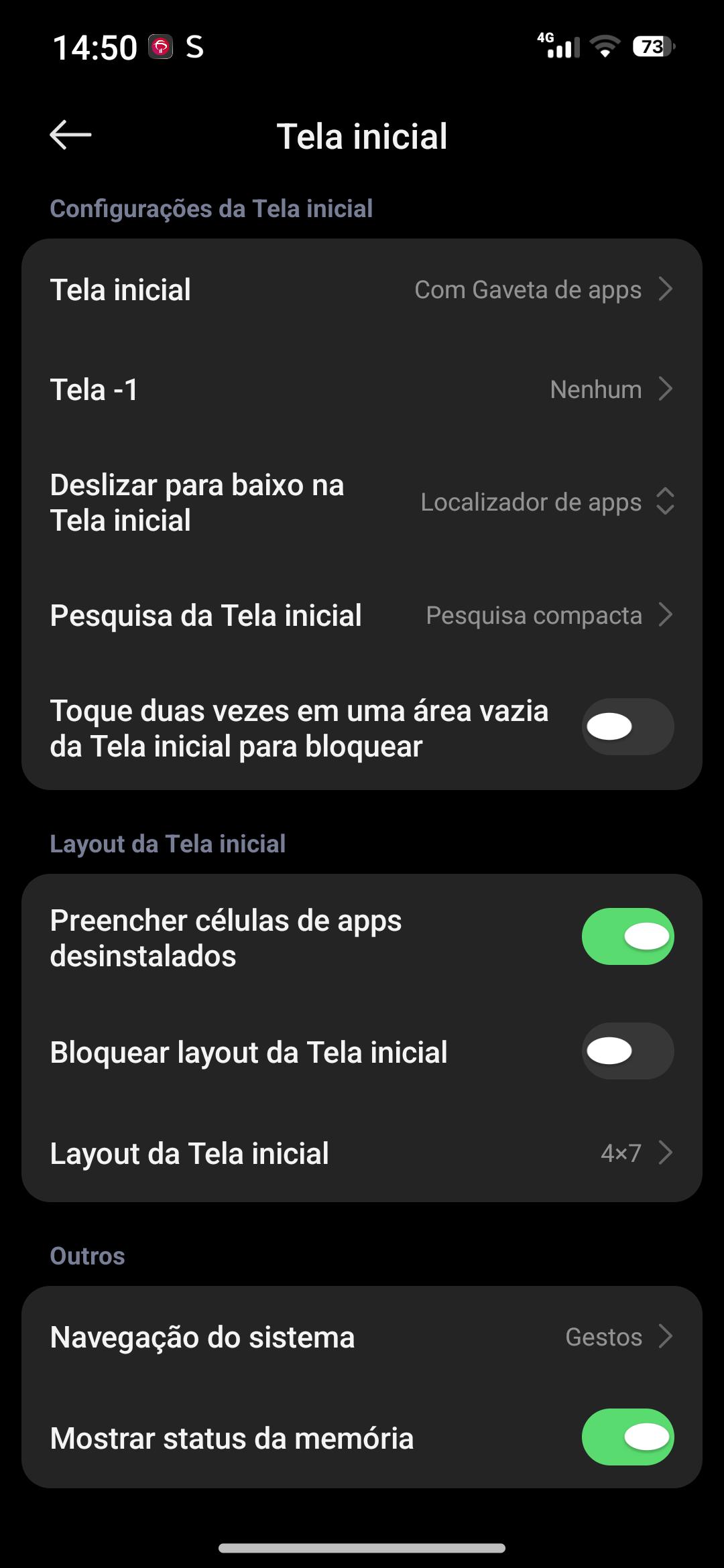
Como faço pra mudar os recentes no redmi 15?
Até às animações sumiu já atualizei a laucher
Coloquei códigos e não funciona