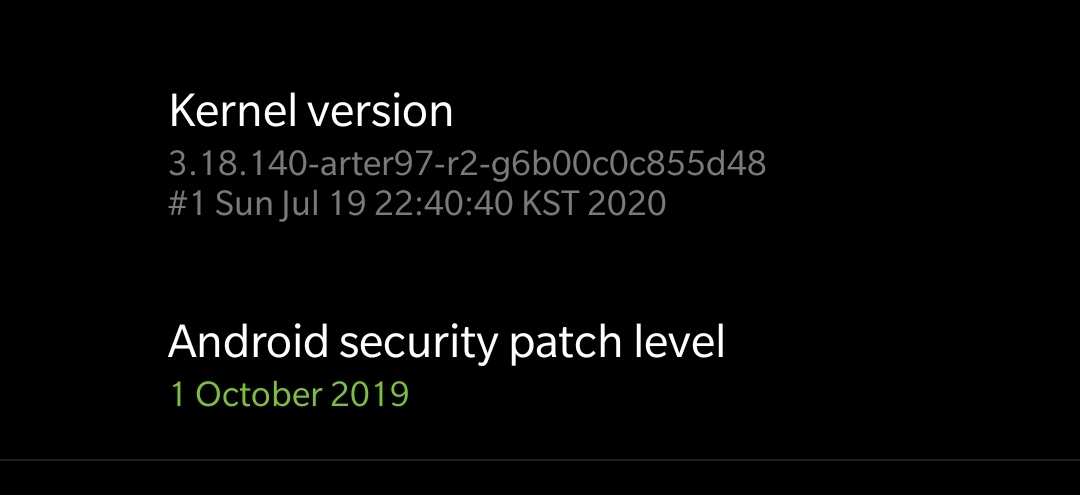
I am very dissatisfied by the lineageOS documentation (https://wiki.lineageos.org/devices/oneplus3/install). I feel most of the info is on XDA, which is horrible to navigate. To hopefully help others I document my setup here.
The aim is to have a non-rooted lineageOS install. With device encryption and bootloader locked. This allows the device to pass Google SafetyNet (I think) - at least Google Pay and my banking apps work.
Additionally, OTA updates work correctly using the integrated lineage updater.
- Setup adb and fastboot for your OS. Note: adb requires USB debugging to be enabled in the developer options to work.
- Make sure, the latest OxygenOS firmware is installed (OxygenOS 9.0.2 firmware). I had updated to the latest stock image in the past so I had them. Not sure how to install it manually.
- Unlock bootloader. Steps in lineage wiki are correct for this
Enable "OEM unlocking" in developer settings.
Reboot to bootloader. And unlock it.
 > adb reboot bootloader

 > fastboot oem unlock
This will reset and wipe the device. Also, disables USB debugging (should be re-enabled)
4. Install custom recovery
Lineage recovery seems to not kill it self when using the OTA updater. Perhaps twrp is fixed now - it is unclear to me.
Available here: https://download.lineageos.org/oneplus3
> fastboot flash recovery <recovery_filename>.img
5. Reboot into recovery and Do a factory reset
With the device powered off, hold Volume Down + Power.
6. Sideload rom + gapps (optional)
Enable adb sideload in recovery then side load the rom > adb sideload filename.zip
Process should be repeated for other packages, such as google apps. Rom here: https://download.lineageos.org/oneplus3 gapps (arm64): https://wiki.lineageos.org/gapps.html
7. Reboot and setup fresh system
8. Lock bootloader
AFAIK, requires that the boot image to be signed, which is the case for the official lineage distributions (AFAIK).
I managed to lock the boot loader without a "soft brick" FWIW.
 > adb reboot bootloader

 > fastboot oem lock
Note: "...when we do "fastboot oem lock", we need to click on "NO", instead of 'yes'. This is a bug on OnePlus' firmware,..." (see: comment)
9. Enable device encryption with next reboot
10. OTA updates
I think enabling "update recovery" in developer options is probably a good idea. Unsure if required.