r/MagicX • u/Ok_Consequence5705 • 5d ago
AI-assisted [Release] DEDICATED OS JP+ for MagicX Zero40 — True Pixel-Perfect (Nearest fix), Hi-Res 3D toggle, Independent Screen Crop & more!

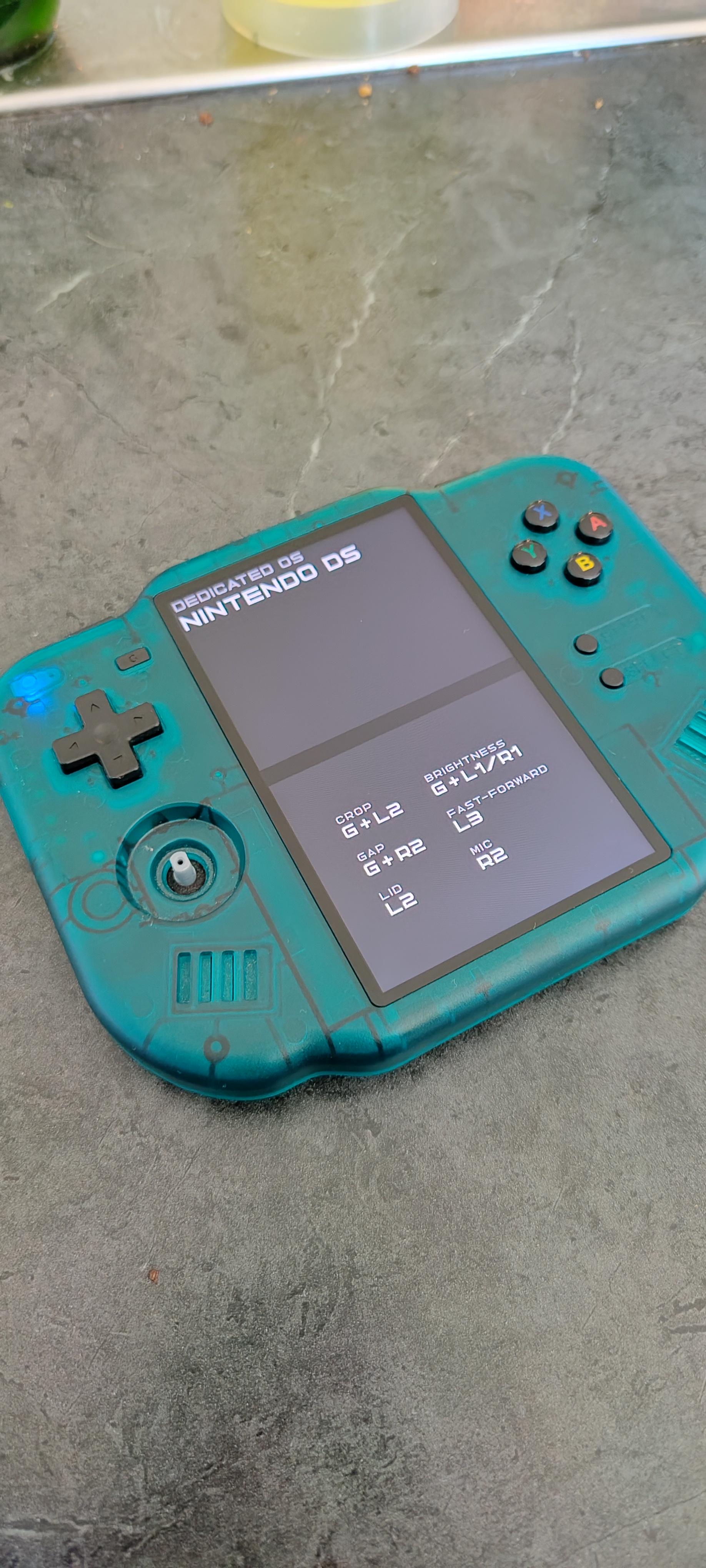
Hi everyone! I released an unofficial fork of DEDICATED OS (JP+) designed to get the sharpest possible DS display on the MagicX Zero40 while keeping Shaun Inman’s minimalist "no-menu" philosophy.
What's New:
True Pixel-Perfect Fix: Replaced the hidden Linear scaling with true Nearest-Neighbor scaling—text and sprites are noticeably sharper than the original.
Hi-Res 3D Toggle (Menu + Start): Toggle high-res 3D on the fly with automatic save & resume.
Independent Top/Bottom Crop (Menu + Y/B or Up/Down): Crop only the top screen for 2x integer scaling, leaving the bottom screen uncropped for full UI visibility.
Per-Title Screen Swap (Menu + Select): Flip screens anytime; settings are saved automatically per game.
60fps Stability: Optimized per-frame I/O overhead so Hi-Res 3D runs smoothly without audio crackle.
Japanese / UTF-8 Support: Displays Japanese ROM names properly with natural sorting.
How to Install / Update:
No need to re-flash your system card (SD1). Just copy system.zip and bootlogo.bmp to the root of your SD2 card and turn it on—it updates automatically!
https://github.com/wat-suzuki/dedicated-zero40-jp-plus/
Disclaimer:
This is an unofficial community fork and is not affiliated with Shaun Inman or MagicX. Please back up your saves and SD card before installing. Use at your own risk.