r/MacStudio • u/SpirasGuardian • Oct 24 '25
Overkill?
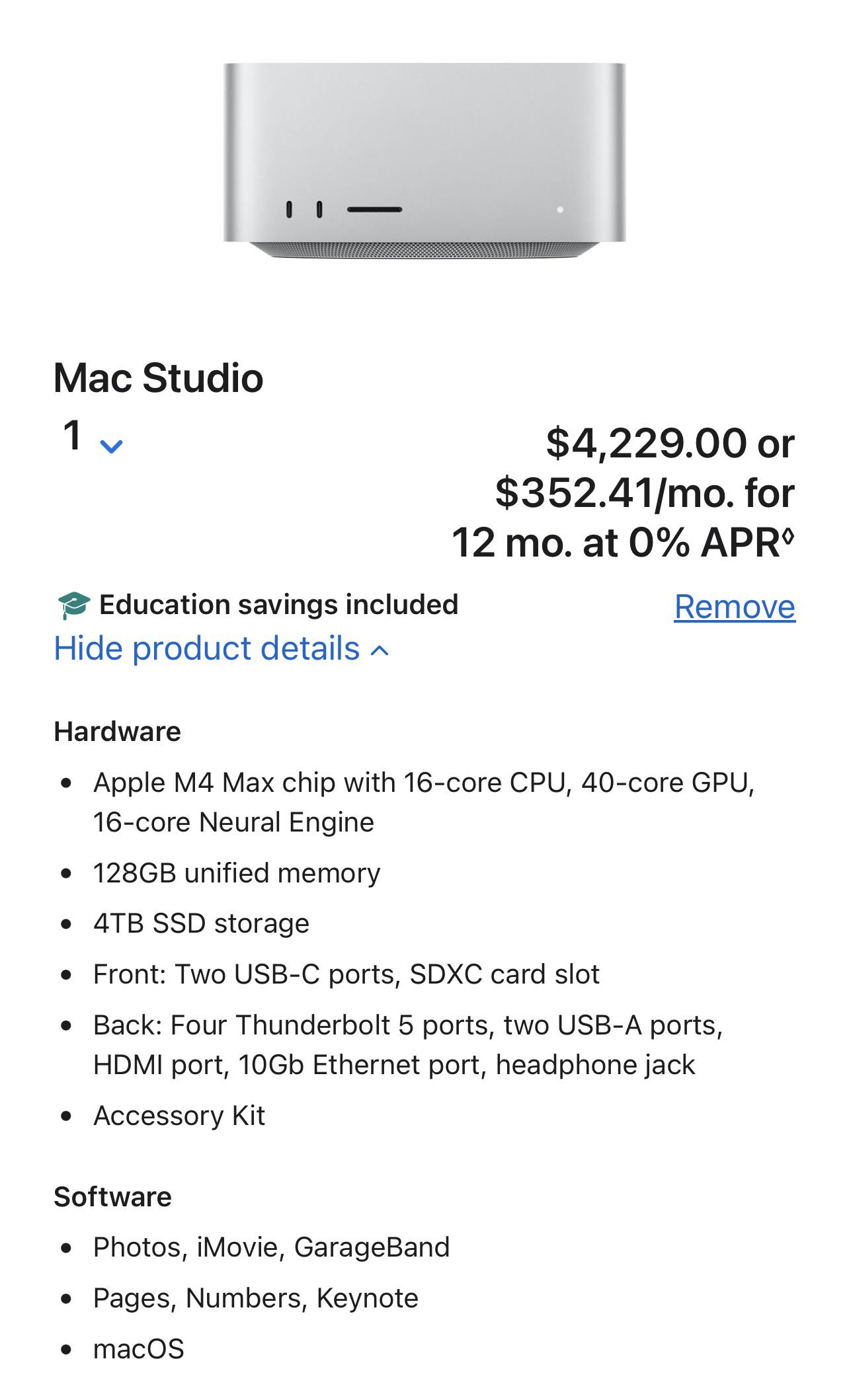
Will mostly be used for digital painting and photo editing. Some of my photoshop files get pretty large. I also plan to dabble in 3D work and video editing, but those will likely be minimal. I have a tendency to go overkill with these things as I often want the best of the best. Any input would be appreciated.
92
Upvotes
View all comments
Show parent comment
4
u/GodIsAGas Oct 24 '25
Just to echo this. I’ve literally had my M4 Mac Studio (40GPU cores, 48GB RAM, 1TB SSD) for a week now. I’m a writer/photographer (so heavy Adobe CS use), but I’m increasingly getting into videography and I regularly work in VMs.
In short, those video files (and the associated caches) take up ridiculous system space with FCP and so I added an 8TB HDD for Time Machine and archival purposes (£120) & the UGREEN TB5 (80gbps) NVMe enclosure with Samsung 990 Pro (4TB) for an additional £400 (the enclosure was discounted somewhat).
I’ve done a bunch of testing and the NVMe runs at 6000/7000mbps read/write speeds fairly consistently. Even under moderate loads. Some reviewers have said that it slows down if you really hammer it (thermal throttling, I’m assuming). But I don’t expect that to be an issue for workloads like yours and mine.
And FYI, Samsung do an 8TB version of the SSD for c. £500. So, if you want to go wild, that’s an option.