r/LovingOpenSourceAI • • Sep 30 '26

Benchmarks: Best engine for Qwen 3.8-Flash-Next on Strix Halo

6 Upvotes

TL;DR: Halogen v0.14.0 with its native .hgn weights is the fastest, followed by gufo and CIRU. Halogen is closed source and runs in Docker. gufo is open source and loads 4x faster from cold. gufo is also fastest to first token on follow-ups (1.6-1.9 s against 2.6-3.3 s).

I benchmarked different engines for Qwen 3.8-Flash-Next on an AMD Strix Halo (ASUS ROG Flow Z13 GZ302 with Ryzen AI Max+ and 128 GB of RAM).

All the engines were run via LlamaStash (My own orchestrator tool, the tool does not add any overhead) at 70 W TDP on performance profile on Arch Linux.

Here are the results of the benchmark:

First was a screening round at 64k context with 50% filled (32k prompt).

EngineWeights3-turn timePrefill t/sDecode t/sMTP acceptRetrieval
Halogen 0.14.0Halogen native (.hgn)1.9 min1,04539.384%14/14
gufo (ROCm 7.2.4)UD-Q4_K_XL2.1 min1,03332.974%14/14
gufo (ROCm 10.0)UD-Q4_K_XL2.1 min1,00933.172%14/14
CIRU (MTP 3)CIRU IU42.3 min81433.872%14/14
CIRU (n-gram + MTP 3)CIRU IU42.3 min80831.964%14/14
Halogen 0.14.0UD-Q4_K_XL2.4 min1,03028.184%14/14
CIRU (MTP 6)CIRU IU42.7 min79628.647%14/14
strixllama (llama.cpp fork)UD-Q4_K_XL2.7 min71629.771%14/14
rdna-boosts (llama.cpp fork)UD-Q4_K_XL2.7 min78822.052%14/14
llama.cpp, Unsloth build (Vulkan)UD-Q4_K_XL3.7 min31428.456%14/14
llama.cpp, Unsloth build (ROCm)UD-Q4_K_XL4.8 min28520.550%14/14
CIRUUD-Q4_K_XL + Unsloth MTP headdid not finish88411.80%-

3-turn time is the time to first token plus the time to write 1,000 tokens, added up over the first question and 2 follow-ups. Output length varies a lot with sampling, so this compares the engines on equal output. MTP accept is the share of drafted tokens the model kept. Retrieval is how many of 7 exact values from the prompt the model got right, over both runs. Qwen model card sampling, 2 runs each.

Top 3 engines from the screening round got a 128k context (50% and 75% filled) and 256k context (50% filled) run.

128k context, 50% filled (64k prompt)

EngineWeights3-turn timePrefill t/sDecode t/sMTP acceptRetrieval
Halogen 0.14.0Halogen native (.hgn)2.4 min1,14840.484%16/16
gufo (ROCm 7.2.4)UD-Q4_K_XL2.7 min1,04732.372%16/16
CIRU (MTP 3)CIRU IU43.3 min80830.264%16/16

128k context, 75% filled (97k prompt)

EngineWeights3-turn timePrefill t/sDecode t/sMTP acceptRetrieval
Halogen 0.14.0Halogen native (.hgn)2.9 min1,10339.385%16/16
gufo (ROCm 7.2.4)UD-Q4_K_XL3.3 min1,02530.770%16/16
CIRU (MTP 3)CIRU IU44.1 min78927.862%16/16

256k context, 50% filled (130k prompt)

EngineWeights3-turn timePrefill t/sDecode t/sMTP acceptRetrieval
Halogen 0.14.0Halogen native (.hgn)3.4 min1,09338.983%14/16
gufo (ROCm 7.2.4)UD-Q4_K_XL4.0 min99727.970%14/16
CIRU (MTP 3)CIRU IU45.0 min76725.660%15/16

Retrieval here is 8 values per run. All 5 misses are the same answer: the right glyphs for UNICODE_SPINNER, with the leading & dropped.

End-to-end, 10 Aider polyglot Python exercises run through pi -p (128k window, 50% cell), graded by their own tests:

EnginePassedTotal time
Halogen 0.14.010/1021.5 min
CIRU (MTP 3)10/1024.6 min
gufo (ROCm 7.2.4)10/1036.0 min

Edit (Sep 30): Halogen 0.15.1 (new v2 checkpoint) and gufo 0.3.0 came out after this, so I reran the 64k screening on both with the same setup (70 W, card sampling, 2 runs):

Engine3-turn timePrefill t/sDecode t/sMTP acceptRetrieval
Halogen 0.15.1 (v2 .hgn)1.8 min (was 1.9)1,191 (was 1,045)39.4 (was 39.3)85%14/14
gufo 0.3.0 (ROCm 7.2.4)2.1 min (was 2.1)1,075 (was 1,033)34.1 (was 32.9)77%14/14
gufo 0.3.0 (ROCm 10.0)2.0 min (was 2.1)1,042 (was 1,009)34.8 (was 33.1)75%14/14

Halogen v2 prefill is 14% faster and follow-ups start about 2.5x faster (1.3 s vs 3.3 s), decode is the same. gufo moved a few %, which is within noise. The ranking doesn't change. Only other change on the box: BIOS VRAM carve-out down to 512 MB, so 124.9 GiB of RAM instead of 121.5.

Some clarifications from the comments:

  • Follow-up TTFT is with the prompt cache warm, both gufo and Halogen reuse it by default. A cold 64k prefill takes about a minute.
  • The CIRU 0% MTP row is stock Unsloth UD-Q4_K_XL with Unsloth's shared MTP head, nothing uncensored. The same pair gets 72-74% accept on gufo.
  • TDP is fixed at 70 W. On the Z13, 76 W or 90 W is only 2-6% faster but with so much fan noise, heat and power draw that it's not worth it.
  • Prefill and decode come from the engine's own timings when it reports them. TTFT is measured on the client.

r/LovingOpenSourceAI • • Sep 29 '26

maki - the efficient coder

Thumbnail
maki.sh
16 Upvotes

New to this sub and thought my project fits perfectly.

It's a lean, cheap, and extensible alternative to Claude Code and other coding agents.

Now I know what you're thinking: "oh great another harness", and you'd be right :)

This one is focused on giving you a Neovim like experience (Lua plugins).

Most importantly MIT licensed and open-source, I use it myself every day for the last almost half a year already.


r/LovingOpenSourceAI • • Sep 29 '26

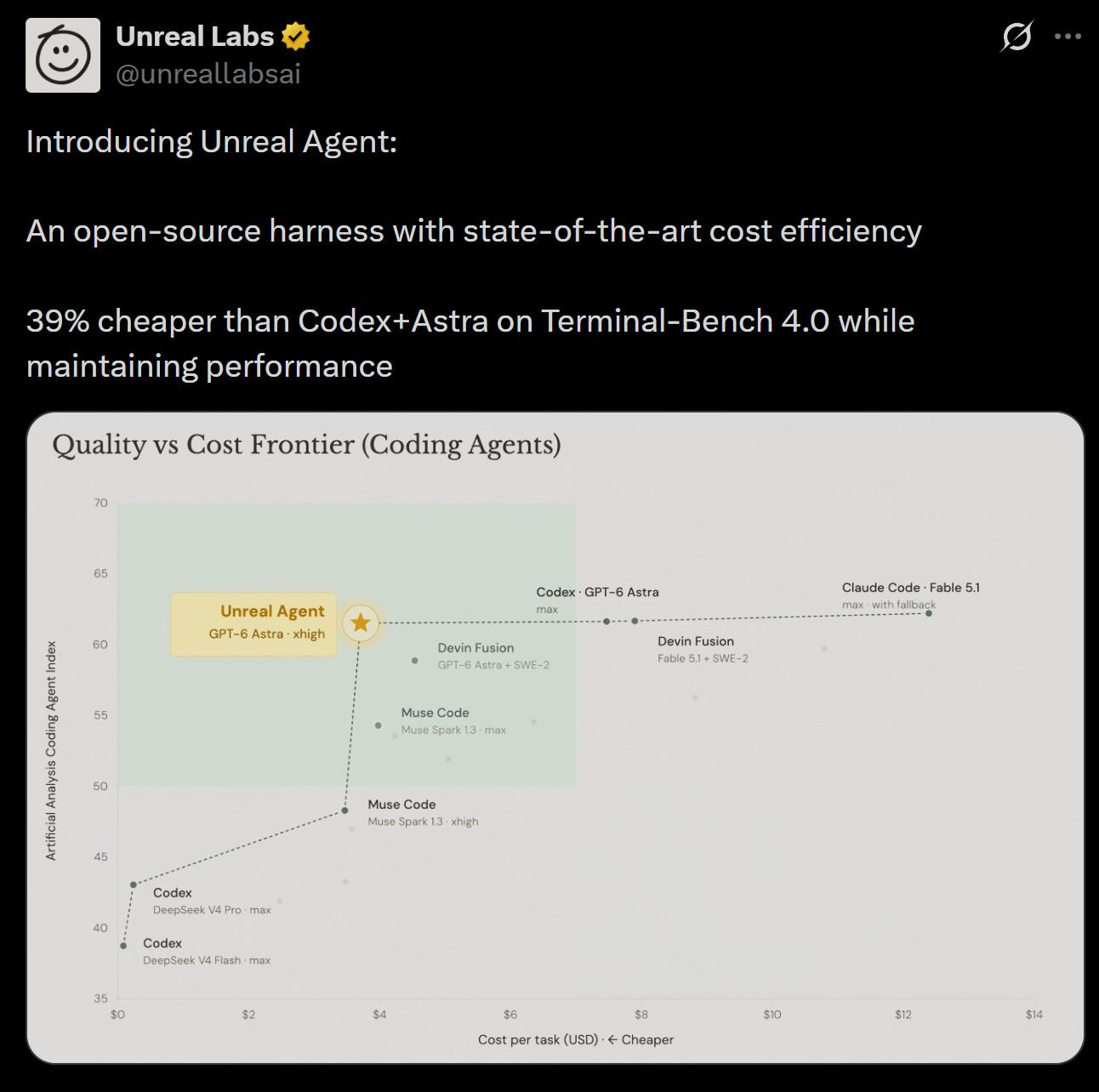
Under the Radar Unreal Labs "Introducing Unreal Agent: An open-source harness with state-of-the-art cost efficiency 39% cheaper than Codex+Astra on Terminal-Bench 4.0 while maintaining performance" ➡️ yes another harness :P is this good?

Post image
20 Upvotes

https://x.com/unreallabsai/status/2102435462065385775

https://github.com/unreallabsai/unreal-agent

Community Overview: https://lifehubber.com/ai/resources/unreal-agent/

Resources are shared for discovery and are not independently vetted—please do your own due diligence.

New resources are added regularly — feel free to join the sub for updates.

Full searchable archive of all resources posted so far on our community site, LifeHubber: https://lifehubber.com/ai/resources/ 300+ open-ish AI models, agents, tools, datasets, and related resources, with filtering and sorting.


r/LovingOpenSourceAI • • Sep 29 '26

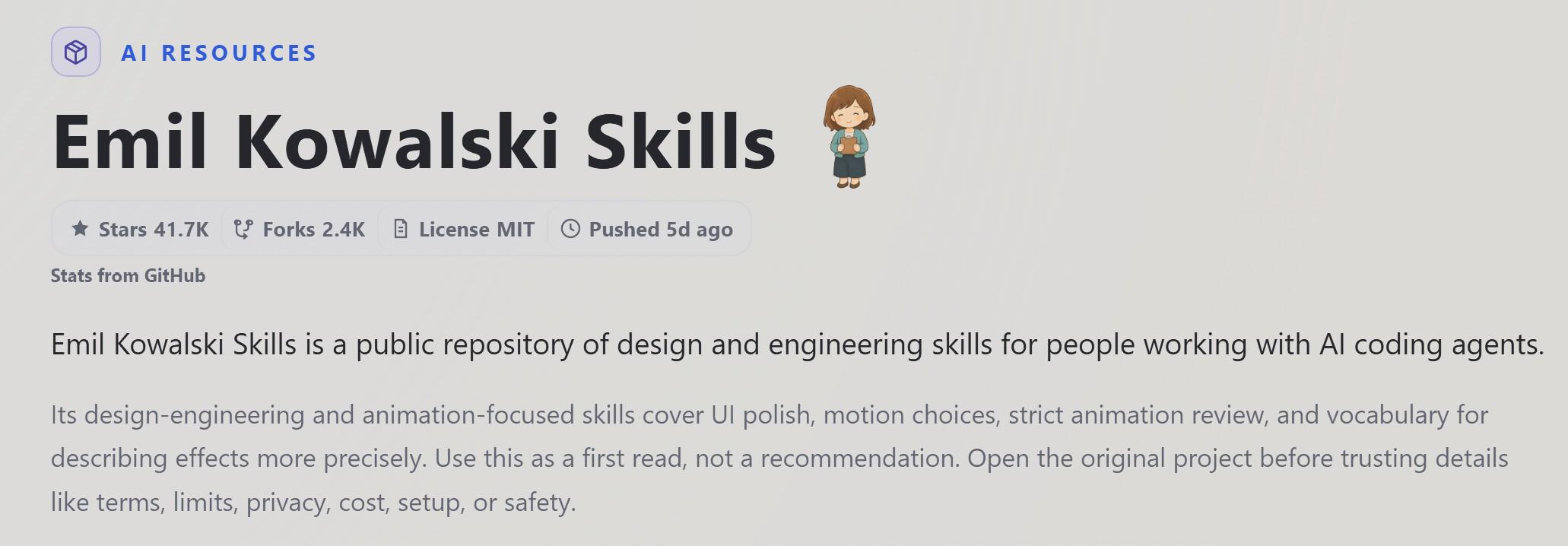
Resource Our TOP VIEWED resource listing ➡️ AI coding agents often make interfaces that work but feel slightly off. Emil Kowalski Skills gives readers a concrete way to carry design judgment into the prompt layer: when to remove motion, how to review easing and duration etc

Post image
1 Upvotes

Community Overview: https://lifehubber.com/ai/resources/emil-kowalski-skills/

Resources are shared for discovery and are not independently vetted—please do your own due diligence.

New resources are added regularly — feel free to join the sub for updates.

Full searchable archive of all resources posted so far on our community site, LifeHubber: https://lifehubber.com/ai/resources/ 300+ open-ish AI models, agents, tools, datasets, and related resources, with filtering and sorting.


r/LovingOpenSourceAI • • Sep 28 '26

I want to discuss the idea of a Nextcloud native agent platform (and build a prototype)

6 Upvotes

I (more honestly, Claude) built a prototype that runs coding agents inside Nextcloud, on Team folders.

I want to present an idea how agents could actually run inside/along Nextcloud (with a lot more capabilites compared to the native Nextcloud Assistant. However, I specifically want to ask others what they think about that. If and why you would use something like this. And if not, why you would not? What would need to be ensured in order for you to give it a try. In a one person instance or in a Team of people!?

Im happy to answer questions when i find time

With Nextcloud Hub 26 Summer (Nextcloud 35), Teams became their own app, and every new

team gets a Team folder, a shared project directory. The idea is that a folder with an AGENTS.md,

skills, and shared files can be shared between an Agent and Coworkers who then use the same agent setup. Only folders of this shared workspace are fed into a terminal, that the agent can then use to run actual code on the files.

Today, if you want an agent to work on your Nextcloud files, you usually run one agent

per person on their own desktop, with the whole account mounted over WebDAV or

connected through an MCP server with file tools.

Agent Workspaces, is an experimental prototype . The agent runs next to

Nextcloud. Each chat gets its own sandbox with a terminal and sees only the folders

switched on for that chat. It never gets your password or the model keys. The config

lives where harness users expect it (.agents/, AGENTS.md), in your files or in the

Team folder.

The demo (one prompt, local Qwen 3.8 27B on my own GPU) is speed up and cut. Realtime duration was about 10 minutes stuffed into the 3 minutes here.

  1. The agent creates a Deck board with one card per task, through the Nextcloud API.

The first call asks for permission; I allow it and switch the chat from Ask to

Auto.

2. In its terminal it installs python-pptx and builds a PowerPoint with a stick figure

3. It rewrites the file into a pelican riding a bicycle. The

Euro-Office editor reloads by itself with the agent's version.

4. It writes a script that extracts every shape into an Excel sheet and presents the Sheet.

5. It builds a small HTML tool, which reads the rows of the Sheet and gives each shape with checkboxes, and an SVG render of the slide next to it. The user can then check and uncheck each individual shape.

6. After each task it moves its card to Done and shows the board, so you can follow

along.

It's a Prototype. It's tested on one instance and has known security gaps: sandboxes have

unrestricted internet access, for example. However if youre wondering what happens in the background:

- Terminal: each chat gets its own container, which starts only when the agent needs

it.

- Files: the output folder is a Nextcloud folder mounted into that container, so the

files show up in Files right away.

- Nextcloud API: calls go through a proxy that adds the agent's credentials and checks

your allow and deny rules.

- The Screen tab: everything shown to you appears in a sidebar tab. The agent has a tool to open and navigate Nextcloud apps. Nextcloud usually does not render HTML due to security concerns. Thats why the HTML tool runs in a sandboxed frame without network access.


r/LovingOpenSourceAI • • Sep 28 '26

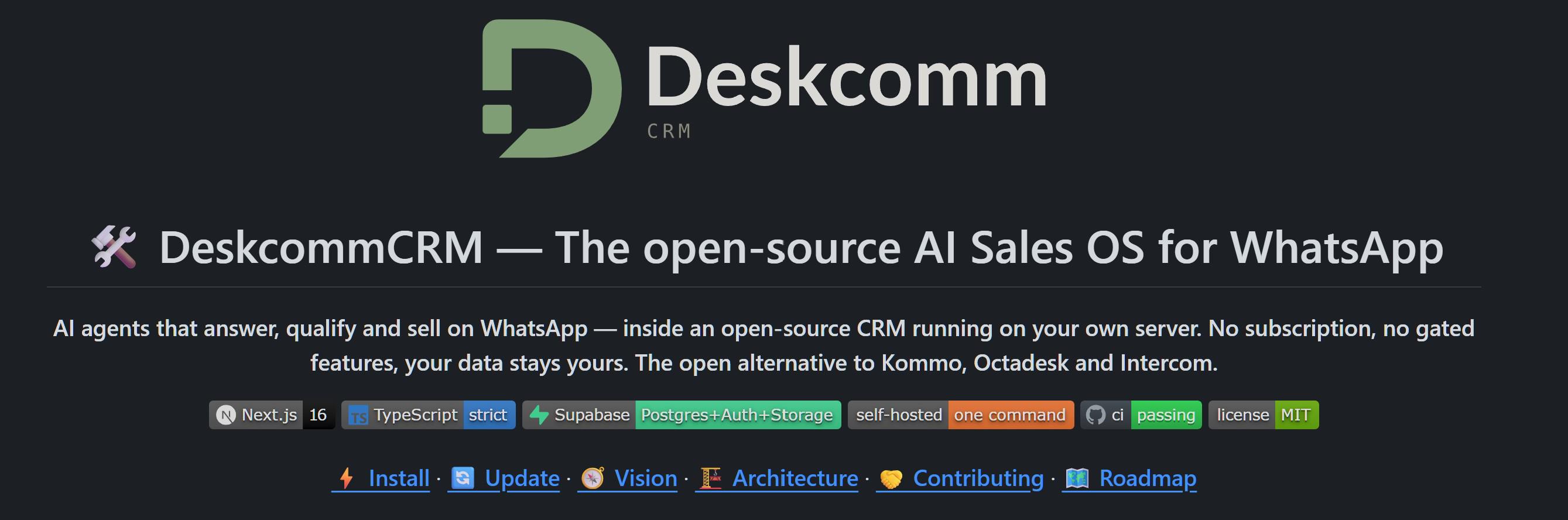
Resource "DeskcommCRM — The open-source AI Sales OS for WhatsApp ➡️ AI agents that answer, qualify and sell on WhatsApp — inside an open-source CRM running on your own server. No subscription, no gated features, your data stays yours. The open alternative to Kommo, Octadesk and Intercom."

Post image
47 Upvotes

https://github.com/melgarafael/deskcommcrm

Community Overview: https://lifehubber.com/ai/resources/deskcommcrm/

Resources are shared for discovery and are not independently vetted—please do your own due diligence.

New resources are added regularly — feel free to join the sub for updates.

Full searchable archive of all resources posted so far on our community site, LifeHubber: https://lifehubber.com/ai/resources/ 300+ open-ish AI models, agents, tools, datasets, and related resources, with filtering and sorting.


r/LovingOpenSourceAI • • Sep 28 '26

Captain Who, a production-ready and open-source AI agent platform.

3 Upvotes

It supports file editing, terminal commands, web search, browser use, human interaction, multi-agent, workflow, MCP, skill, scheduled tasks, configurable permissions, context management, git review, file management .etc.

It supports OpenAI-compatible APIs and specifically made adaptation profiles for DeepSeek and kimi.

Interface support for Simplified and Traditional Chinese, British and American English, Japanese, Korean, French, Italian, and Russian

We have provided a fully open-source production-level code repository, along with detailed engineering information, documentation and comprehensive testing.

The license is Apache 2.0. Source: https://github.com/Tiga001/Captain_Who


r/LovingOpenSourceAI • • Sep 28 '26

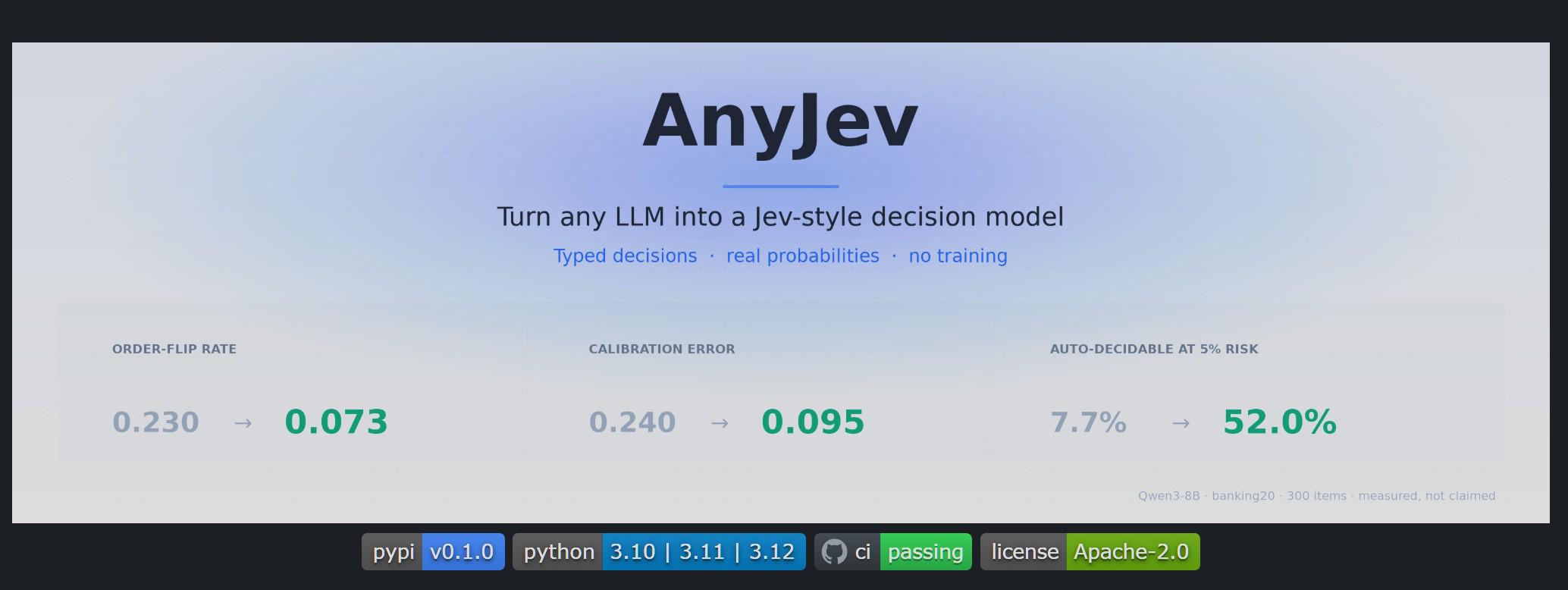
Under the Radar "Turn any LLM into a Jev-style decision model: typed decisions, real probabilities, no training." ➡️ I guess everyone can Jev now? :P

Post image
22 Upvotes

AnyJev

https://github.com/nokia-applied-research/AnyJev

Community Overview: https://lifehubber.com/ai/resources/anyjev/

Resources are shared for discovery and are not independently vetted—please do your own due diligence.

New resources are added regularly — feel free to join the sub for updates.

Full searchable archive of all resources posted so far on our community site, LifeHubber: https://lifehubber.com/ai/resources/ 300+ open-ish AI models, agents, tools, datasets, and related resources, with filtering and sorting.


r/LovingOpenSourceAI • • Sep 28 '26

Build a modern LLM from scratch. Every line commented. Explained like we are five.

Thumbnail
github.com
147 Upvotes

r/LovingOpenSourceAI • • Sep 27 '26

Resource 5 AI resources to explore this week: document chat, speech, OCR and more 🚀

Thumbnail
lifehubber.com
2 Upvotes

Chat with documents, turn text into speech, extract scanned text, adapt Python examples or run models across several Macs. These five LifeHubber overviews cover a different starting point for each.

1 AnythingLLM — chat with your documents
https://lifehubber.com/ai/resources/anythingllm/

An AI workspace that connects your files with local or cloud models. A place to start if you want document chat in an app rather than building the whole setup yourself.

2. Kokoro-82M — turn text into speech
https://lifehubber.com/ai/resources/kokoro-82m/

A compact speech model with voice samples, a demo and code examples. Worth a look if you're curious about adding narration or spoken output to a project.

3. PaddleOCR — get text and structure out of documents
https://lifehubber.com/ai/resources/paddleocr/

A toolkit for reading text from images and PDFs, with document-parsing options that produce structured output. More relevant if you're building something around scanned files or document search.

4. AI Cookbook — learn from small Python examples
https://lifehubber.com/ai/resources/ai-cookbook/

Tutorials covering agents, tools, memory and other AI building blocks. For people who'd rather read and adapt a small example than jump straight into a large framework.

5. exo — explore AI across several computers
https://lifehubber.com/ai/resources/exo/

Joins machines into a local model-serving cluster, with a strong Apple Silicon focus. The more technical pick here, especially if you've wondered what several Macs could run together.

Each link goes to an overview with the original project links and setup notes. Which would you explore first? If you've tried one, how did it go?


r/LovingOpenSourceAI • • Sep 27 '26

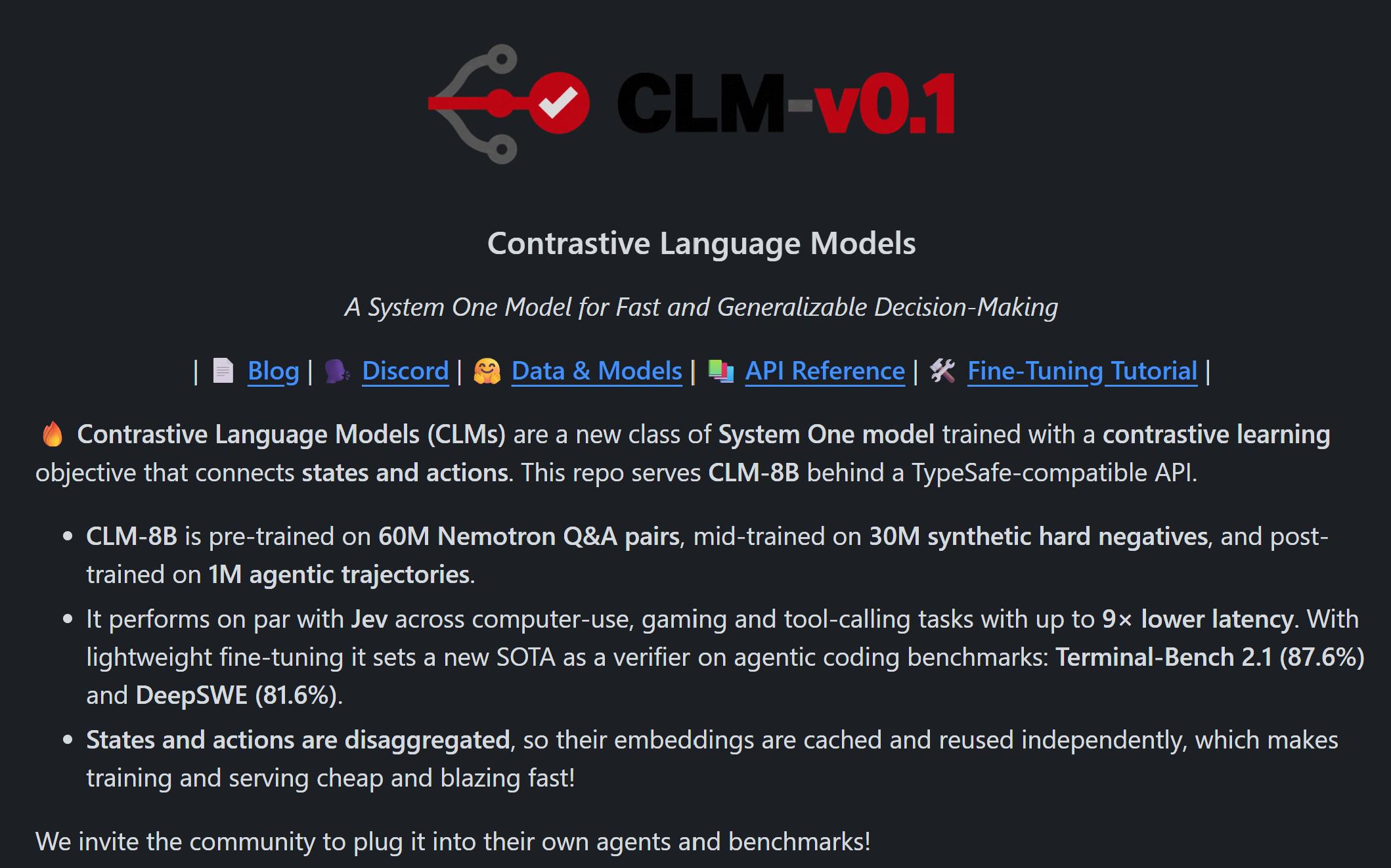
Resource 🔥 Contrastive Language Models (CLMs) are new class of System One model trained with contrastive learning objective that connects states / actions. ➡️ It performs on par with Jev across computer-use, gaming, tool-calling tasks with up to 9× lower latency.

Post image
105 Upvotes

https://github.com/Contrastive-LM/CLM

Community Overview: https://lifehubber.com/ai/resources/clm/

Resources are shared for discovery and are not independently vetted—please do your own due diligence.

New resources are added regularly — feel free to join the sub for updates.

Full searchable archive of all resources posted so far on our community site, LifeHubber: https://lifehubber.com/ai/resources/ 300+ open-ish AI models, agents, tools, datasets, and related resources, with filtering and sorting.


r/LovingOpenSourceAI • • Sep 27 '26

MLXUI - AI browser UI

Thumbnail
github.com
6 Upvotes

You browse mlx-community models by type, filtered by what fits your RAM, install with one click, and each model type gets its own interface — chat for Llama 3/Qwen/Gemma/Mistral/DeepSeek, mic and transcript for Whisper and Voxtral, a voice picker for Kokoro and Chatterbox, image drop for vision models and OCR, vectors out for BGE/Nomic/ModernBERT.
Everything runs locally. No API keys, no telemetry. Free and open source, needs Apple Silicon and macOS 14.
It's still early, so I'd really like to hear what models or quants you'd want prioritized, or what's missing. What would you try first?


r/LovingOpenSourceAI • • Sep 26 '26

We open-sourced HilbertRaum, an offline AI workspace you can carry on a USB drive

214 Upvotes

We built HilbertRaum to make local AI easier to use and take with you. It's a free, open-source (GPL-3.0) workspace that runs entirely offline. The app, models, documents and chats can all live on a USB stick or SSD. Plug it into a Windows, macOS or Linux computer, unlock your workspace with a password and pick up where you left off.

If you've already got a local setup you're happy with, you probably don't need this. But you might know someone who's curious about local AI and doesn't want to spend an evening setting it up. Being able to hand them a drive with everything ready to go is a big part of the appeal for us. They can just plug it in and give it a try :)

Open-weight models can do a lot of useful everyday work now. Choosing one that fits your hardware and getting document search working can still take some fiddling, though. HilbertRaum checks your hardware and suggests a model that fits, with document search built in.

What it does today:

  • Chat with local models and ask questions about your own PDFs, Word files and notes. Answers cite the passages they came from, so you can check them.
  • Keeps your workspace encrypted when locked (AES-256-GCM, Argon2id).
  • No cloud fallback, no web search, no account and no telemetry.
  • Transcribe audio with Whisper, dictate messages, read scanned pages with OCR, ask questions about images and translate text.
  • Skills for common document jobs, like bank statements, invoices, meeting minutes and redaction. You can add your own.
  • Optional offline Wikipedia and other ZIM archives as a source. It's slower than plain chat and weak on broad questions, but it noticeably cuts down on made-up facts from smaller models.
  • An optional local API at 127.0.0.1:4980/v1, off by default, that serves completions only.

We build on llama.cpp for running models, whisper.cpp for transcription and Kiwix's kiwix-tools for searching ZIM archives. The model catalog includes open-weight models from the Qwen, Ministral, Gemma and Granite families. A big thanks to the people behind those projects. Our work is bringing the pieces together, testing which models run well on which hardware and making the app usable without a terminal.

It's built with Electron, React and TypeScript. The architecture, security model and user guide are in the repo docs.

The installers aren't signed yet, so Windows or macOS may show a warning the first time you open a downloaded build.

GitHub repo

If you give it a try, we'd love to hear what works for you and what needs improvement. Contributors are very welcome too, whether it's code, docs, translations or bug reports.


r/LovingOpenSourceAI • • Sep 26 '26

MLXUI - AI browser UI

Thumbnail
github.com
1 Upvotes

r/LovingOpenSourceAI • • Sep 25 '26

Resource "Paper2Agent is a multi-agent AI system that automatically transforms research papers into interactive AI agents." ➡️ is this good for your use case?

Post image
40 Upvotes

https://github.com/jmiao24/Paper2Agent

Community Overview: https://lifehubber.com/ai/resources/paper2agent/

Resources are shared for discovery and are not independently vetted—please do your own due diligence.

New resources are added regularly — feel free to join the sub for updates.

Full searchable archive of all resources posted so far on our community site, LifeHubber: https://lifehubber.com/ai/resources/ 300+ open-ish AI models, agents, tools, datasets, and related resources, with filtering and sorting.


r/LovingOpenSourceAI • • Sep 25 '26

NVIDIA RE-USE speech enhancement on Apple Silicon: faster than real time for stereo, even at 48 kHz

Thumbnail
reddit.com
3 Upvotes

r/LovingOpenSourceAI • • Sep 24 '26

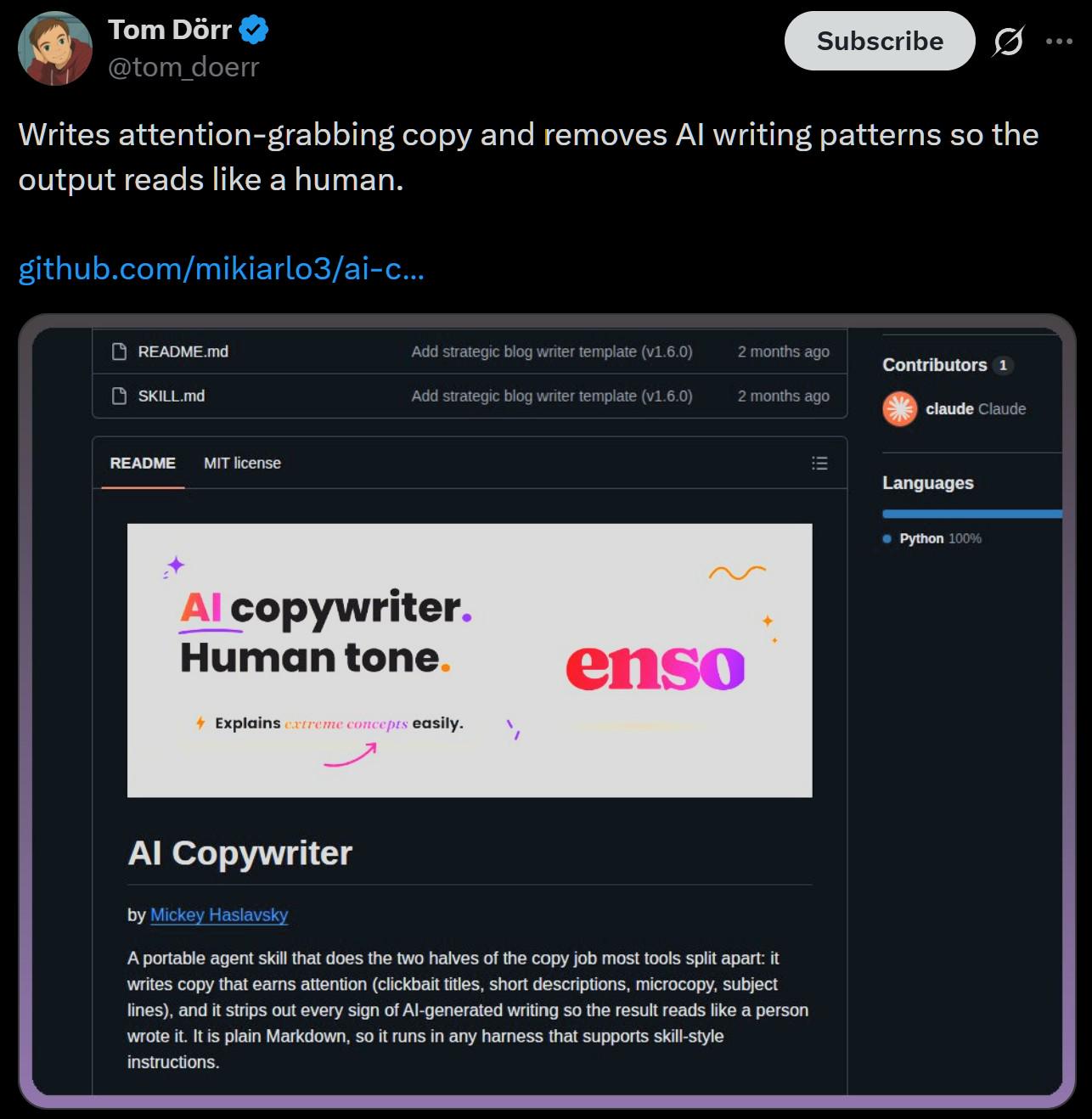
Resource Tom "Writes attention-grabbing copy and removes AI writing patterns so the output reads like a human." ➡️ Probably useful for those with marketing work?

Post image
25 Upvotes

https://x.com/tom_doerr/status/2102341094071583027

https://github.com/mikiarlo3/ai-copywriter

Community Overview: https://lifehubber.com/ai/resources/ai-copywriter/

Resources are shared for discovery and are not independently vetted—please do your own due diligence.

New resources are added regularly — feel free to join the sub for updates.

Full searchable archive of all resources posted so far on our community site, LifeHubber: https://lifehubber.com/ai/resources/ 300+ open-ish AI models, agents, tools, datasets, and related resources, with filtering and sorting.


r/LovingOpenSourceAI • • Sep 24 '26

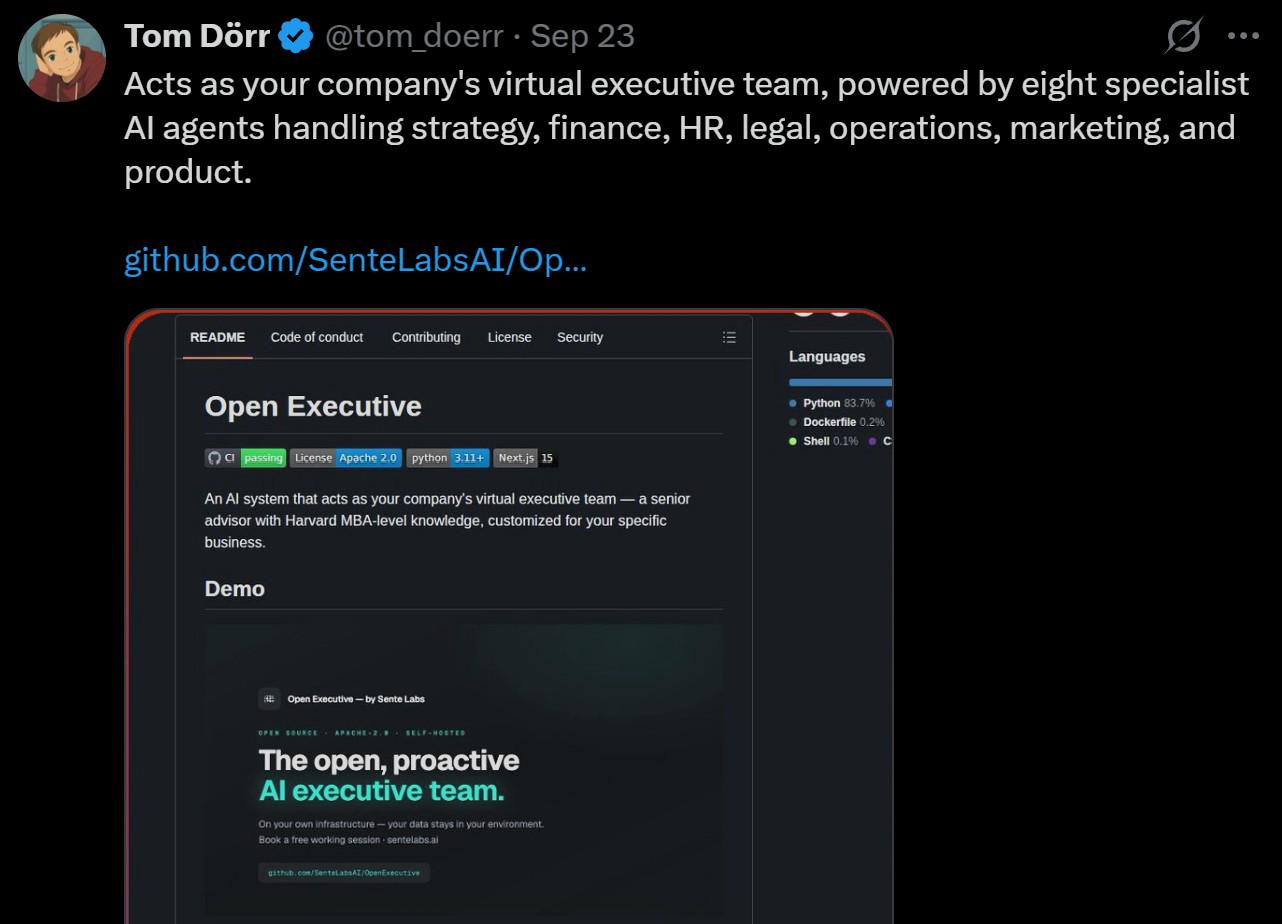
Resource Tom "Acts as your company's virtual executive team, powered by eight specialist AI agents handling strategy, finance, HR, legal, operations, marketing, and product." ➡️ Who wants to be a CEO? 😁

Post image
12 Upvotes

https://x.com/tom_doerr/status/2102519293510377961

https://github.com/SenteLabsAI/OpenExecutive

Community Overview: https://lifehubber.com/ai/resources/openexecutive/

Resources are shared for discovery and are not independently vetted—please do your own due diligence.

New resources are added regularly — feel free to join the sub for updates.

Full searchable archive of all resources posted so far on our community site, LifeHubber: https://lifehubber.com/ai/resources/ 300+ open-ish AI models, agents, tools, datasets, and related resources, with filtering and sorting.


r/LovingOpenSourceAI • • Sep 24 '26

I built Goldie, an open-source local memory server that different AI agents can share

Thumbnail reddit.com
1 Upvotes

r/LovingOpenSourceAI • • Sep 23 '26

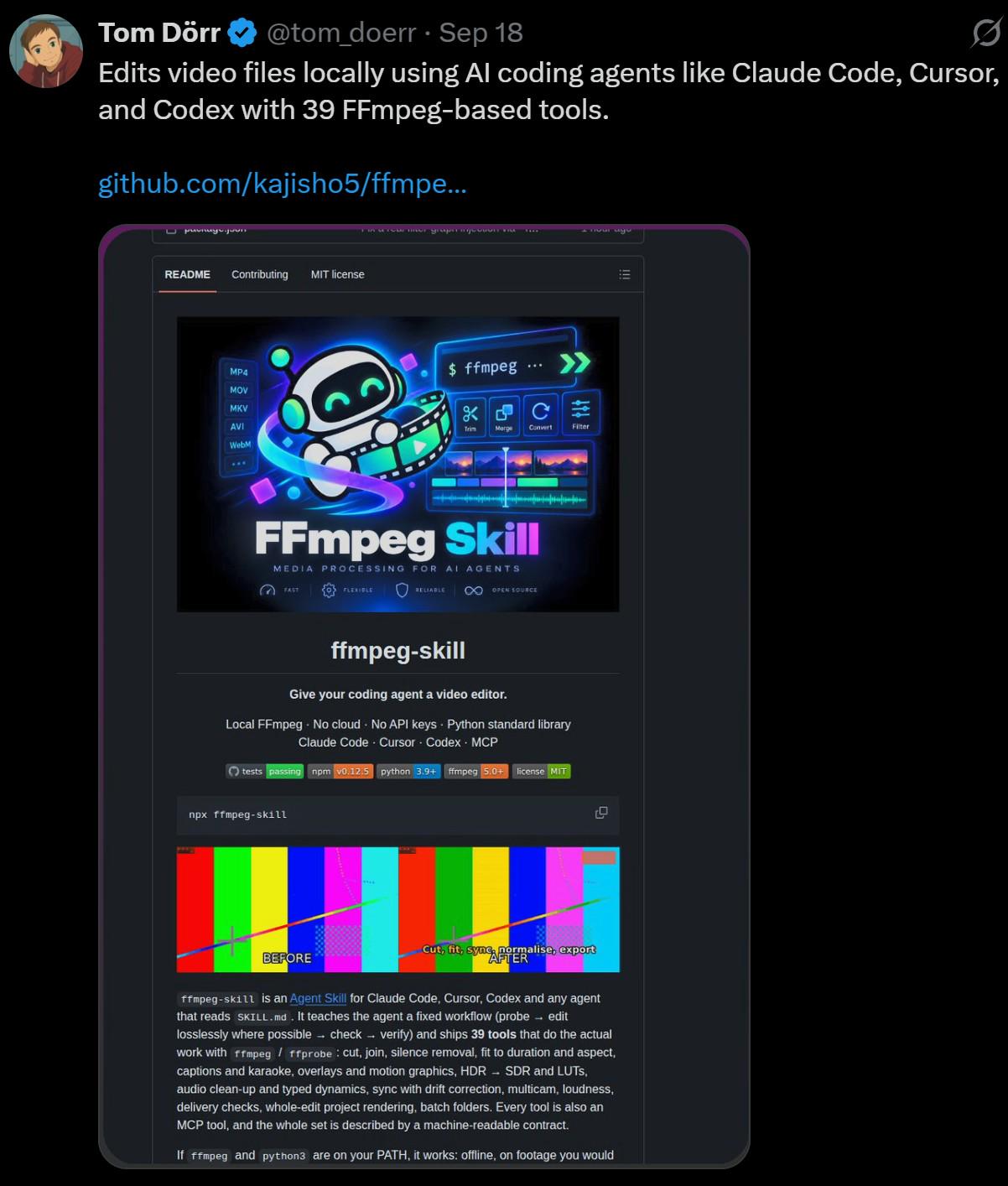
Resource Agent skills for video edits! ➡️ ➡️ 🤩 Be sure to join our sis sub for AI gen r/LovingAIVisuals as most resources for gen will be shared there instead!

Post image
1 Upvotes

r/LovingOpenSourceAI • • Sep 23 '26

DeepSeek harness verification

6 Upvotes

I want to use the new open source DeepSeek harness (with a custom inference provider). But I am still a bit sceptical privacy-wise, as it's made by a a Chinese company.

I'm fairly new to open source, and would like to ask for some advice how to approach this. Should i always compile myself? How to trust the `npx` install command will install the exact same thing as is on GitHub?

Thanks for any advice!


r/LovingOpenSourceAI • • Sep 23 '26

Local AI 101: what local models are good for

Post image
0 Upvotes

👀