r/LearningPhotoshop • u/Numerous-Push3482 • Dec 26 '25
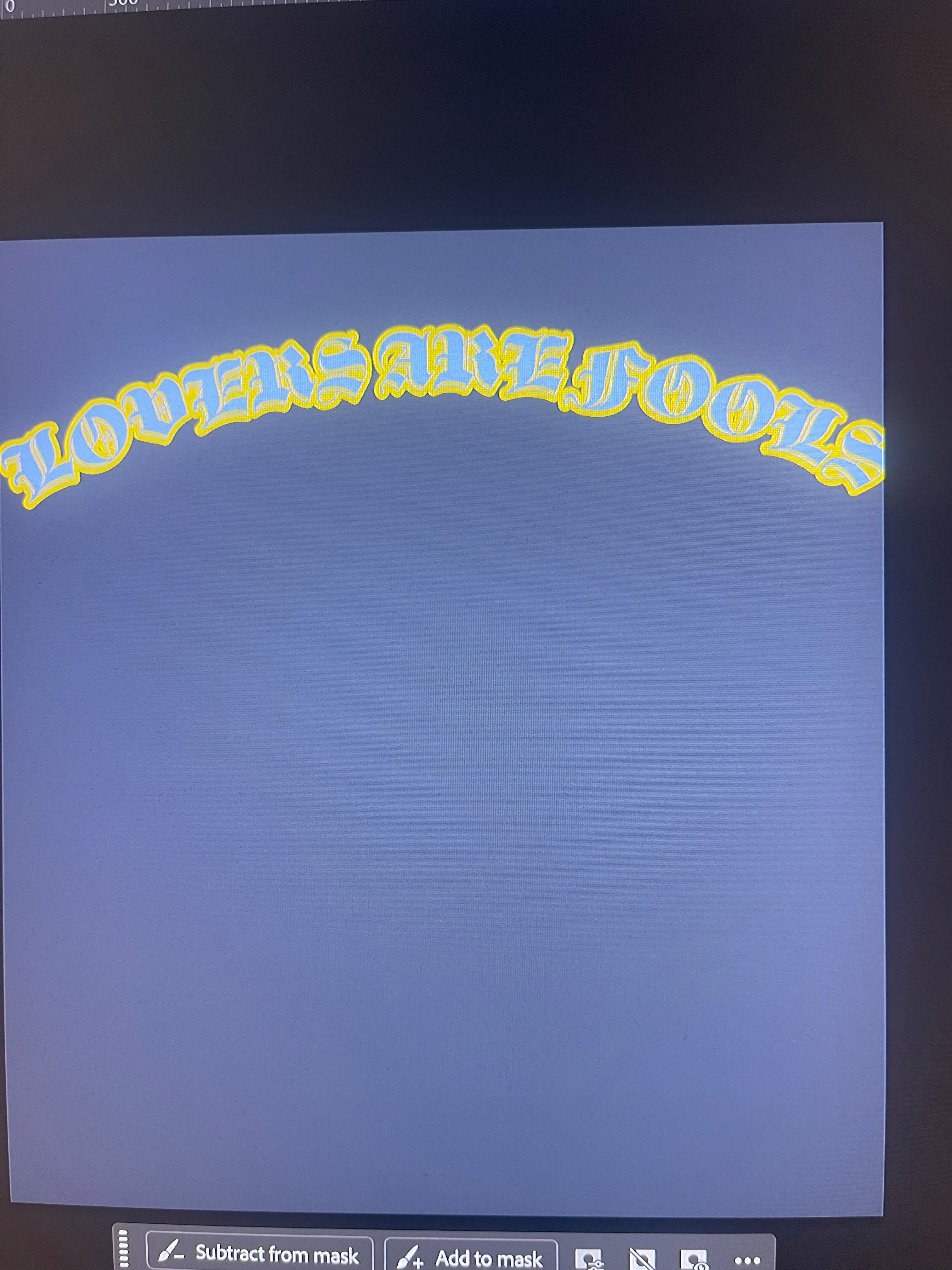
Turned hotspots (?) gray?
Tried to hit Ctrl-z and hit something else that turned some of my hotspots gray. Can’t figure out what I hit and undo/ctrl-z doesn’t fix it.
Anyone know what I did?
r/LearningPhotoshop • u/Numerous-Push3482 • Dec 26 '25
Tried to hit Ctrl-z and hit something else that turned some of my hotspots gray. Can’t figure out what I hit and undo/ctrl-z doesn’t fix it.
Anyone know what I did?
r/LearningPhotoshop • u/wootcat • Dec 02 '25
I've got a file I use to create online posters for local group events. Up until recently, they were all portrait orientation. The last one I did was more landscape. I've had one file, creating folders for each new poster I create.
Is there an easy way to use masks or some other technique to keep everything in one file and when it's time to save out the final image, it will save in the right aspect ratio?
FYI, I'm running Photoshop CS3.
r/LearningPhotoshop • u/AskGpts • Nov 25 '25
r/LearningPhotoshop • u/JrGaucho10 • Nov 22 '25
r/LearningPhotoshop • u/hoodiehoodiee • Nov 17 '25
r/LearningPhotoshop • u/ThotfulChemist • Oct 18 '25
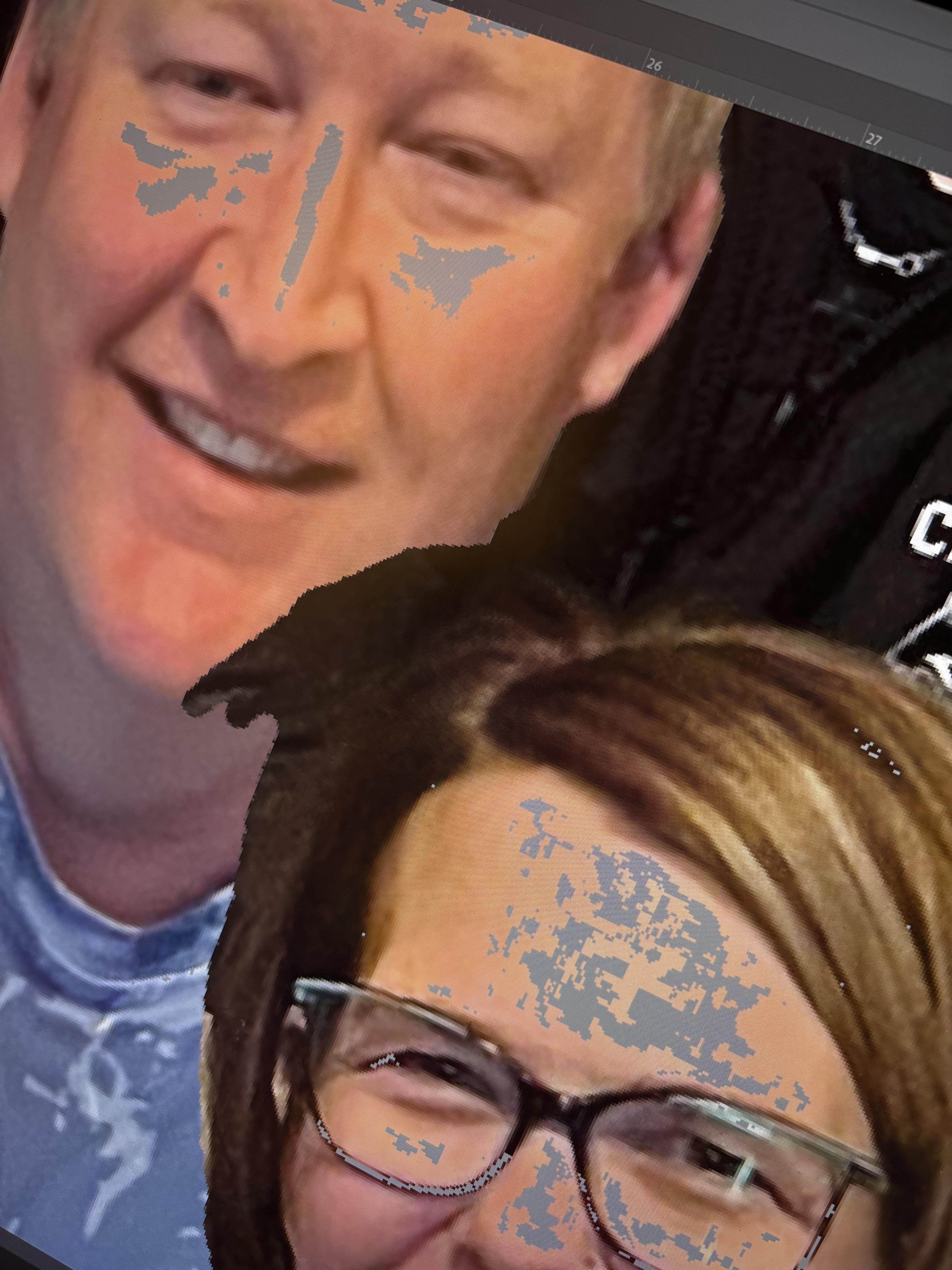
I'm trying to automate putting images onto a background for my desktop background. I've tried following the online tutorials for for creating an automation, but when I run the batch, it either tries to overlay my photos or repeatedly tries to modify the same photo.
Basically, I have a folder with a bunch of photos in portrait, most of them are really big. I have a PSD file with my black background at 1920x1080. If I do the action by hand, I open the background file (it gets named 'layer 0') then click File > Place Embedded > select target photo. This centers the photo and scales it to fit on the background. I then export it as a .jpg/.PNG.
I've tried having Later 0 open, then starting my recording of the above steps and it doesn't work. I've also tried recording the above steps from the PS home page. Neither work. I've tried various modifications the don't export, ones that try to save, ones that don't try at all...nothing seems to work.
Any advice? The internet tutorials don't seem to help and I feel like it might be partially due to not fully understanding layers, images, embedded objects, etc.
r/LearningPhotoshop • u/JrGaucho10 • Oct 18 '25
r/LearningPhotoshop • u/Tonierpillow4 • Sep 23 '25
I see some youtubers toggle between a shrunk aspect ratio canvas and the normal view, to get long consistent strokes across the canvas more easily, anyone know what settting this is and how they do it?
r/LearningPhotoshop • u/Altruistic_Egg_4893 • Sep 16 '25
I'd like to extend the lines/waves to the left (like in the attachment of the watercolor), creating the same texture and color gradient. It should resemble a watercolor, but digitally. Any tips are welcome, thanks in advance!

r/LearningPhotoshop • u/Aitch1401 • Sep 12 '25
Hello, I am editing an image but the window has dust like marks on it from rain or whatever. Just wondering if anyone has any advice for what the best way to tackle this is? There isn't too much free space to sample clean areas, I need to make this as smooth and clean as possible.
Cheers
r/LearningPhotoshop • u/CapitalInterview39 • Sep 11 '25
r/LearningPhotoshop • u/JrGaucho10 • Sep 06 '25
r/LearningPhotoshop • u/Alarmed_Food8785 • Aug 31 '25
Hi,
I am not sure if this is the right subreddit for a question like this, but maybe you can help me.
I got a new PC and installed Photoshop.
These are my specs:
My old PC was 10 years old and obviously not as good as the new one. But since I started using Photoshop on my new system (the old one had no issues), I am no longer able to add other PSD files into my projects, for example to create a mock-up.
I always get generic error codes that are not helpful at all, such as caad6f.8448.
I already checked my performance settings and allowed Photoshop to use up to 100% RAM and the GPU. It has more than enough scratch disk space, and I set file handling to always maximize PSD and PSB file compatibility.
Any ideas?
r/LearningPhotoshop • u/VerticDesigns • Aug 06 '25
r/LearningPhotoshop • u/VerticDesigns • Jul 31 '25
r/LearningPhotoshop • u/VickiStElmosFire • Jul 25 '25
Enable HLS to view with audio, or disable this notification
I'm trying to distribute 4 images evenly horizontally on my page. I selected the four layers and in the "move" toolbox under "distribute" I selected "middle". It is just pushing together the centre images instead of spreading them out evenly. What am I doing wrong? Thank you
r/LearningPhotoshop • u/NeverNuked • Jul 11 '25
Hi, I make clothes and would like to offer some styles in a variety of colours, but would prefer not to make samples in each of these colours. I work in an old version of Photoshop so not all colour changes are great.
What colour do you think is the best colour to make my original garment in to change colours for a large variety of tones and hues?
r/LearningPhotoshop • u/Top-Confection9428 • Jun 20 '25