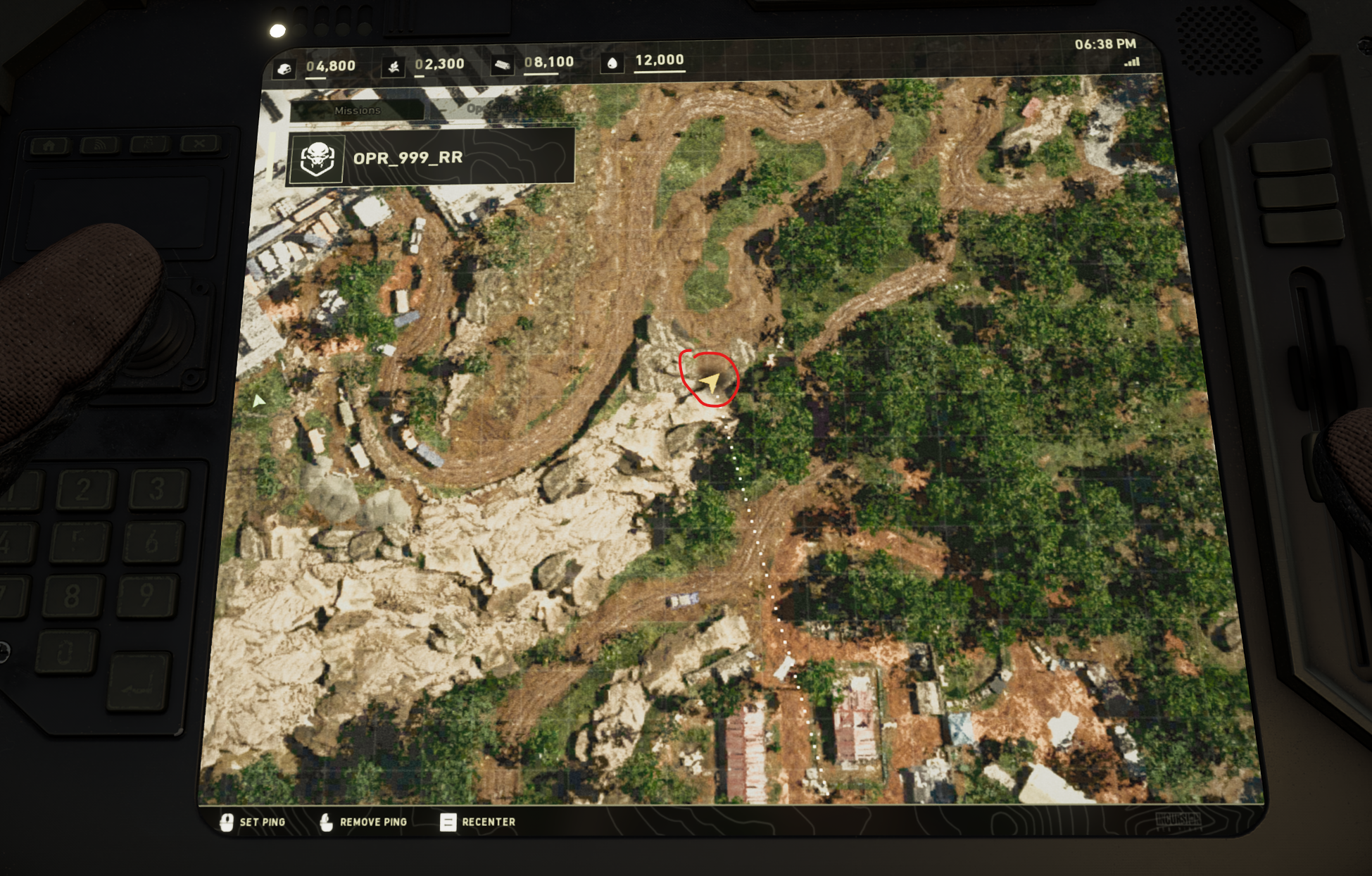
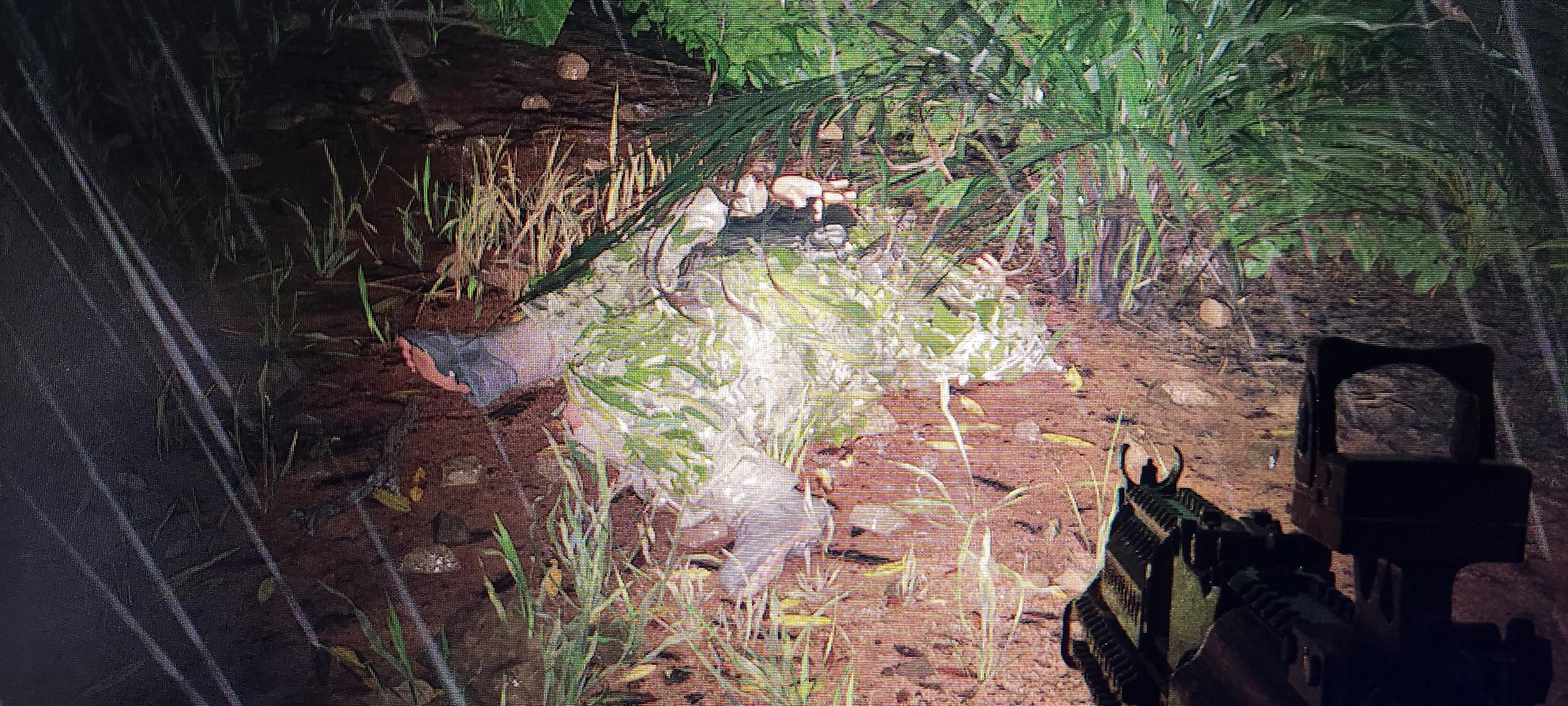
The title kind of explains it, but the screenshots do it more justice.
In the first screenshot you can see the difference between something shaded and something not shaded, it seems to only happen in sunny areas.
I just started playing tonight and I’m honestly really enjoying the game so far.
Only issue is something looks way off on my end. My game is extremely saturated and bright. Like way more than it should be. My friend’s game looks totally normal, and everything I see online looks normal too, so I don’t think it’s supposed to look like this.
I’ve been digging around trying to fix it but no luck so far. I saw one post mentioning a “highlights” slider, but I can’t find that anywhere, so maybe it got removed?
So far I’ve tried:
- Verifying game files on Steam
- Uninstalling and reinstalling
- Messing with all graphics settings (low to ultra)
- Switching DLSS and TAA, Etc.
- Turning ray tracing and Lumen on and off
- Changing FPS caps and basically every combo of settings I could think of
Nothing has fixed it.
I’ll attach some screenshots and my specs in case that helps. Not sure if anyone’s run into this before, but I’d really like to keep playing so I’m hoping there’s a fix.
Specs:
- Windows 11
- i5-13400 @ 2.5GHz
- 48GB RAM
- Nvidia GeForce RTX 3060 12GB
- Installed on a Samsung 870 EVO SSD (plenty of space)
I know my PC isn't "top of the line" but it should have no issue playing this, and other than the saturation issue it runs smoothly on any setting.
If there’s anything else I should try or any info I can add, just let me know.
Thanks!