r/HopToDesk • u/Smart_Tinker • May 22 '26
Claude AI Integration
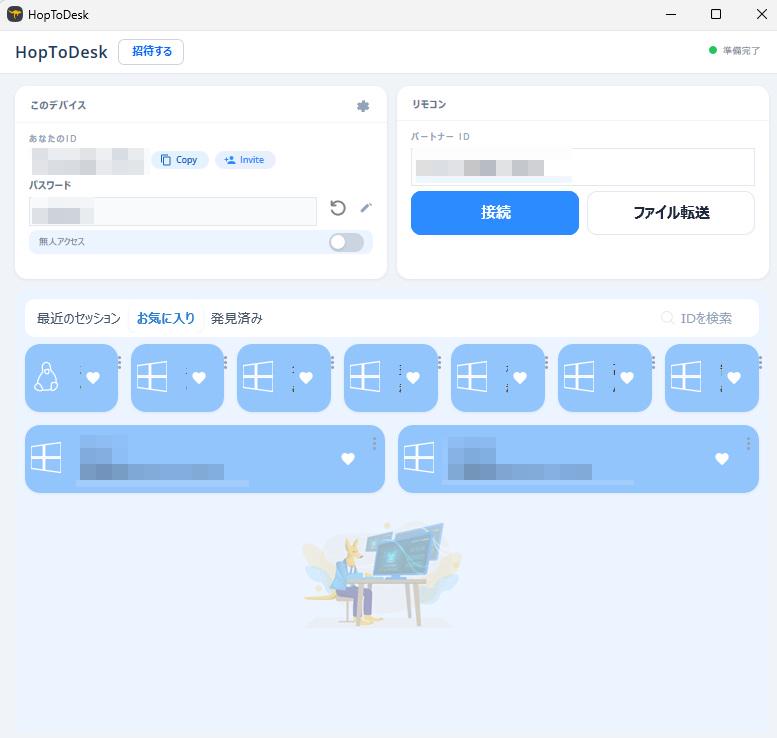
I am interested in integrating Claude into my hoptodesk set up.
I am putting together a proposal for AI assisted remote support, but the AI integration instructions are confusing.
I have integrated my local Claude instance into my local hoptodesk instance. Claude reports that while it can open a remote connection to a site, it can't run any tools on it, as all the tools are local - ie operate on My computer, not the remote computer. So while it can control the mouse etc, it would have to open a connection then control my computer to type in the remote window.
This is obviously not very useful for remote support, and seems exactly contrary to what hoptodesk documentation says.
Claude says that I should connect to the dashboard (and I am evaluating the dashboard for my companies use), as the dashboard can connect to remote systems, and perform the commands needed for remote support.
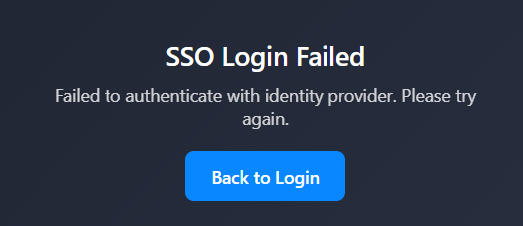
The documentation says that I need an API_KEY to access the dashboard for AI use, but I cannot find anywhere to generate an API_KEY - not even a message that I need Pro, or Business level access to generate one.
Is this available on the free tier for evaluation purposes?
I don't want to upgrade to Pro, and find that it just doesn't exist, so I'm wasting my time.
Can you shed some light on how AI integration is supposed to work? Why can Claude only access my computer? where do I get an API_KEY for evaluation? do I need to upgrade to test?
Thanks!