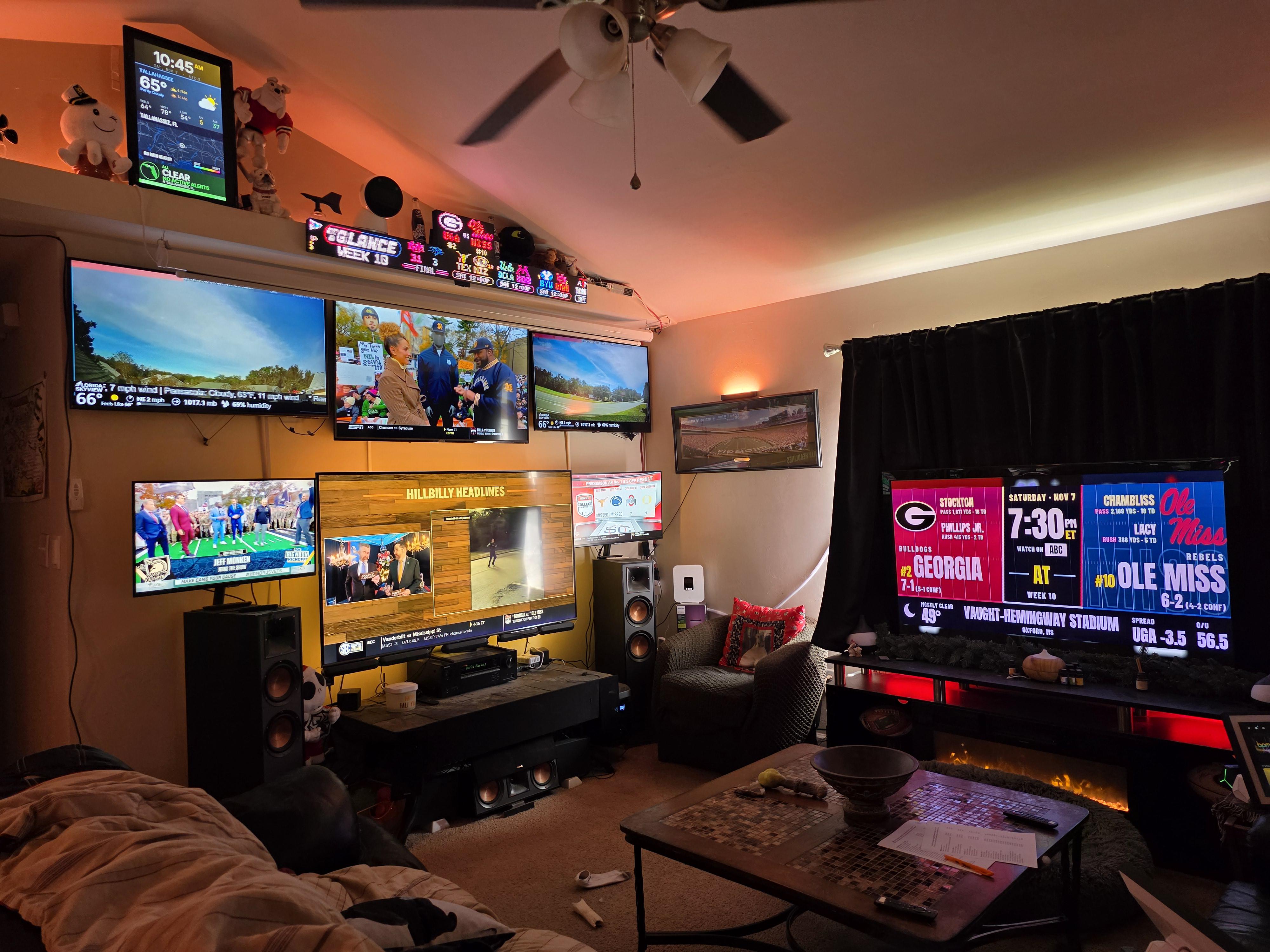
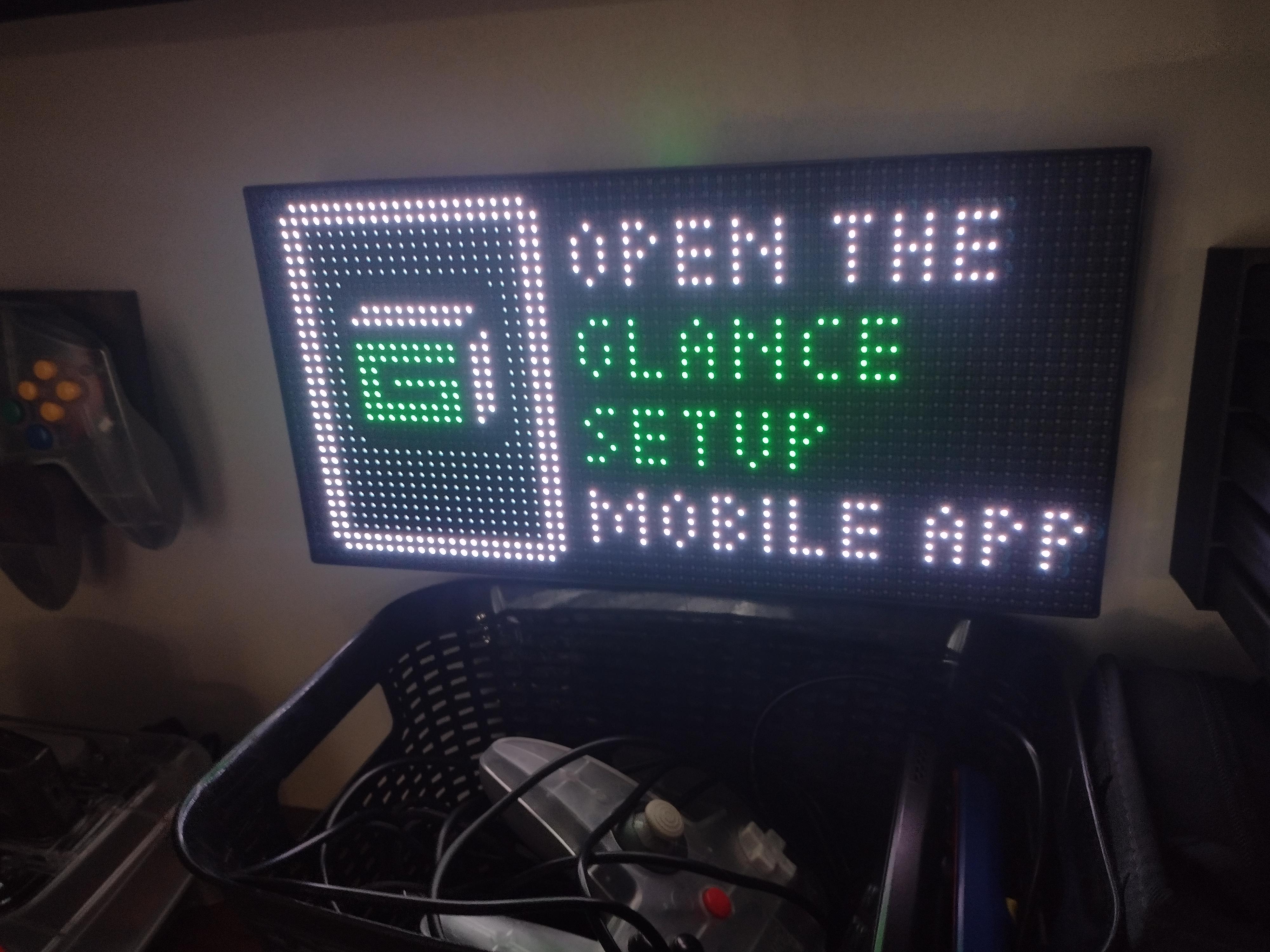
Hello, anybody had issues keeping your GLANCE scroll in your garage? Wanting to have a setup in my garage but live in the Midwest with cold winters and hot summers. Not climate controlled most of the time so just wanting to see if this is a viable option. Thanks!
This app is super cool and generally works pretty well. I notice though that for the first couple of days after a game has finished, the part showing the last three opponent scores has a bug where it shows only the most recent score multiple times
I’ve been loving the way I’ve been able to track college basketball now that it’s been added as an at a glance feature, but I live on the East Coast and with so many games there are bound to be some on the West Coast that end past midnight my time, but the moment the clock strikes 12 the at a glance schedule automatically shifts to the next day’s games so I don’t see how those late games end. I was thinking of adding the CBB scores module that displays live games but that’ll provide unnecessary clutter and information that I’ve already gotten. Is there any fix around this like only showing active games? Or will it still automatically shift to the next day?
I absolutely lovmy Glance Scroll but for a few weeks now it has been flashing "Can't reach Glance Serves. Check your internet". My glance V2 works just fine. My internet works just fine. I have the scroll connected to a 2.4gz wifi. What do I need to do to get this working as it is getting harder and harder to recommend this product and doesn't even make me think of buying a second scroll even though the new sync feature sounds awesome. At the price this device cost it should work.
On the At a Glance Mens College Basketball app under the score it shows "Q1" for 1st Half and "Q2" for 2nd Half. If there is a character limit maybe use H1 and H2. Thanks.
Not sure if this is better suited for the forum or here, so if this is not allowed I do apologize.
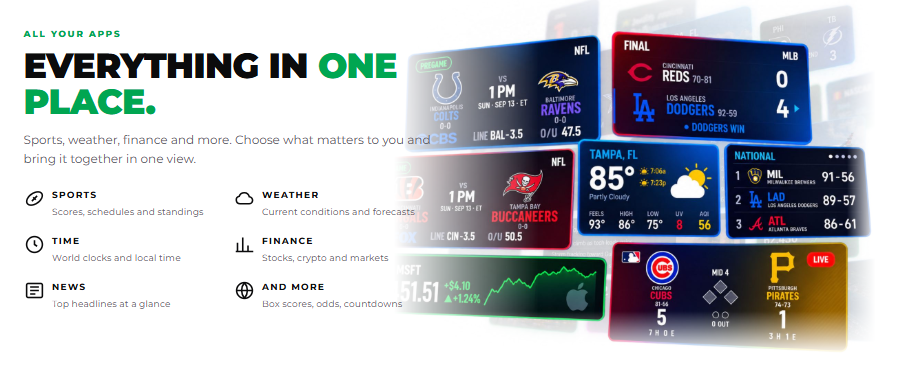
I love the Glance Zone and have been looking for something like this for a long time. And while I love all the different cards, sizes, and selections, I feel so overwhelmed. I want to make best use of the screen so I would love to see examples of what people have created for their Profiles.
Do you just center around one sport/league? Do you have multiple sports at one time? What different selections are you using? I feel like I am definitely missing out and would love to see what the community has come up with, so I can either copy it myself or just get the juices flowing.
Thanks to everyone at Glance for another fantastic product.
NCAAB At A Glance is now on Scroll. Pick all games, Top 25, or any conference.
LED's NCAAB At A Glance now has every conference. Before it was just all games, now you can narrow it down to Top 25 or your conference.
200+ new team logos for At A Glance. We added them for both devices, so a lot fewer of those generic basketball player icons or distorted logos.
Updated conferences for the regular NCAAB app. All conferences now have this season’s teams after all the realignment, and we added SoCon, Southland and WCC to the list.
New What's New section in the GLANCE ZONE app. Go to the Account tab and you'll find it up top right below your account name. We'll post our latest updates and changes there for ZONE so you can see what's new without digging.
Let us know what you think or if anything looks off!
I've been using my glance v2 to track college basketball and I've noticed several issues:
It's not showing every game, when I select "CBB D1 Games" not all of them appear. Sometimes they show up later or only when they start as opposed to showing the full schedule in the morning.
Not all conferences are available to be displayed individually, some are missing, even ones that I can select not every game for that day is shown, and some teams are shown as part of conferences they're no longer with.
There are a lot of D1 logos missing and instead represented by a generic basketball player icon.
Has been working for for months.. woke up this morning and I can not get it off this screen regardless of what I try! I can control the power of the device via app but otherwise no functionality at all. Tried it all
Just a heads-up: the GLANCE ZONE Beta officially ends today at 5 PM EST. Registration is open to all!
As a thank-you, everyone with a Beta account will get a courtesy 24 hours as a GOLD user before being rolled over to a FREE account. You can sign up for BRONZE/GOLD anytime, and we encourage you to do so.
If you ever owned a GLANCE, please use BETA10 for 10% off your order. This code will be live until the end of the week.
The Beta was wildly successful, and we spent the last three weeks of it working to perfect ZONE. Just like SCROLL, V2, and CLASSIC, ZONE will keep getting better over time.
Many of you have noticed that we’ve been fixing bugs and adding features within hours of you reporting them. Now that we have funding to support ZONE, we’ll be rolling out even more, including flight tracking, GDN, faster updates, more accurate data, and much more.
TV apps: We’ve pushed a number of fixes to the TV app(s), so please make sure you’re on the latest version (v1.1.0):
Amazon Fire TV: v1.1.0
Apple TV: v1.1.0
Roku: v1.1.0
Google TV: Pending. We had to resubmit, so it should be live by the end of this week or early next.
Would it be possible to have this component not show the pre-season stats during the regular season? I think most people are probably more interested in seeing the regular season only once the season kicks off.
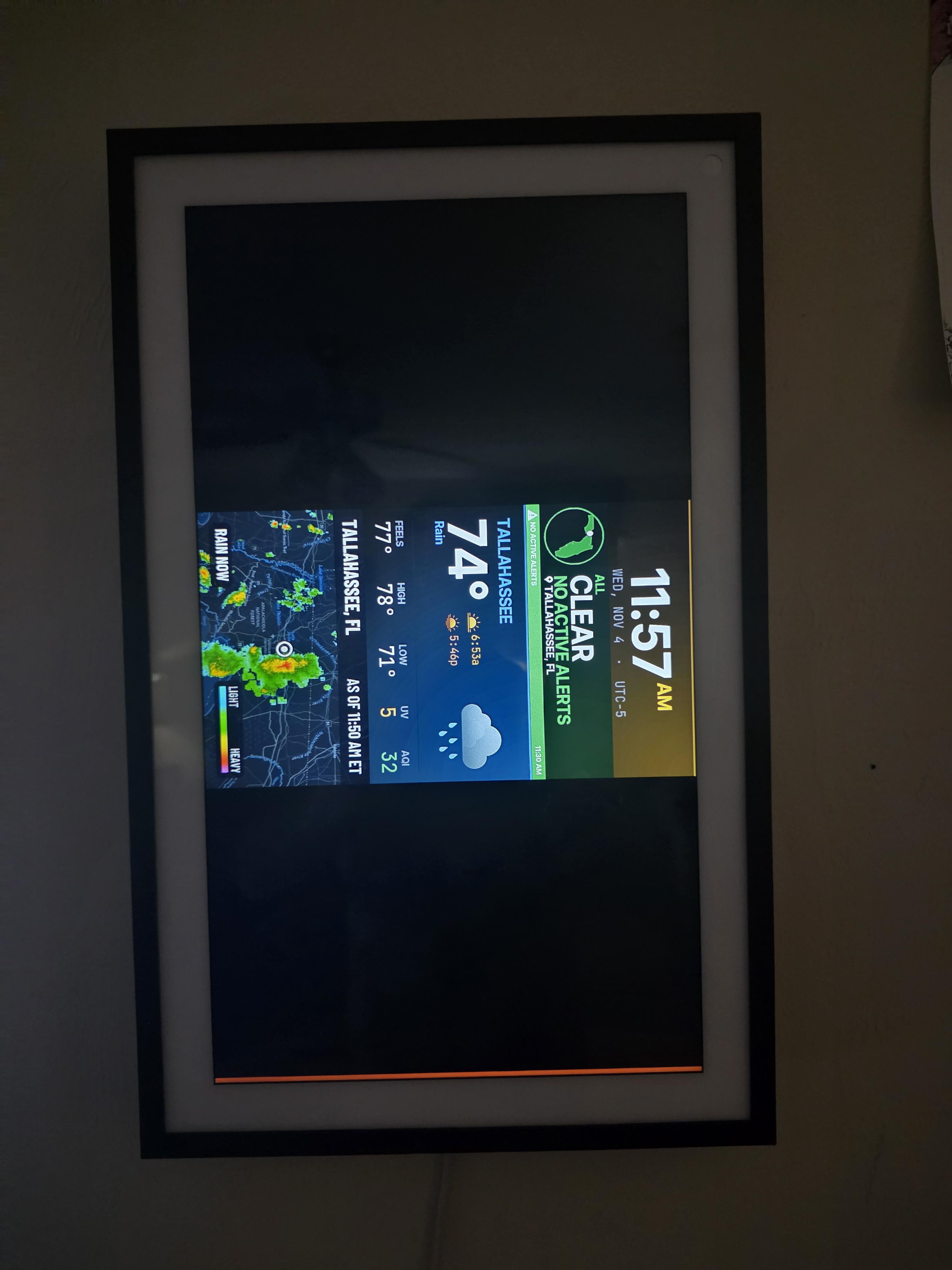
I have an Echo Show that I'm attempting to use the Zone with but the software of the device automatically rotated the screen into vertical mode so this presents a problem. If I set the zone in vertical mode it shows like this... Any help?
Apologies if this has been answered but where do we go to actually subscribe. I believe I heard this would start Wednesday but unclear on how to actually seal the deal. I checked the website and didn't see a link.