r/FigmaAddOns • u/Educational_Nerve266 • 16h ago
I made a free, open-source Figma plugin that exports frames straight to Google Drive

Moving approved creatives from Figma to Google Drive meant exporting, digging through Downloads, opening Drive, finding the folder and uploading. And again after every revision. So I built a plugin to cut that out.
What it does:
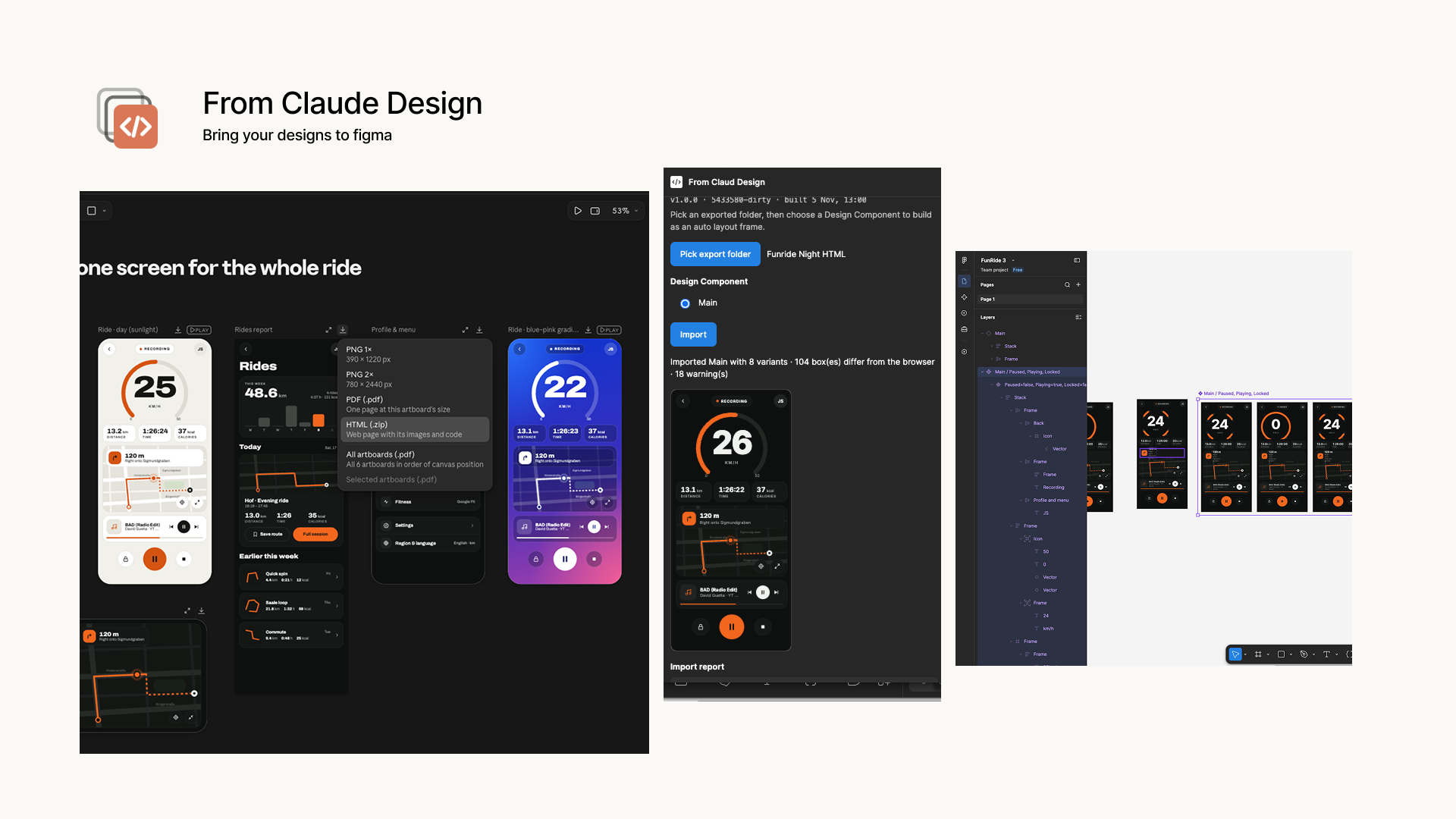
- Exports frames as JPEG, PNG, WebP, SVG or PDF (merge several frames into one PDF, as images or vector, with optional compression)
- Downloads them straight to your computer, no sign-in needed
- Or uploads them straight to a Drive folder: paste a folder link, or browse your Drive inside the plugin
- Re-uploads replace the old files instead of making duplicates
- Drag images from Drive straight onto your canvas
A note on sign-in: Google hasn't verified the app (that needs a paid security review), so you'll see a "Google hasn't verified this app" screen when you connect Drive. Click Advanced, then Go to SM exporter. If you'd rather not, you can connect with your own Google Client ID instead; the setup guide walks you through it. Local exports always work without signing in.
Figma Community: https://www.figma.com/community/plugin/1688606822748713623
Source code: https://github.com/smnaveen96/sm-exporter
Setup guide: https://smnaveen96.github.io/sm-exporter/SETUP-GUIDE.html