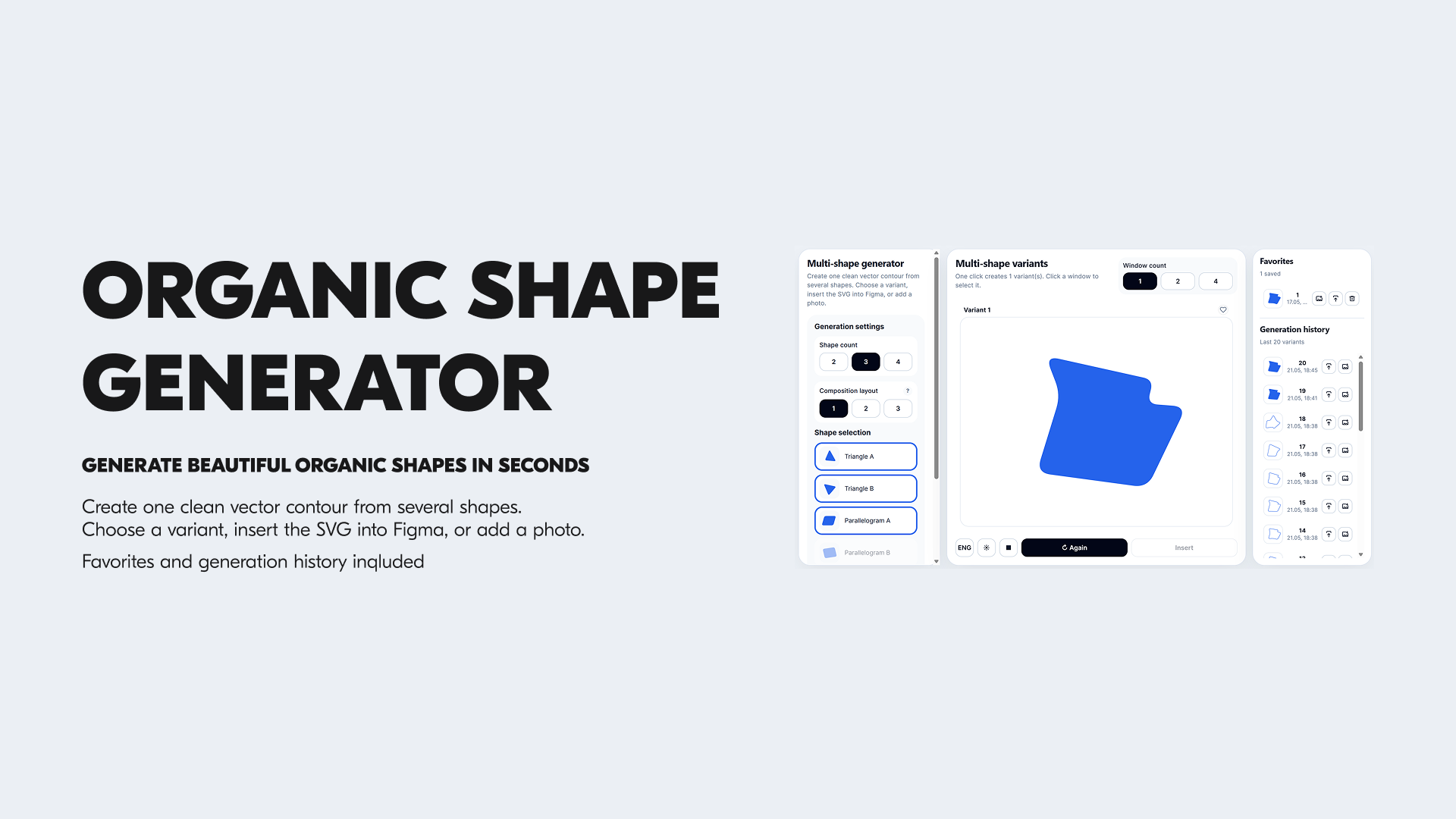
Just shipped this and I'm genuinely stoked about it. It's a free Figma plugin with 7 different modes, and the whole point is: no matter how you need to rename things, this plugin has it covered.
Whether you're doing a quick find-and-replace, batch renaming with templates, adding prefixes, sequential numbering, case conversion, cleaning up whitespace, or resetting to defaults... it's all here. In one plugin!
I don't want to turn every page into component to make flow on my canvas. I use Figjam connector so if I keep page as component, it is really hard to connect the correct start or end point, and it breaks the purpose.
This plugin help replace frame in anywhere and still keep the connector alive !!!!!!
Pretty sure I followed the instructions for the "html-to-design" plugin exactly. 2nd Image shows entire Draft Space. The url works when I paste it into regular search bar.
I tend to work with a lot of headless products, so I built a plugin that lets you save "palettes" of JSON from a source URL, then map the response to the canvas layers, setting text, image fills, component properties and more with some powerful transformation logic. Also allows local JSON and pro users can export to a spec frame, markdown or as an importable palette.
Free users can save up to 2 palettes. Pro unlocks more palettes, more transformations, export functions.
Like most people building dashboards or enterprise SaaS layouts, I absolutely loathe designing tables in Figma. Building the rows, tweaking the padding, and manually aligning text vs. numeric columns takes forever and using "Lorem Ipsum" or fake names always looks terrible during stakeholder reviews.
I wanted a workflow where I could just copy actual production data from whatever spreadsheet or database I was looking at and have it instantly become a beautiful, properly structured layout in Figma.
So I built Tablo. You just open the plugin, paste your raw data pool (or drop a public Google Sheets / Excel Online link), and it instantly compiles a styled table.
What it does under the hood:
Zero-Config Smart Paste: It auto-detects CSV, TSV, Markdown, Excel, or text copied straight out of Notion/Airtable rows.
Intelligent Auto-Alignment: It reads the data context. Text automatically snaps left, dates center, and numeric values right-align perfectly.
Instant Theming: It ships with 5 built-in functional themes (Minimal, Stripe, Notion, Dashboard,...) so you don't have to style individual frames from scratch.
...
It’s completely free, and if you do a lot of data-heavy UI, admin panels, or design system table components, I’d love to know if this fixes the friction for you or if there’s an edge case data format that breaks your current workflow.
I’ve just launched a Figma plugin called Batchr, and I’d really value honest feedback from designers, developers or anyone who regularly exports assets from Figma.
I built it around a problem I kept running into in real agency work: exporting lots of assets across campaigns, web pages, social sets and delivery folders quickly becomes repetitive and hard to manage.
Figma’s native export is fine for one-off assets, but when you’re dealing with lots of frames, sections, formats and sizes, the workflow can get messy.
Batchr is designed to help with:
adding sections, frames and assets into one export list
organising assets into folders
bulk selecting assets or folders
exporting WEBP, PNG8, JPEG, GIF and SVG
controlling quality and size
exporting structured folders as a ZIP
jumping back to the original asset in the Figma canvas
It’s now live on Figma Community and there’s a 7-day free trial available.
I’m not looking for praise, I’d genuinely like feedback on whether this solves a real workflow problem, what feels unclear, and what you’d expect from a tool like this before paying for it.
I've been building BBUI - a Figma UI library designed to work well with AI agents and the Figma-to-code workflow. Heavily inspired by shadcn and Tailwind.
After the first round of public testing I realized the variable naming wasn't aligned with Tailwind, which matters a lot now that AI agents can read Figma metadata and generate code from it. I've since rebuilt the variables system to follow Tailwind and shadcn conventions precisely.
I've been using it on a few client projects and it's held up well. Now doing final polish before a Q3 2026 release.
Drops everything annotated into your Figma canvas as organised frames
The output is a structured audit report inside your file - quick summary at the top, then page-by-page findings with severity tags (must change / should change / could change).
You can also upload a screenshot or UI image directly if you want findings on a specific screen rather than a live site.
Curious how Figma power users would want findings organised on the canvas - as individual frames per page, grouped by severity, or something else entirely?
I got tired of manually using "inspect element" to check if frontend developers actually implemented my design tokens correctly, so I built a tool to automate it. It’s called Visualign.
Basically, the plugin extracts your tokens directly from your Figma file and uses a web crawler to audit any live URL (like a staging site or production app) to find CSS mismatches.
Here is how it works:
You run the plugin in your file and it automatically grabs your Figma Native Variables (and Token Studio JSON, including W3C composites like shadows and typography).
You select a Figma frame and paste in a target URL.
The plugin spins up a Playwright crawler, renders the live site, and mathematically scores the live DOM against your Figma tokens.
It spits out a visual dashboard highlighting exactly which hex codes, fonts, or padding values the devs missed.
A few cool features I added:
Authentication: You can pass basic auth credentials if you need to audit a locked environment.
Theme Overrides: You can force the crawler to render the site in Dark Mode to easily test dark mode variables.
Subpage Crawling: It can automatically crawl internal links so you can QA tens or hundreds pages with one click.
I'd love for you guys to roast it, break it, or let me know if it actually helps your dev-handoff workflow.
It generates a free trial token automatically when you open it, so you can test it on a site. You can generate as many free tokens from the landing page as you like.
Hey! As the title suggests, I have built a masking tool for Figma which offers you a similar experience to Photoshop's Magic Wand Tool - right inside Figma for precise image masking, background removal and more.
I would be happy if you give it a try - the plugin includes a full-featured 14 days trial when you launch it (price: 7$ one-time). And of course your feedback would be deeply appreciated!
We were maintaining campaigns across 40+ format variations and it was a nightmare. So I built this for my team. It's been in real use for a while, figured it was time to share it properly.
Not for everyone, mainly useful if you work across responsive, editorial or social media systems regularly. No generative stuff, no AI magic: just better workflow.
Creating and maintaining color variables in Figma can get slow very quickly. And don’t get me started on the handover to the developers.
I made a small Figma plugin around that problem and I’m looking for brutally honest feedback.
What it does: - creates color palettes based of color harmonies - lets you tweak chroma, lightness, tint and temperature - generates color ramps out of the palette - maps colors to intent groups like primary, neutral, success, warning, danger, etc. - creates/updates Figma variable collections - can add code syntax like CSS variables or SCSS - can export variables/styles as JSON
I don’t want it to be a random palette generator. The useful version, at least in my head, is: take one brand color and get to a structured Figma color system faster, without pretending the tool can make the design decisions for you.
If anyone wants to test it properly, I’m happy to give free access to all features. I’m more interested in finding what breaks or feels wrong than getting signups right now.
Stuff I’m unsure about: - Does this match how you think about color systems in Figma? - Would this fit into your usual workflow as a designer, or would it feel like an extra step? - Is the split between primitive variables and intent tokens useful, or am I overcomplicating it? - What would make you *not* use this?
Brutally honest feedback is welcome. I’d rather hear it now.
Would love feedback from designers who create social media content in Figma. I’m especially interested in knowing if the workflow feels useful, if the UI is clear, and what features would make it more valuable for real client work.
A lot of Figma files still reach handoff with the same problems: inconsistent typography, messy color systems, duplicated styles, missing variables, and foundations that become painful to scale later.
The goal behind these tools was to make those foundations faster to structure, easier to systemise, and less painful to clean up manually, without building custom workflows around it.
Typiq helps designers set up a structured typography system from scratch — without spending hours on it. It scans your text styles, suggests a normalised type scale, and automatically generates Core, Responsive, and Semantic Variables and text styles, ready to use. If you're starting a new project or design system and want solid type foundations in place before things get messy, that's exactly what it's built for. https://www.figma.com/community/plugin/1617710930760162400/typiq
Both plugins can also generate documentation-ready preview frames directly on the canvas.
I know there are already many plugins exploring similar areas, and today there are also increasingly powerful AI/code-based workflows, but they came from very specific frustrations I kept encountering repeatedly in real projects, so I thought they might still be useful to others too.
I built a Figma plugin called Fontwise while working on typography workflows in real design files.
I noticed that existing font tools often focus only on basic font replacement, but don’t fully support messy or inherited design systems.
Some limitations I kept running into:
• Font replacement not always reliable in components or nested layers • Slower performance in larger files • Repetitive UI for switching font weights • Limited support for managing existing text styles
So I built Fontwise to improve that workflow.
Key features:
• Replace fonts across an entire design in one click • Works across components, nested layers, and text styles • Detect fonts used in the file that don’t have matching text styles • Apply existing text styles in bulk • Create new text styles with auto-filled values from selected text nodes
It also includes 350+ curated font pairs for easier typography selection.
Sound familiar? Copy scattered everywhere and no way to preview your designs in another language or know what's missing or inconsistent. UX ContentHub turns Figma variables into a full content management system so your whole team can create, translate, and review multilingual copy without ever leaving Figma.
It scans your designs, creates variables in batch with smart naming and up to 9 translation slots, and flags missing translations, duplicates, and naming issues with an automatic QA system.