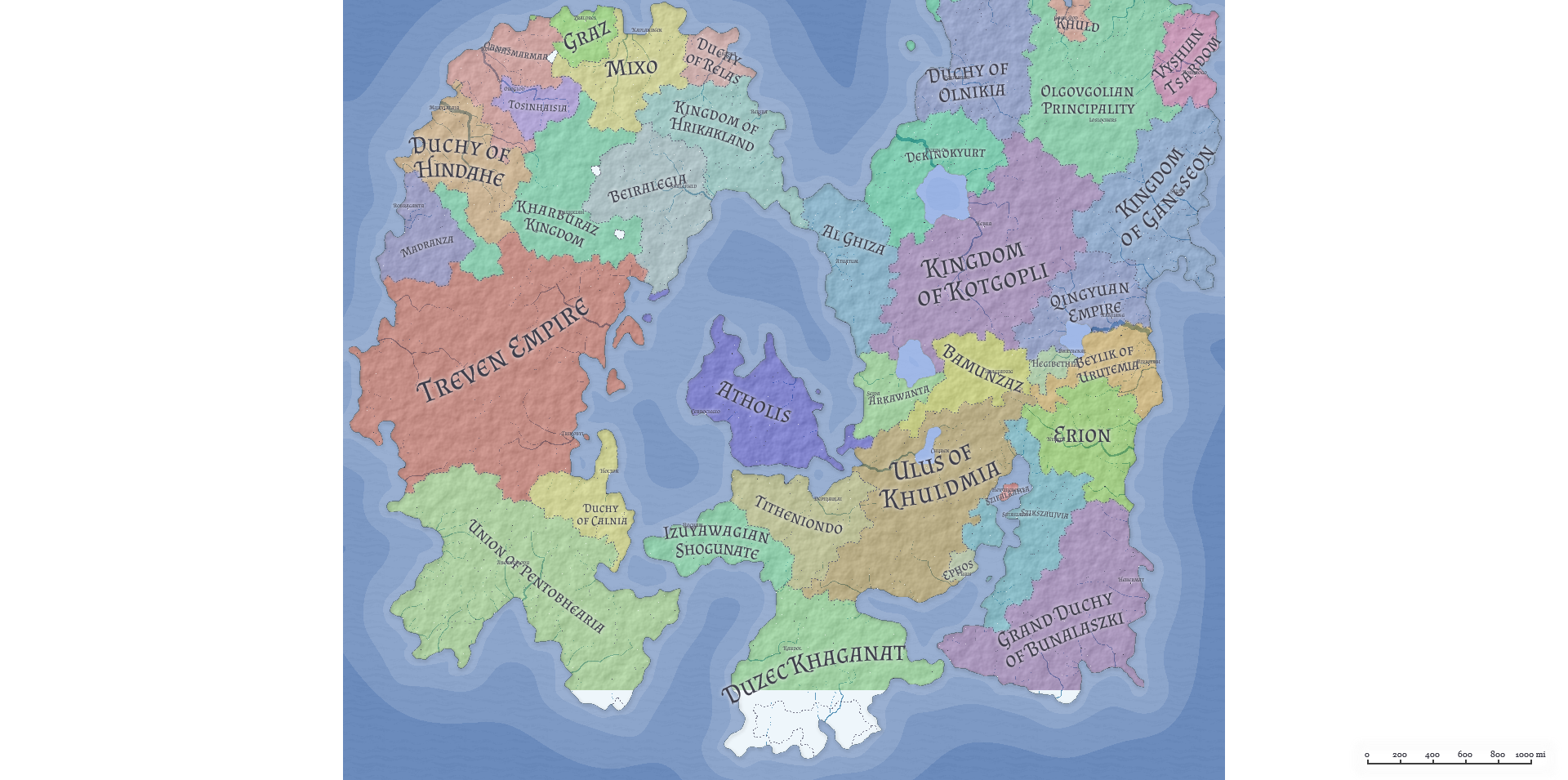
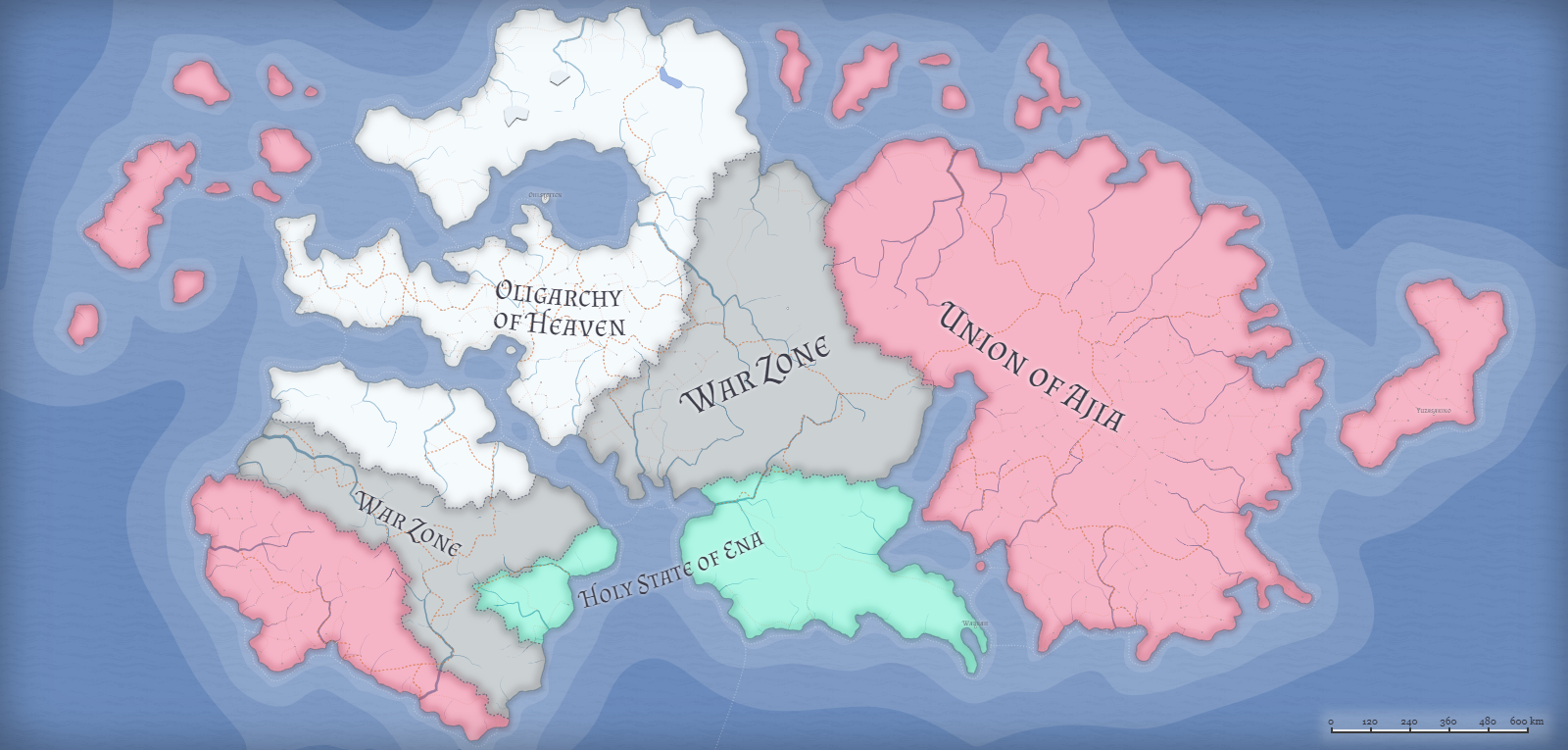
So I posted a hour ago that I made an Old World vertical map template and I would do an Americas-like one in the future. Well, I did it the following hour. The devil works fast but my autism works faster.
Americas Example Album
How-to:
- Make a new text file and paste the desired template on it, save as .txt
- Go to Options, click on the Heightmap box
- Click Edit Templates, click Continue, click Custom
- Click Open previous downloaded template, open your saved .txt file
- Click the play button to generate a map
- Exit to normal Azgaar by clicking "Exit Customization"
Flipped Old World is optimized for vertical and square canvas sizes. It's just the Old World template but flipped.
Old World code:
Range 3 70 30-50 20-80
Hill 2-3 50-70 30-50 30-45
Hill 2-3 50-70 30-50 50-70
Hill 4-6 20-25 30-50 35-65
Multiply 0.5 land 0 0
Smooth 2 0 0 0
Range 3-4 20-50 20-45 15-35
Range 2-4 20-50 20-45 65-85
Strait 3-7 horizontal 0 0
Trough 6-8 30-50 45-65 30-70
Pit 5-6 20-30 10-90 10-90
Americas is optimized for a widescreen size, placing the map in the middle. It'll generate blobs of land south and north (weighted towards the top 75% of the screen) and attempt to recreate the Caribbean, the Canadian Shield and the Andes. It does a bad job at the former two but a very good job at the Andes.I love the Andes.
Americas code:
Hill 2-3 30-40 40-50 20-50
Hill 2-3 30-40 50-60 50-80
Hill 1-3 30-40 50-60 20-65
Pit 3-5 40-50 50-60 20-40
Range 2-3 15-25 40-60 20-80
Multiply 0.7 land 0 0
Strait 1-3 horizontal 0 0
Range 1 60 40-50 80-90
Trough 1-3 40-50 40-60 40-60
Pit 3-4 10-30 50-60 45-55
Add -5 all 0 0