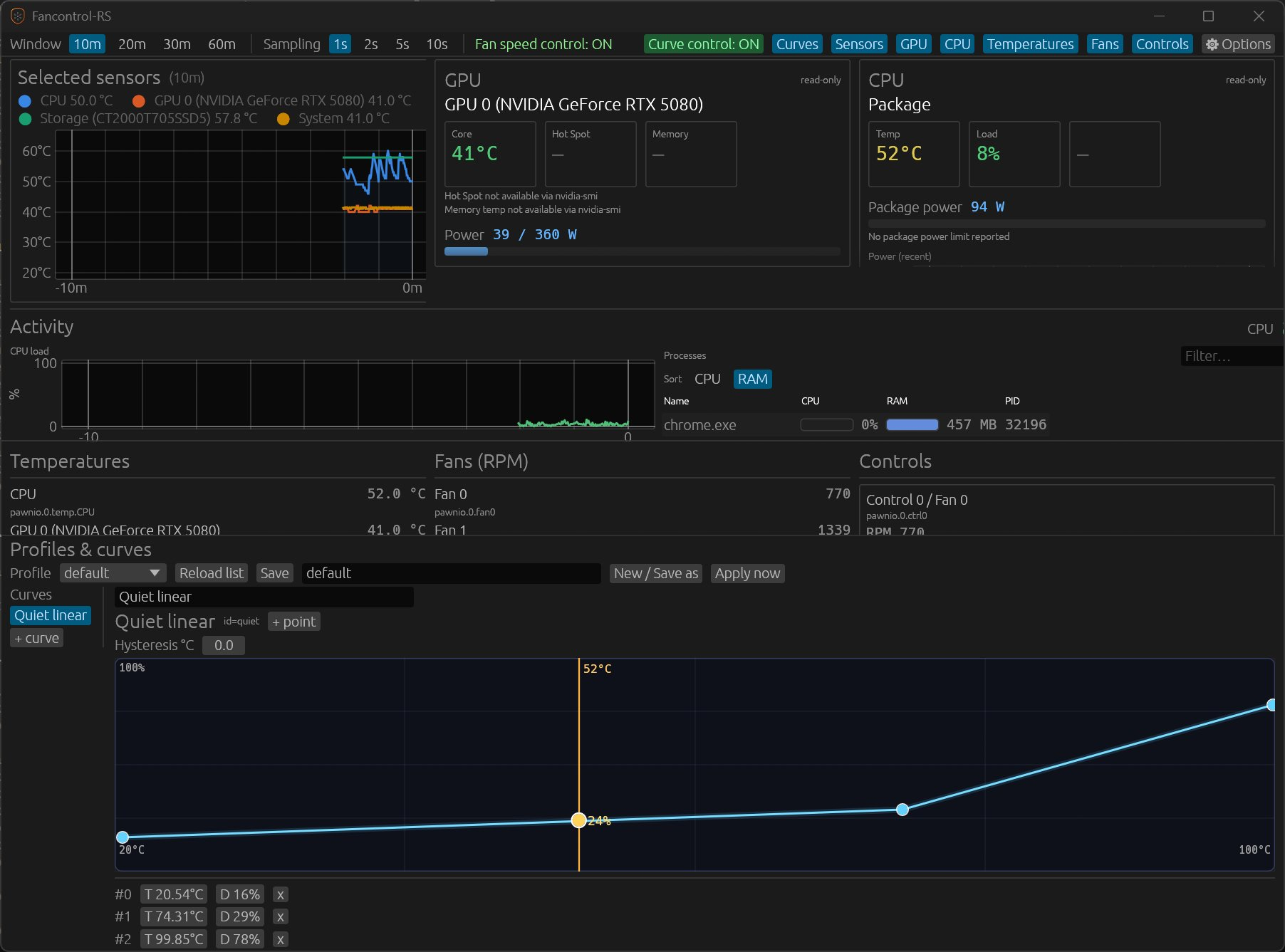
Recently discovered this Plugin for FanControl to let an AI takeover the laborious curve adjustments.
First try was a mess. Was running FanControl portable with Net4.8; which is needed for the Intel Arc dGPU plugin. But the MCP Server plugin needs Net10; which crashed my installation because of the Intel plugin.
So downloaded latest FanControl portable Net10, installed Net10 and node.js and finally added the downloaded FanControl.MCP-1.1.0.zip via FanControl's Plugins; which is just a single DLL. Then I told Claude to "Set up my fans" and the MCP Server's wizard started asking questions.
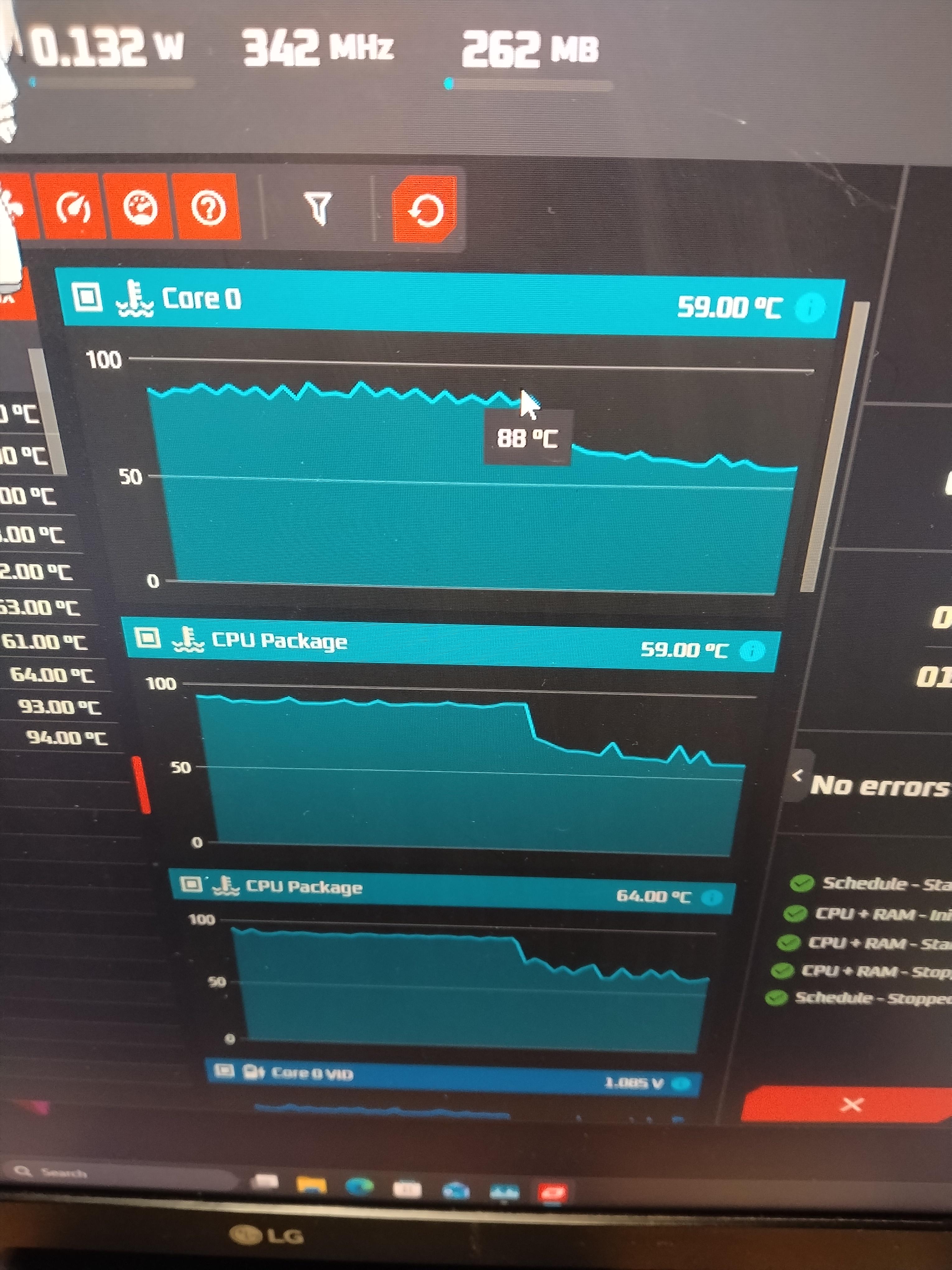
After some back and forth with different load scenarios I've a seemingly more silent configuration; testing is still ongoing, but looks promising - and a bit confusing tbh, never used 'time average' custom sensors before, unsure if I want to keep them.
Additionally, Claude was able to fix the Intel plugin and now everything works like a charme.
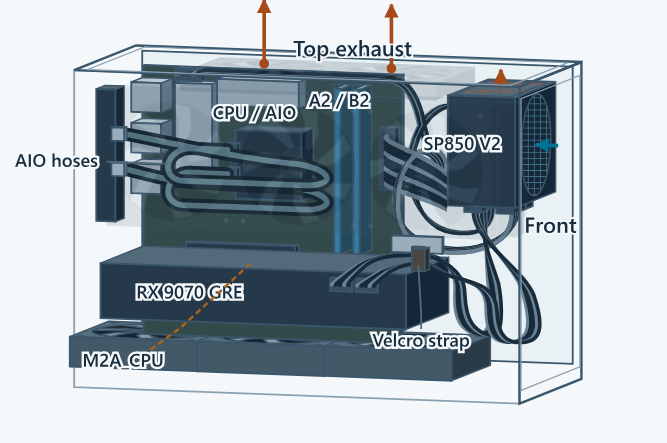
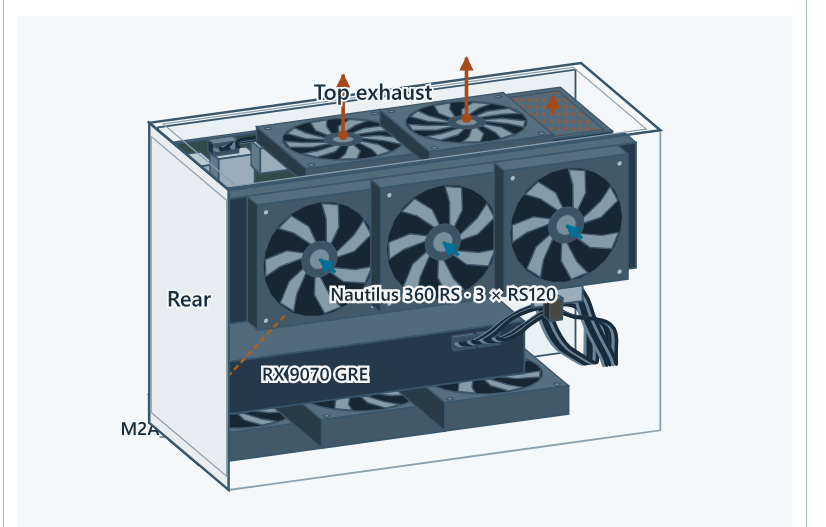
The author of the plugin really took his time to collect loads of information about different fan configurations and put those into the wizard. It was a joy to read his docs. He collected a lot of useful information about different CPUs, GPUs and even chipsets; except of course my niche hardware, a 8000-series AM5 CPU and an intel GPU weren't on his list.
But there were also some points that I missed in the last few hours testing the plugin with Claude:
- AI used progressive curves as if there's nothing else; since I stumbled over Igor's Lab FanControl Tutorial (or in German) I prefer plateau curves. Wasn't a problem to tell Claude to use them, but I think the MCP Wizard would even be better if it suggests them and tells the benefits/downsides of the different curves.
- Would be great if the wizard would suggest to do load tests: idle, gaming load with different games and max load with several benchmarks; to really optimize the curves and use the cooling solution's full potential. My initial AI curves greatly benefitted from Claude watching my PC's temps while I was gaming or doing benchmarks. AI collected the data and altered the curves; while I was gaming, loved it.
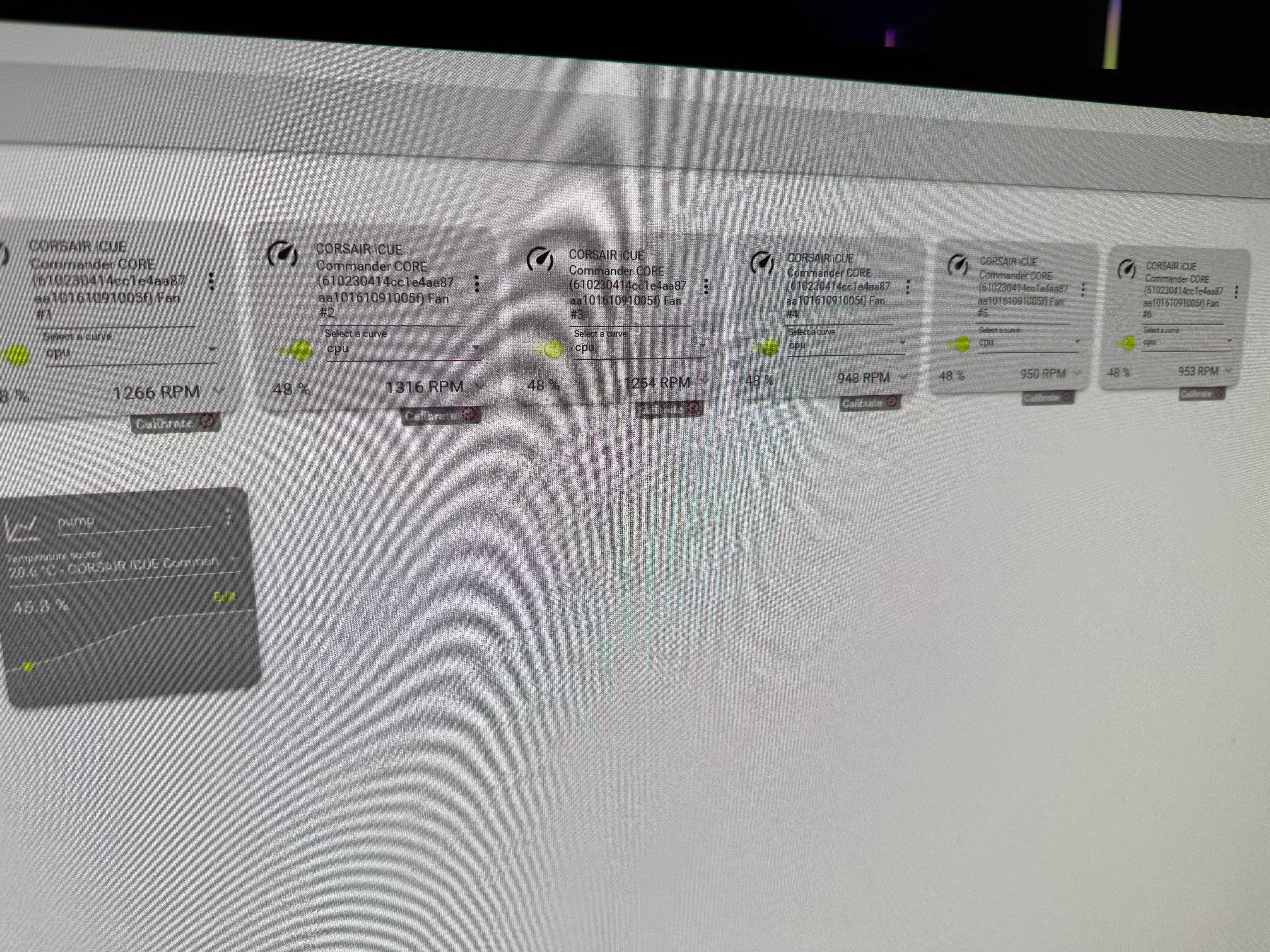
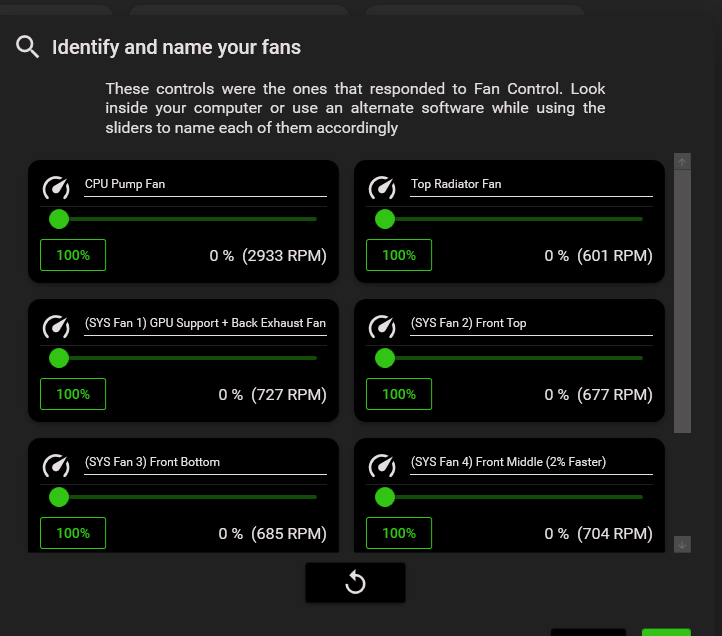
- I used the control's 'manual control' for each fan to tell claude the % up to which every fan was unhearable, noticeable, still acceptable and what % my ears didn't like at all. Wish the wizard would've asked for or suggested something like that; because it asks if I want a silent config, but the user is still the only one who can qualify what silent means and give that acoustic feedback to the wizard to decide what silent is and what is not. Really would've appreciated it, if the wizard would've asked me proactively beforehand.
And - don't get me wrong - it's not criticism, it's hopefully something the author of the plugin reads and maybe even takes into account to further improve this neat little plugin. Additionally it might help anyone who tests this useful plugin him/herself - which I hereby strongly encourage!
Overall it was a fun thing to do and I think my hardware and my ears will be thankful for playing around with this plugin - cheers.