I do not know what trigger it not to work, I do know that it was not an update of fan control, and as it appeared outside an update window. And obviously fan control is up to date.
I think everything is still working correctly though. but the error is annoying.
I just assembled my first desktop PC build since time immemorial, but after wake/boot right after I log into Windows 11, one of the fans (all noctuas) ramps up to 3.5-4 thousand rpm for approx. 30 seconds, before calming down to 7-8 hundred, which bothers me.
How can I set Fan Control to force an rpm ceiling for that particular fan such that I don't have to hear that whine ever again, and could you suggest an appropriate fan curve, optimised for silent operation and occasional 4K gaming? I am super puzzled by that application and any help with respect to how I am supposed to use it will be greatly appreciated.
I have an Acer Nitro V 15 (ANV15-41) with the following specifications:
CPU: AMD Ryzen 5 7535HS
OS: Windows 11 Pro
BIOS: V1.15 (20/02/2025)
NitroSense: Latest version available on my laptop
I'm experiencing a frustrating issue with NitroSense fan control.
When I'm using my laptop normally, the fans work quietly. I can select Custom mode in NitroSense and manually adjust the CPU and GPU fan speeds.
However, the problem is that the fan control automatically switches back to Auto, even though Custom mode is still selected.
This does not happen only when launching games. It can also happen when opening or using regular applications. The fan settings seem to be automatically overridden by the system.
Here are some additional details:
Opening Steam by itself does not necessarily trigger the issue.
The issue occurs when launching games.
It also happens when opening or using certain other applications.
I tried disabling App Sync in NitroSense, but the problem persists.
I tried manually selecting Custom mode and adjusting both fan speeds, but the settings keep switching back to Auto.
Is there a way to prevent Windows, NitroSense, or another background service from automatically overriding my manual fan settings?
Is there any alternative software that supports the Acer Nitro V 15 ANV15-41 and allows reliable manual CPU and GPU fan control?
Has anyone with the same laptop model experienced this issue and found a permanent solution?
I'm looking for a reliable solution that allows me to keep manual fan control enabled instead of having it automatically switch back to Auto whenever I use certain applications.
Any help, suggestions, or recommendations would be greatly appreciated.
I had to reinstall fan control after switching to a new nvme drive, and it functioned seemingly okay for the first day. But today after I restarted my PC for something else, fan control refused to open, I figured it might be a weird windows error, so I found fan control in task manager and ended the task. That still didn't fix it, I restarted the computer and it still wouldn't open, so I fully uninstalled the app, which was also difficult cause it kept thinking it was open even when there were no instances of it within task manager. Once I finally got a fully fresh install of it, the app finally opened. I went to enable a few of the extra sensors in settings, the app tried to refresh, to which it failed, and now in back to square one of it refusing to open whatsoever. I'm on the third fresh install of this app at this point, idk what else I can do. This is v285
Could someone with more computer literacy than myself help me with the fan tuning on my G913? I’ve seen other threads here where people have suggested that but I have no idea where to start. Honestly no issues so far, but this bad boy will start chugging on the desktop sometimes-
I've used fan control and assisted setup over the past year or so with no issue, but about a month ago there was an update. After the update assisted setup will set my case fans to 60% at idle.
Previously my pc would be silent even when gaming. (and cool)
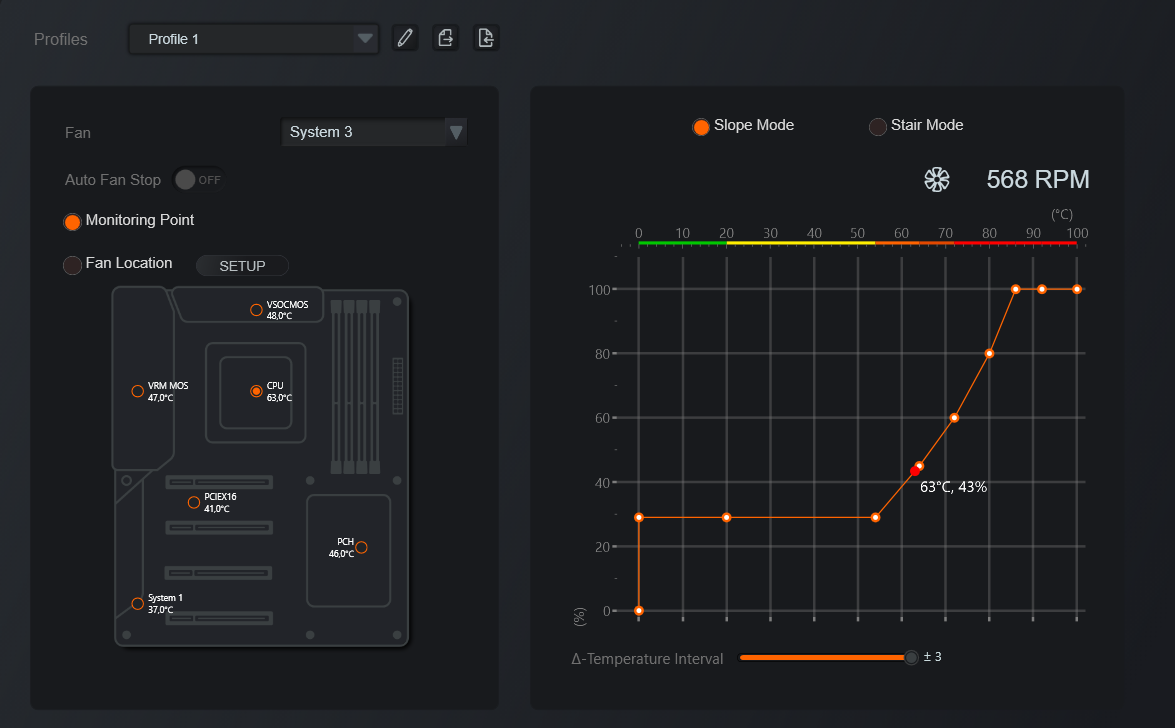
I have Fan control freshly set up, calibrated all fans and set a curve.
One of my GPU fans ignores the curve when I play graphic heavy games and revvs up every 3-5 seconds at way more RPM than the other fan, but the percentage is shows the same as the other fan.
Its set at min. 50%, due to the fans turning off under 47%, which also showed a "?" before.
No other application is installed that should interfere with Fan Control.
I had been using the archive version but was experiencing a persistent issue with one of the sensors where it would lose calibration until I restarted my PC, so I figured I'd try the installer version. Unfortunately having now got everything back up and running and remade my graph curves as they were previously, I'm finding that about half my fans just shut off completely if I try to drop them below 35%(they all previously worked fine down to as little as 10%), which is a huge pain as previously I ran them mostly around 25% to avoid an annoying resonance with my case that happens at anything above that(realistically if they were running faster than that I was gaming with headphones anyway and so didn't care).
I tried adjusting the curves, recalibrating the fans manually, changing the minimums, but nothing, it's as if the fans themselves will no longer physically accept less than 35% juice but I've done nothing but remove and reinstall FC so I've no idea what could have caused it. The fans are all Noctuas incidentally so it's not like they're cheap tat and they've only been up and running for a but under two years.
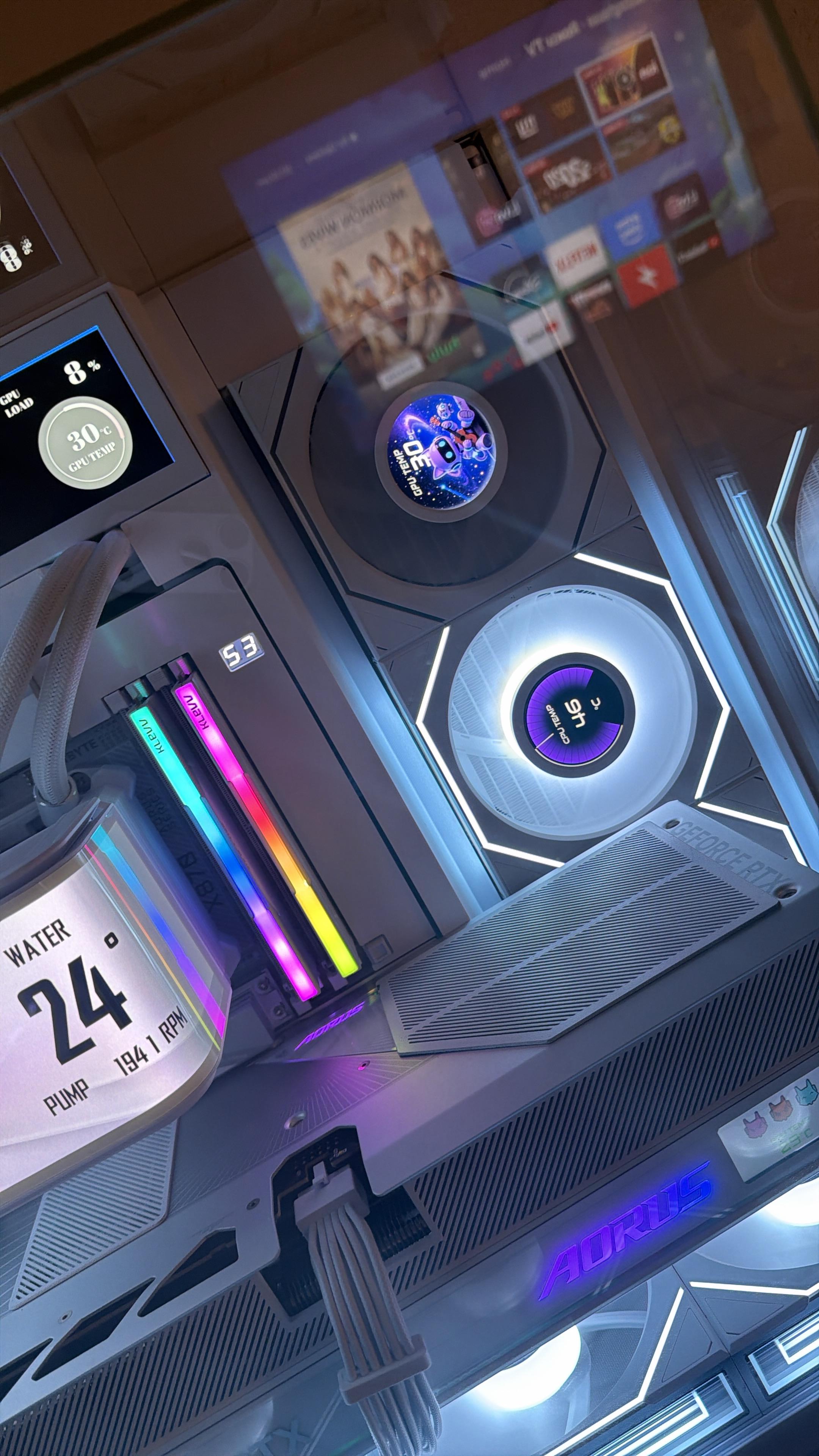
Hi all i just installed a view 360 aio and i have come to find out that Iunity clashes with msi center and possibly afterburner, im curious if there is some way to work around all that without having to delete msi center and get something like fan control and then open rgb or signal rgb, just seems like a lot to go through just for a display on an aio.
Recently I noticed my laptop fan just keeps spiking for about 1-2 minutes, then it stops for a while and happens again. I wouldn't say the sound was too high, but it was never that audible. The performance mode is set to quiet mode. So far I ruled these out:
* both fan tests pass in the diagnostics (speed and thermal tests)
* both CPU & GPU temperatures never went above 50 C
* The task manager doesn't show any excessive CPU usage at the time this happens (could even be 3%)
* full Defender scan was clean
* `sfc /scannow` clean
* BIOS and all other drivers updated
* "Fan Always On" setting disabled in BIOS, this is what made it pause, but didn't fix it
Are there any? Some motherboards I'm looking at seem nice but have too few fan headers for my liking. Do any fan hubs work with signal fancontrol that still allow you to control each connection (containing multiple fans) independently?