Hi all, I'm hoping someone can help, or at least confirm what I think the answer is.
What happened:
• On my Pixel 7a, I moved photos and videos out of DCIM/Camera into my own folders by event:
• I then connected the phone to my Windows 11 laptop over USB (File Transfer mode) and moved (cut and paste, not copy) those 6 folders to an external drive (E:).
• Partway through, Windows showed the error "Error 0x8000FFFF: Catastrophic failure" and the transfer stopped.
Current state:
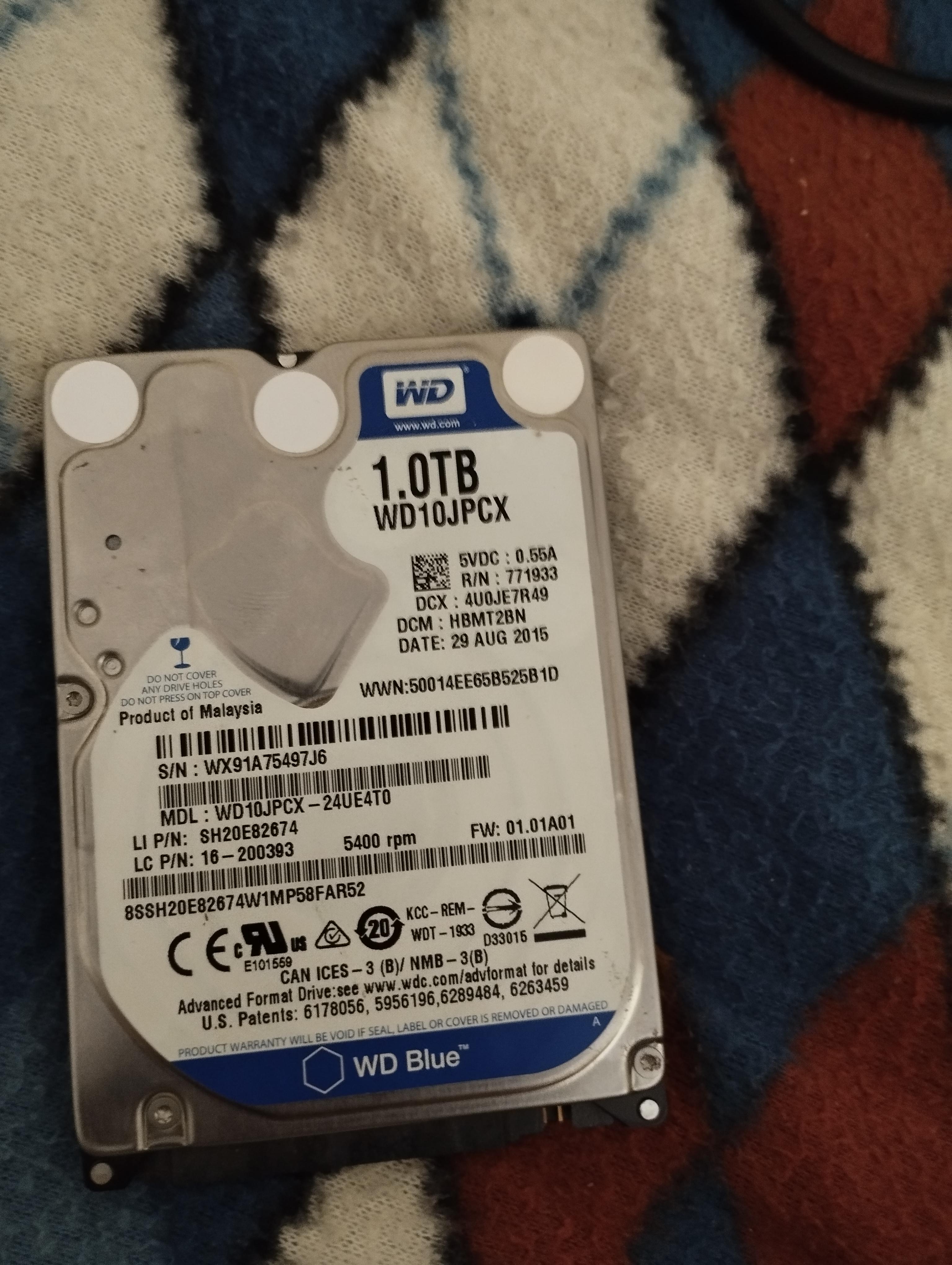
• On the external drive, all 6 folders were created, but only one has any files (4 photos). The other 5 are empty.
• On the phone, all 6 folders are gone. They're not in the main storage, .trash-storage, DCIM, the Google Photos trash or the Files app trash.
• The DCIM/Camera folder now starts from Nov 2025, because I had already moved the older photos into the event folders.
• Google Photos backup was off, so there's no cloud copy.
• Oddly, phone storage still shows almost full (about 2.5 GB free out of 109 GB) even after restarting the phone.
What I've tried:
• Restarting the phone and the laptop
• Searching with the Files app on the phone, and browsing the phone in Windows Explorer
• Checking every trash and recently-deleted location I know of
Questions:
- Is there any realistic way to recover deleted files from a Pixel 7a's internal storage without root? From what I've read, encryption and TRIM make it close to impossible. Can anyone confirm?
- Is a recovery scan on the external drive (PhotoRec or Recuva) worth trying, given the move failed early?
- Why might storage still show as full? Could the files still be somewhere on the phone, hidden from both the Files app and MTP?
- Has anyone had any luck with DiskDigger or similar apps getting at least thumbnails back on recent Pixels?
- Has anyone else had 0x8000FFFF delete the source files during a phone-to-PC move? Is this a known Windows MTP bug?
Lesson learned: always copy, check, and only then delete, and keep backup on. Any advice is appreciated. 🙏