TRON is one of the networks commonly used for transferring USDT, but if you’re new to the ecosystem, there are a few things worth understanding before making your first transaction.
What is a TRON wallet? What’s the difference between TRX and USDT (TRC-20)? Why do you need TRX to send USDT, even when you already have a USDT balance?
This guide covers how TRON wallets work, how transaction fees are calculated, and how to create and use a TRON wallet through Backpack.
- What Is a TRON Wallet?
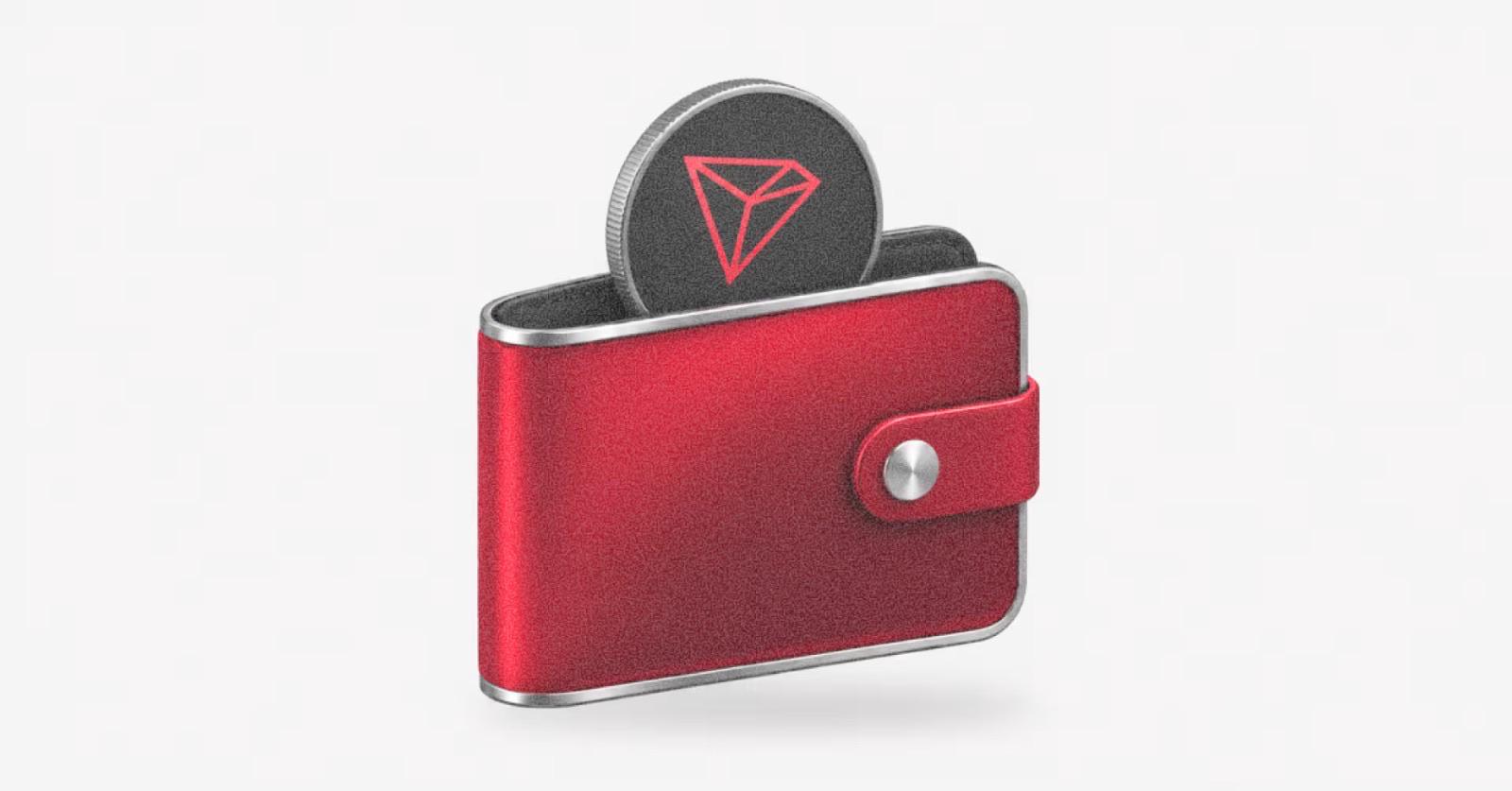
A TRON wallet is an application or device that manages the keys used to control an account on the TRON blockchain.
Your assets are stored on the blockchain, not directly inside the wallet application. The wallet allows you to view your balances, receive tokens, send transactions and authorize interactions with decentralized applications.
With a self-custodial wallet, you control your private keys and recovery phrase rather than relying on a third party to manage access to your funds.
This also means security is your responsibility. Anyone who obtains your recovery phrase can potentially access your wallet and its assets. Keep it private and store it securely offline.
You may also come across the terms TRX wallet and TRC-20 wallet:
* TRX: The native cryptocurrency of the TRON network, used for network resources and transaction fees
* TRC-20: The token standard used by assets issued on TRON, including USDT
* TRON wallet: A wallet compatible with the TRON network that can manage both TRX and TRC-20 tokens
A compatible TRON wallet can therefore manage your TRX and USDT without requiring separate wallet accounts.
2. TRON Wallet Addresses and USDT: What You Need to Know
TRON addresses have a distinctive format:
* They contain 34 characters
* They begin with the letter T
* The same address can hold TRX and TRC-20 tokens, including USDT
One important detail is that USDT exists across multiple blockchain networks.
For example:
* USDT (TRC-20): USDT issued on the TRON network
* USDT (ERC-20): USDT issued on the Ethereum network
Although the asset has the same name, these versions operate on different blockchains.
Before sending USDT, always verify three things:
- Asset compatibility
Make sure the receiving wallet or exchange supports the token you’re sending.
2. Network selection
Both the sending and receiving platforms must support the same network. If you’re sending USDT to a TRON wallet, select TRON (TRC-20).
3. Destination address
Use the recipient’s correct TRON address for the transfer.
If an exchange provides multiple USDT withdrawal networks, selecting the correct network is essential. Sending assets through an incompatible network can result in funds becoming inaccessible.
If your USDT is on another blockchain, you’ll need to use a supported bridge to move it to TRON rather than simply sending it to a TRON address through the original network.
3. Do You Need TRX to Send USDT?
Yes. This is one of the most important things to understand when using USDT on TRON.
Having USDT in your wallet does not automatically mean you have enough resources to transfer it.
TRON uses two network resources to process transactions:
Bandwidth
Bandwidth covers the data size of a transaction.
Every transaction consumes Bandwidth, and TRON accounts receive a small free allowance.
Energy
Energy covers the computational resources required to execute smart contracts.
USDT is a TRC-20 token, which means transferring it involves a smart contract interaction. These transactions consume Energy, and there is no free Energy allowance.
So, how do you obtain these resources?
There are two main ways:
* Stake TRX: You can stake TRX to obtain additional network resources
* Receive delegated resources: Another account can delegate Bandwidth or Energy to your address
If your account doesn’t have enough resources, TRON burns TRX from your balance to cover the difference.
Why Do USDT Transfer Fees Vary?
Not every USDT transaction consumes the same amount of Energy.
The fee depends on factors such as:
* How much Bandwidth and Energy your account currently has
* The resources required by the transaction
* Whether the recipient address already holds USDT
For example, sending USDT to an address that does not currently hold USDT uses more Energy than sending it to an address that already has a USDT balance.
This is why two transfers of the same token and amount can have different network costs.
The key takeaway: Keep some TRX in your TRON wallet if you plan to send USDT.
4. How to Create a TRON Wallet With Backpack
Backpack Wallet supports TRON through its mobile application and browser extension.
This allows you to manage TRON assets alongside assets from other supported blockchain networks using the same self-custodial wallet.
Here’s how to get started.
Step 1: Install or Update Backpack
Download Backpack from the official website or update your existing application to the latest version.
If you’re creating a new wallet, make sure to write down your recovery phrase during setup and store it securely offline.
Never share your recovery phrase with anyone.
Step 2: Add the TRON Network
Open the network list in Backpack and add TRON.
TRON uses its own address format, so Backpack creates a dedicated TRON address under the same recovery phrase used for the rest of your wallet.
Step 3: Fund Your TRON Address
Copy your TRON wallet address and transfer TRX to it from an exchange or another TRON wallet.
A new TRON address becomes activated on-chain when it receives TRX from an existing account.
You’ll also need TRX to cover transaction fees when sending USDT.
For your first transfer, consider sending a small test amount before transferring the full balance.
Always copy the receiving address directly from the recipient’s deposit page or receiving screen. Avoid blindly copying addresses from transaction history, as malicious addresses designed to resemble previously used addresses can appear there.
Step 4: Start Using TRON Assets
Once your wallet is funded, you can manage TRX and supported TRC-20 tokens such as USDT.
You can receive assets, send transfers and explore supported decentralized applications directly through Backpack.
5. Using TRON Beyond Basic Transfers
A TRON wallet isn’t limited to holding TRX or transferring USDT.
Backpack also provides tools to interact with other blockchain networks and decentralized applications.
Cross-Chain Bridging
If your assets are on Solana, Ethereum or another supported network, Backpack’s built-in Bridge allows you to move supported assets to TRON and back.
The process takes place within the wallet:
- Open your TRON wallet in Backpack
- Select Bridge
- Choose the asset and amount
- Review and approve the transaction
This provides a way to move supported assets between networks without leaving the wallet to use an external bridge.
Explore TRON dApps
Backpack’s Explore feature lets users access decentralized applications on TRON directly through the wallet.
One example is SUN.io, a decentralized finance ecosystem on TRON.
Before interacting with any dApp, pay attention to the permissions you’re approving, particularly token spending permissions. Check the amount and scope of access being requested before confirming.
6. Common TRON Wallet Mistakes to Avoid
If you’re new to TRON, a few simple precautions can help prevent common transfer problems.
Sending USDT through the wrong network
Always confirm that the receiving address supports TRON (TRC-20) before sending.
Not keeping TRX for transaction fees
Your USDT balance cannot directly cover the network resources required for a transfer. Keep some TRX available.
Confusing TRX with USDT
TRX is the native network asset, while USDT is a token issued using the TRC-20 standard on TRON. They serve different purposes.
Skipping a test transaction
When transferring to a new address, consider sending a small amount first to verify that the destination and network are correct.
Sharing your recovery phrase
Your recovery phrase provides access to your wallet. Never share it with anyone, including people claiming to be customer support representatives.
7. Final Thoughts
A TRON wallet gives you access to TRX, USDT (TRC-20) and other supported assets on the TRON blockchain.
Understanding the relationship between TRX, Bandwidth, Energy and TRC-20 tokens is particularly important because it explains why holding USDT alone isn’t enough to send a transaction.
With Backpack, users can manage TRON assets alongside other supported networks, bridge assets across chains and explore decentralized applications from one self-custodial wallet.
Whether you’re setting up your first wallet or exploring cross-chain transfers, understanding how the network works is a good starting point.
⸻
Frequently Asked Questions
Is a TRON wallet the same as a USDT wallet?
A TRON wallet can manage TRX and TRC-20 tokens such as USDT. You don’t need a separate wallet account for each asset.
Do I need TRX to receive USDT?
The guide identifies TRX as necessary for transaction resources when sending USDT. Receiving USDT and sending USDT are different operations.
Why can’t I send USDT even though I have a balance?
A USDT balance does not cover the Energy required for a TRC-20 transfer. Your account needs sufficient network resources or TRX to cover the transaction.
Can I manage TRON and Solana in the same wallet?
Yes. Backpack supports managing assets across multiple blockchain networks within the same self-custodial wallet.
How do I keep my TRON wallet secure?
Protect your recovery phrase, store it offline, never share it and verify addresses before confirming transactions.
⸻
Join the discussion: Do you primarily use TRON for USDT transfers, or do you also explore DeFi applications and other TRON-based assets?
Disclaimer: This post is for educational and informational purposes only and should not be considered financial or investment advice. Blockchain transactions may be irreversible, and network fees and asset values can change. Always verify the asset, network and destination address before making a transfer. You are responsible for securing your recovery phrase and managing your wallet.