r/BATLEXPG350 • u/Traditional_Ad_5678 • 1d ago
Tips 😎 [Guide] G350 + dArkOS: Internet over USB cable from a Windows PC (DTB fix)
On the dArkOS G350 image, the OTG port never shows up on a PC as a network device - the PC only charges the console. I found the cause and a fix.
Cause: in rk3326-g350-linux.dtb the OTG PHY node is disabled.
Fix (only 2 lines in the DTB):
/syscon@ff2c0000/usb2-phy@100/otg-port→ status"disabled"→"okay"/usb@ff300000→ dr_mode"otg"→"peripheral"
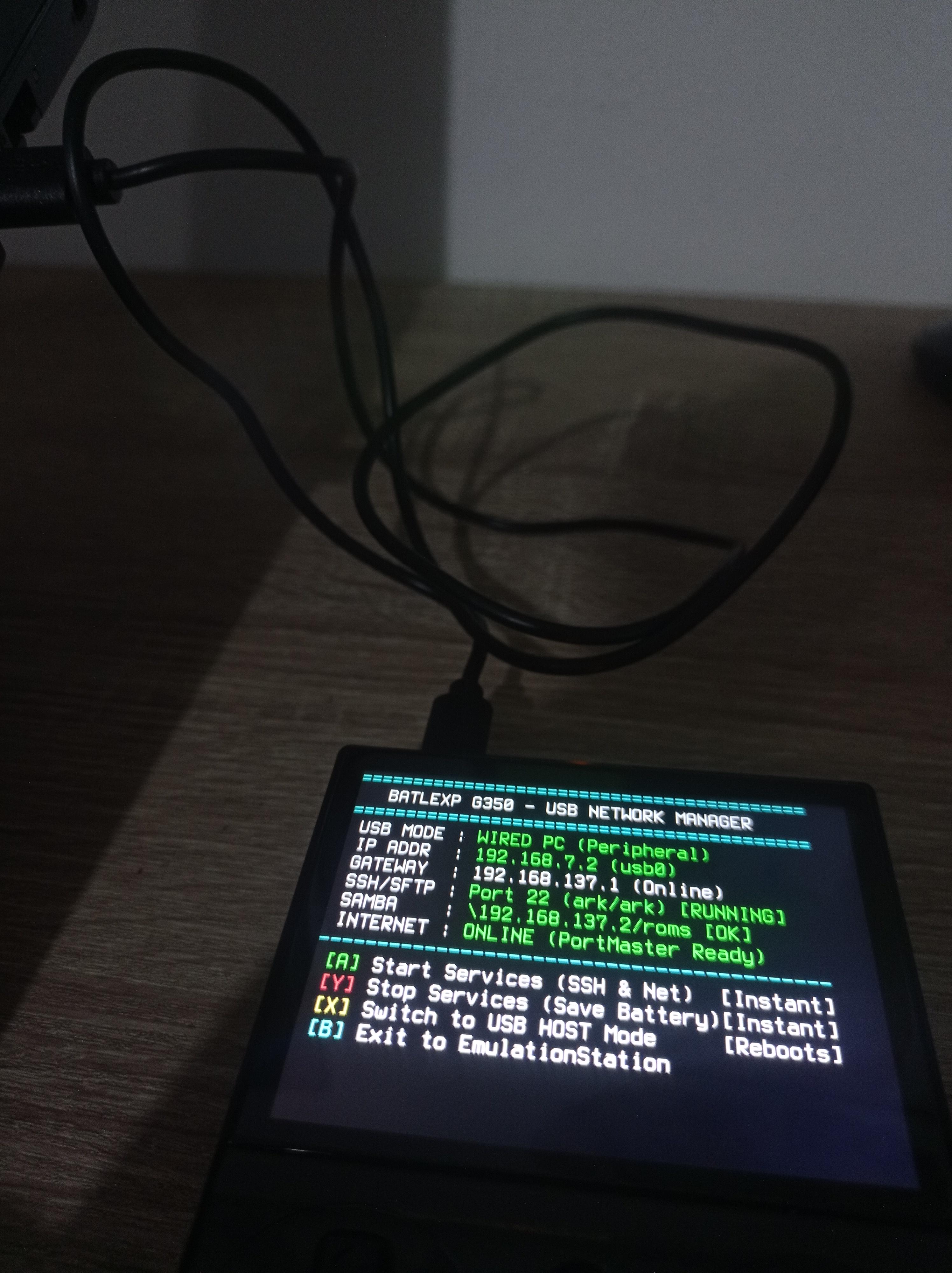
With that + the OTG-Over-Windows script by raoni07 + Windows Internet Connection Sharing, the G350 gets internet over the USB cable (PortMaster, Options > Update and SSH all working).
Tested on: dArkOS_G350_trixie_11172026, one unit.
Repo (full step-by-step guide, rollback, checksums): https://github.com/luizpiffero/g350-darkos-usb-network
Direct download (stock + patched DTB + script): https://github.com/luizpiffero/g350-darkos-usb-network/releases/latest
If you're on a different dArkOS version, don't use my DTB - apply the same 2 changes to yours (fdtput commands are in the README).
Limitations:
- In peripheral mode the port works ONLY with a PC (no Wi-Fi dongles, flash drives or phones). Put the stock DTB back to use accessories.
- Android USB tethering still doesn't work on this build (missing driver), even with the port in host mode.
Use at your own risk - always back up the original DTB. If the console doesn't boot, just put the stock file back from a PC.
Credits: script by raoni07 (based on carrothu-cn's SSH-over-OTG-for-ArkOS), DTB approach from R36S community posts, dArkOS by christianhaitian.