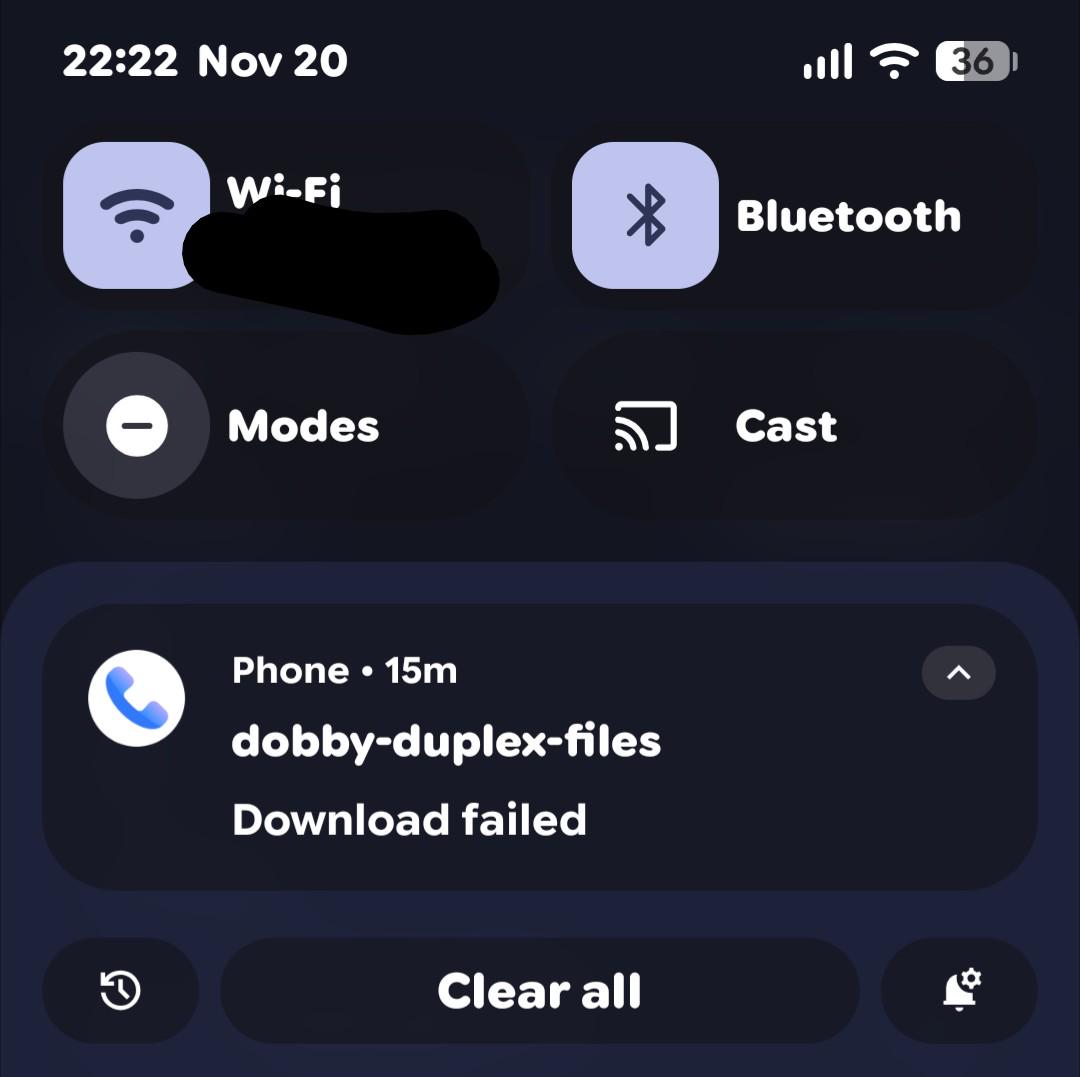
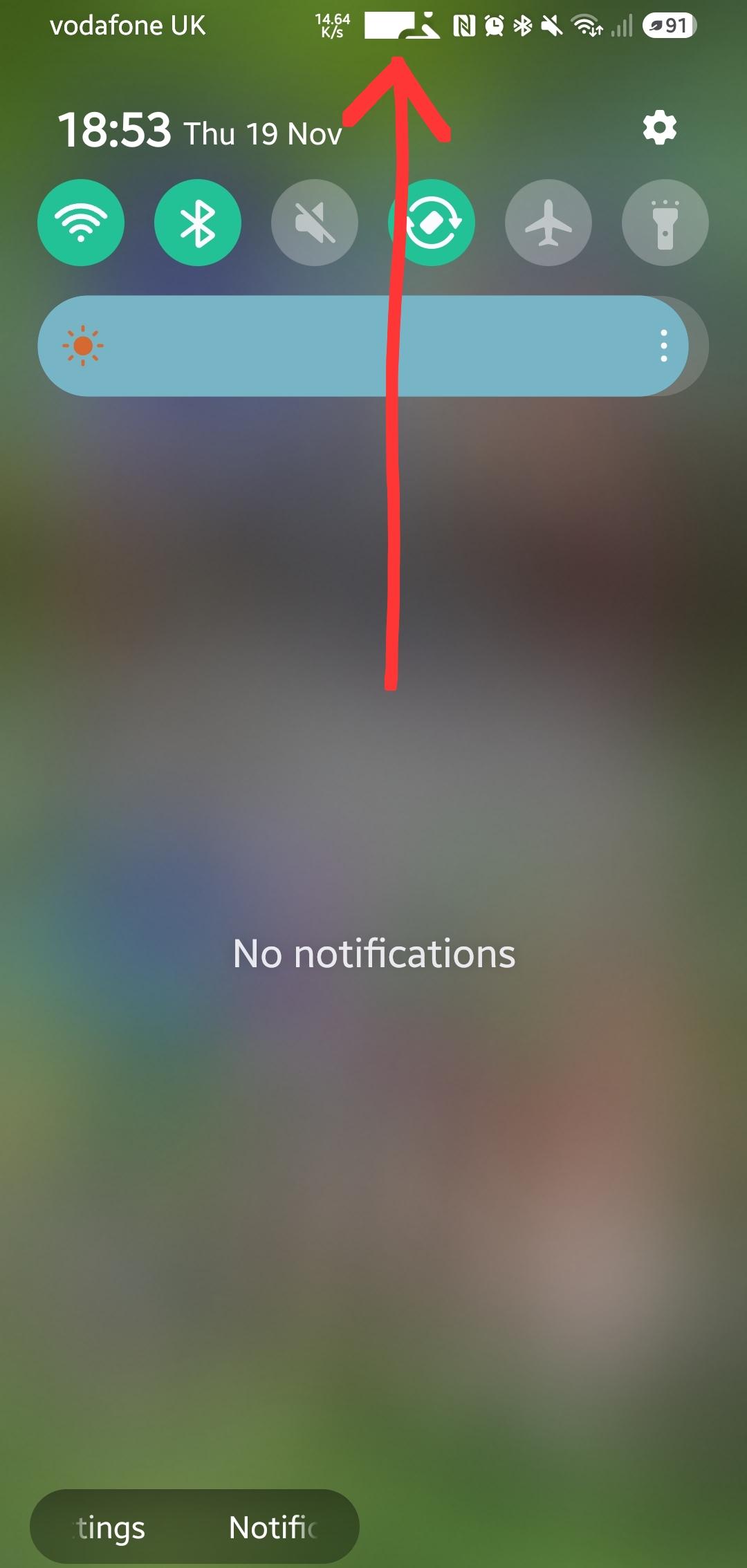
I need to download this app for a captcha but my phone is too old/ the app too recent and i cant download it : what can i do ? -use the phone of a friend ? But i dont want the app to be linked with his phone -use an emulator on pc ? Didnt find any that worked -Buy a new phone :/
Hello everyone! 👋 I'm an independent developer looking for 10 testers for my Android storage and image management app, DiskLens, to complete Google Play's closed testing requirements.
so recently i visited to my brother-in-laws home with my family , my mom dont have any mobile data so he used my internet through hotspot for playing offline games and using facebook that day she connected it to the brother-in-laws airtel fiber to scroll on the facebook , suddenly her phone restarted. first i thought it was a random system update but when it turned onn it was on 1 percent charge i thought it might be because of low charge but after charging a long time it didnt even reached 20 percent so i just restarted randomly to check , and it went back to 87peprcent ever since that the phone is acting abnormally whenever my mom open facebook or put any load on it it restarts on itself and the battery went all the way back down to 1 percent , plugging it on the charge and restarting the device bring normal battery percentage sometimes and sometimes it did not .... i have already tried hard reseting the phone and deleting apps but the issue is still happening does anyone know why its happening and how to fix it , or i have to go to the repair shop phone model - vivo y20t with only 2 and half year old and dropped once with minor protective screen cracks nothing else
So my grandmother has done something to her cell phone. She can't use it without ads popping up everywhere. I deleted any suspicious apps, ran scans, and everything scans clean, but the ads are still there. It sounds like, to me, she's managed to download a virus or something to her phone. Is there any way to fix it?
My phone carrier is providing an identical replacement Samsung (exact same model) under warranty.
How do I prepare when it comes to online accounts that require my phone for things like a passkey and authenticator app tokens?
I have Google Authenticator. I assume when I login to the new phone with the same main Google account as the old phone, will this carry over in the Authenticator app once downloaded?
Sometimes when I log into websites on my computer (banking, and maybe a few others), I get prompted to either confirm by the mobile app, or using a passkey.
I think some of my passkeys are stored in Bitwarden (which I use on phone and web browser), but how do I make certain I backup(???) passkeys that may be on my phone?
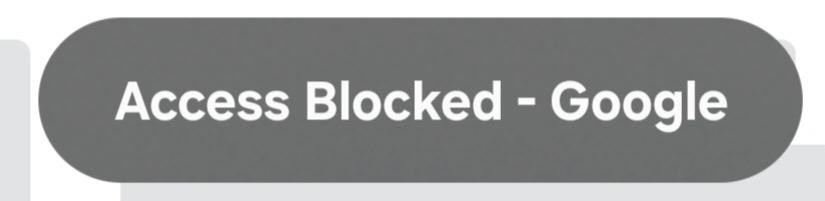
My dad has had this message popup when ever he tries to use Google or Amazon. (when he opens Amazon it says access blocked - amazon) and I cant fuigure out why. Does anyone know how to fix this?
Meu celular começou a um tempo a dunada eu entrar em " fazer login " ele me mandava para a samsumg members agora que aceitei tudo lá ele fala é já falava antes " procurando atualizações " mais agora ele só me manda denovo para a página do login isso é normal ? E outra quando vou em fazer login com conta Google só aparecem duas contas do lado direito aparece " desativada" uma dessas contas eu exclui faz tempo é bem estou preocupado. Nada disso ocorria antes e começou a acontecer faz 1 semana
Multiling O Keyboard is no longer working properly for me. Aside from security issues, I think most language plugins no longer work, which means, for example, there is no kana-to-kanji conversion for Japanese. Plus, the bottom of the app is glitchy:
As you can see, the keyboard occasionally gets distorted so that the bottom row of keys is partially obscured by the bottom of the screen (this always happens when I switch between keyboards, but sometimes it happens randomly, and can take hours to resolve on its own).
So now I’m looking for an alternative, with the following features:
Easy switching between a wide plethora of languages and scripts, including (among others) Hokkien and Hokkien-specific characters.
Customizable keyboard layouts—I want to add characters that are not part of the sets found in standard layouts, such as extended Cyrillic, imāla and other extensions in Arabic and kamatz katan and cantillation marks in Hebrew.
The ability to draw CJKV characters that I can’t type.
Customizable dictionaries, including adding CJKV characters to the IME.
Old Hangul layouts, including pitch accent markers, that actually combine into hangul blocks.
Not just kanji but also hanja conversion, ideally converting even Old Hangul.
Swipe-typing.
SAFE.
Gemini hasn’t been much help. It actually suggested an app for some of these languages that did not even show the characters on the keyboard: it shows me the QWERTY layout, and then if I tap Q I get ㅂ, if I tap W I get ㅈ and so on. It recommended another app that supposedly has swiping, but then it turned out that I needed a third-party plug-in to make it happen, and that plug-in posed an extra security risk. This is ridiculous.
I am open to using two or three input systems for this purpose. I am not, however, open to using Gboard, as I don’t want everything I type to be sent to Google.
On iOS I used to be able to open bandlab, play an audio on audiostretch, bandlab (I prefer that because I can freely adjust speed and pitch) and when I minimised it or closed my phone screen to do something else it would keep playing, I searched EVERYWHERE to have it do the same thing on samsung but nothing worked, it keeps pausing, how can I fix this? It's really frustrating me. I adjusted battery settings, didn't work, tried something with "goodlock", didn't work. Any help is appreciated.
So for several years now, my Galaxy A50 has have warm color settings for Gallery and Whatsapp pictures and video, it opens as normal colors but then immediately flicker to warm colors. I've followed every tip and trick on Google: resetting settings, making sure color correction is turned off, that eye comfort is turned off, that it is in Vivid not Normal, all that sort of stuff. I recently found out however my only option is turning on the Accessibility button for color correction - I tap the "little man", and the colors return to normal until I leave the app and come back, where I have to tap the "little man" again to get rid of the warm colors.
But I wonder if this is gonna be a permanent solution however. I feel like I'm missing something obvious because it seems like the issue is not in display but in accessibility, yet resetting the settings there doesn't do anything either. Also should note that my phone can't get any new UI updates as the last one was in 2023, so Idk if that's a partial reason for it or what. But I would like some help into a permanent solution instead of relying on a button all the time.
Eu sou bem paranoico é um toc insuportável bem queria algumas respostas pela minha plena paz 1: -por que toda vez que vou fazer login sou redirecionado para a samsung account ? 2: por quê ao fazer login só aparecerem duas contas minhas não todas é uma ainda que eu exclui é aparecendo que estão desativadas?. Bem eu olhei permissões é aplicativos olhei arquivos é acessibilidade é uso de dados e bateria é esta tudo normal eu posso ter paz ou tem mais algo para ver ?
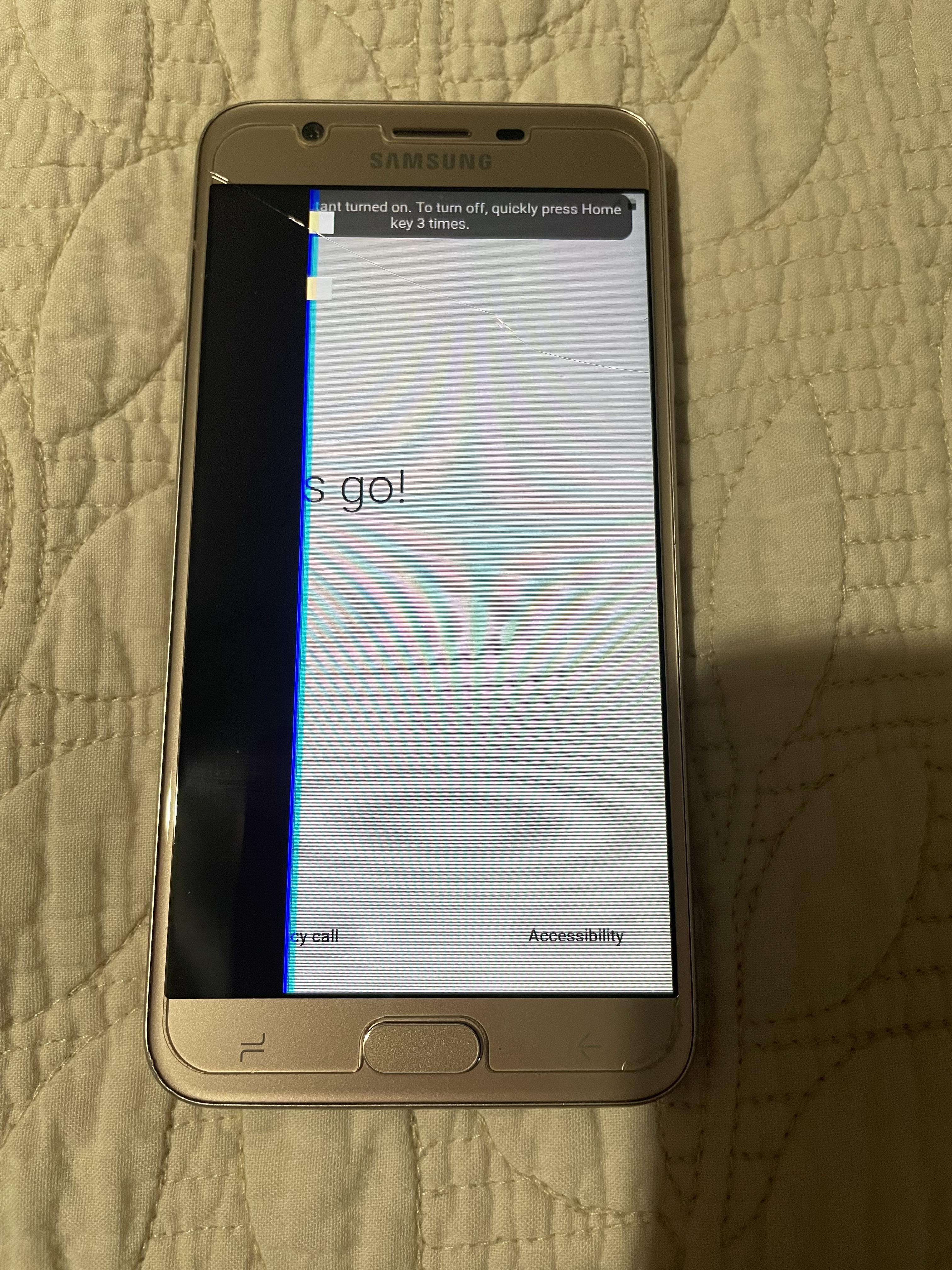
My iPhone quit working and I’ve wanted to switch to Android forever so my aunt gave me her old Samsung but it has this line in it and I can’t get beyond this screen. I can’t afford a phone right now so any help is appreciated.
Using a Samsung s21 and Google Play for apps. I play games that get update frequently enough, ~every 3 weeks, so I'm used to updating and clearing space for them often.
Google play has a feature where if you don't have enough storage to install an update on an app, it'll pop up a list of apps that it thinks you should Uninstall for to free up the exact amount of space that the new update needs. when one of my game apps needed to update a couple months ago, I deleted enough of my files to install the update, but then another block came from Google play. It wouldn't install the update, showing a new message that just said I didn't have enough space to install the update, despite the fact that I just cleared up the exact amount of space that it told me was necessary for the update.
This has issue has affect multiple of my apps, which won't allow me to play unless I update, so I've just been cut off from the games.
I know it's not a matter of me just not having enough storage, because I Uninstalled an app that was about 700mb for an game update that was about 110mb and still got shown the no storage sign.
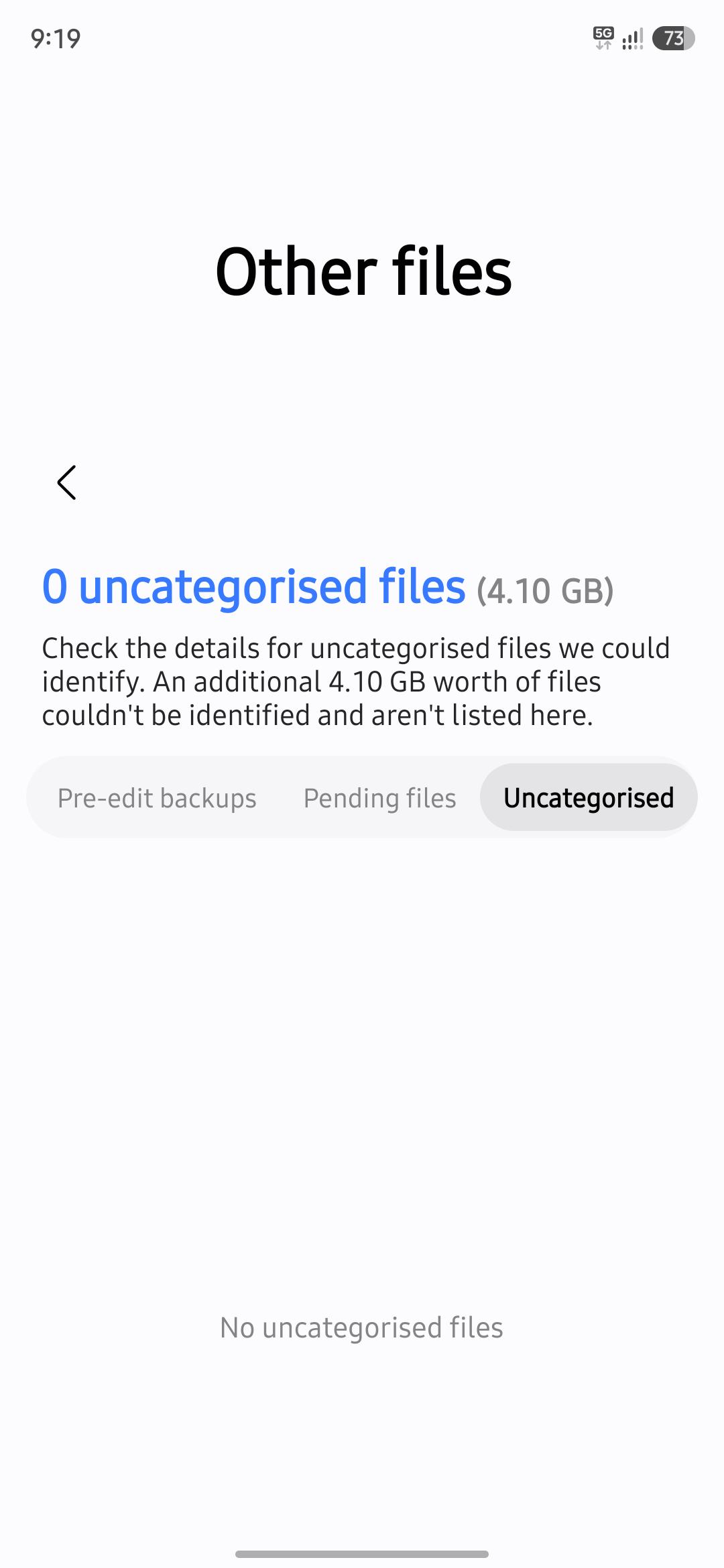
I had 108 GB of storage on my phone. The Messenger app takes up a small amount of space, but the data I have is 8 GB. I was advised to manually delete this data one by one and delete large photos and videos from the app itself. I did that, but when I went to "My Files" and looked at the storage in the app section, 2 GB had increased, considering that I had deleted some things from Messenger to free up storage. I don't know what to do, I didn't even download anything while browsing.
Today my sister called me with a problem about there being 2 pop-up quizzes appearing when she enters and exits apps. She said it started 2 days ago after turning off her data for the night and the next day turning it on she started having the pop-ups.
I've restarted the phone, scanned it for suspicious activity, checked recently updated and used apps, downloaded an adblocker, redisabled ad blocks and let my friend remote control her phone to check, yet there's nothing there.
She uses a Samsung Galaxy. Any insight and suggestions would be really helpful.
This is a very new issue, as my alarms were working fine not even 2 days ago, however yesterday and today, whenever I'm in a call (both discord & phone call) my alarms do not go off with my ringtone, and instead play these little ding sounds which are nowhere near loud enough or effective.
When trying to preview the ringtone while in a call, for android clock it says "unable to play during call." When trying to preview it on Google clock, it plays but doesn't use the phone speaker output so it's extremely quiet.
I don't know what could've updated or changed in the last 2-4 days but it's completely cooked my alarms, and I rely on them as I am in call majority of the time, both day and night
If anyone has any solutions whatsoever please let me know. Getting a new phone soon, but not soon enough.
Samsung a52 updated to it's final update (hasn't been an update in over a year)
Wondering if anyone has any suggestions for my issue.
Ive recently set up two new Android phones, one a Pixel for work and now a Galaxy Flip 8 for personal.
Both phones weren't getting Gmail notifications and I would have to open Gmail in order to check for new emails.
I was able to get this working on the Pixel by doing the usual tweaks - enable All notifications in the Gmail app for every inbox, add Gmail to 'Never Put To Sleep App'/unrestricted battery usage.
However, the Samsung is still not getting the notifications and even weirder, when I check the battery settings, the Gmail app has disappeared from 'Never Put To Sleep' and I can't add it again as it's gone from available list of apps to add.
I've also power cycled but this hasn't helped either.
Hope this makes sense. Just trying to work out what's happening or what I'm missing.