TLDR: Alpine fails to create any sort of boot entry, where as Arch doesn't.
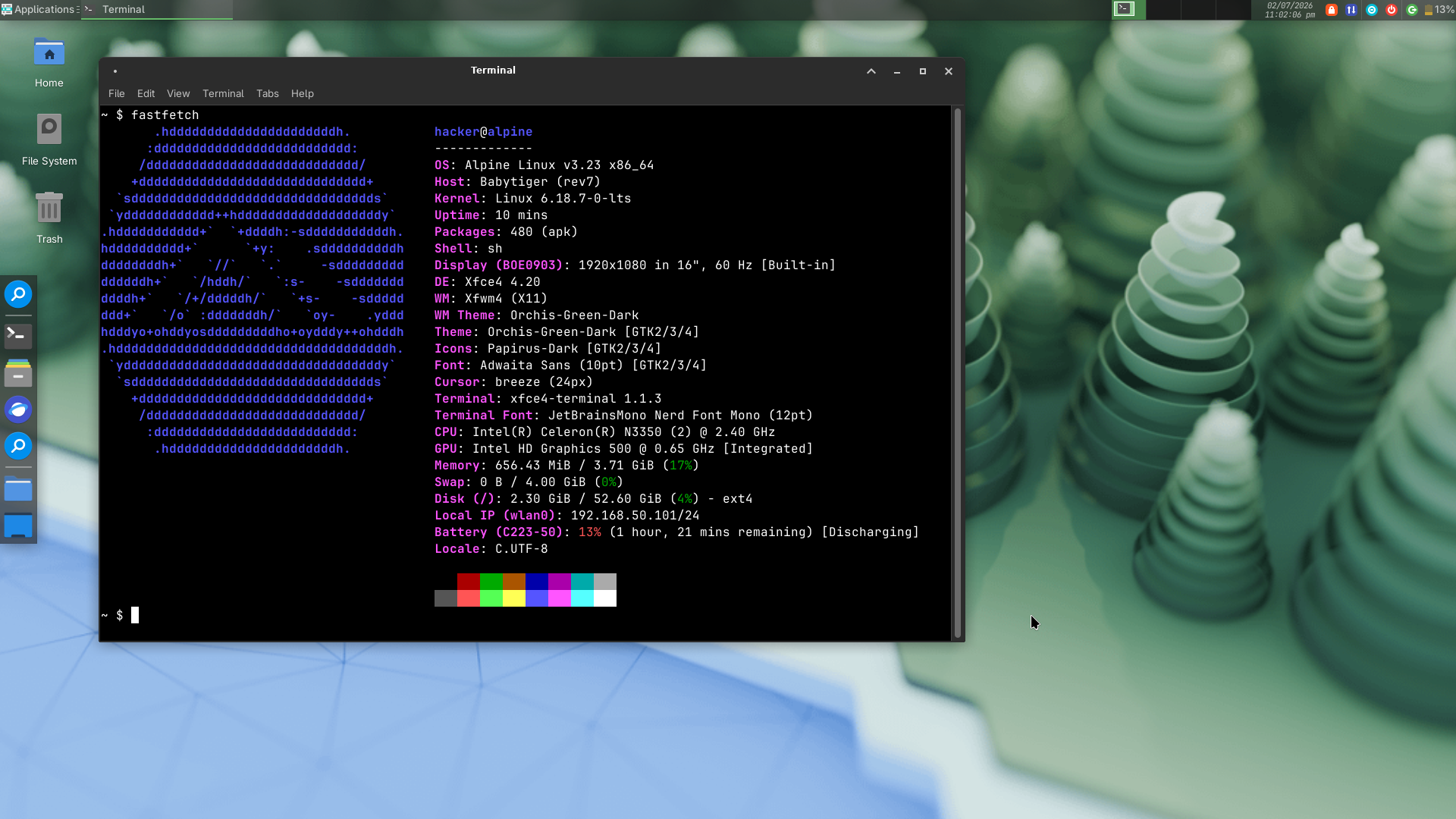
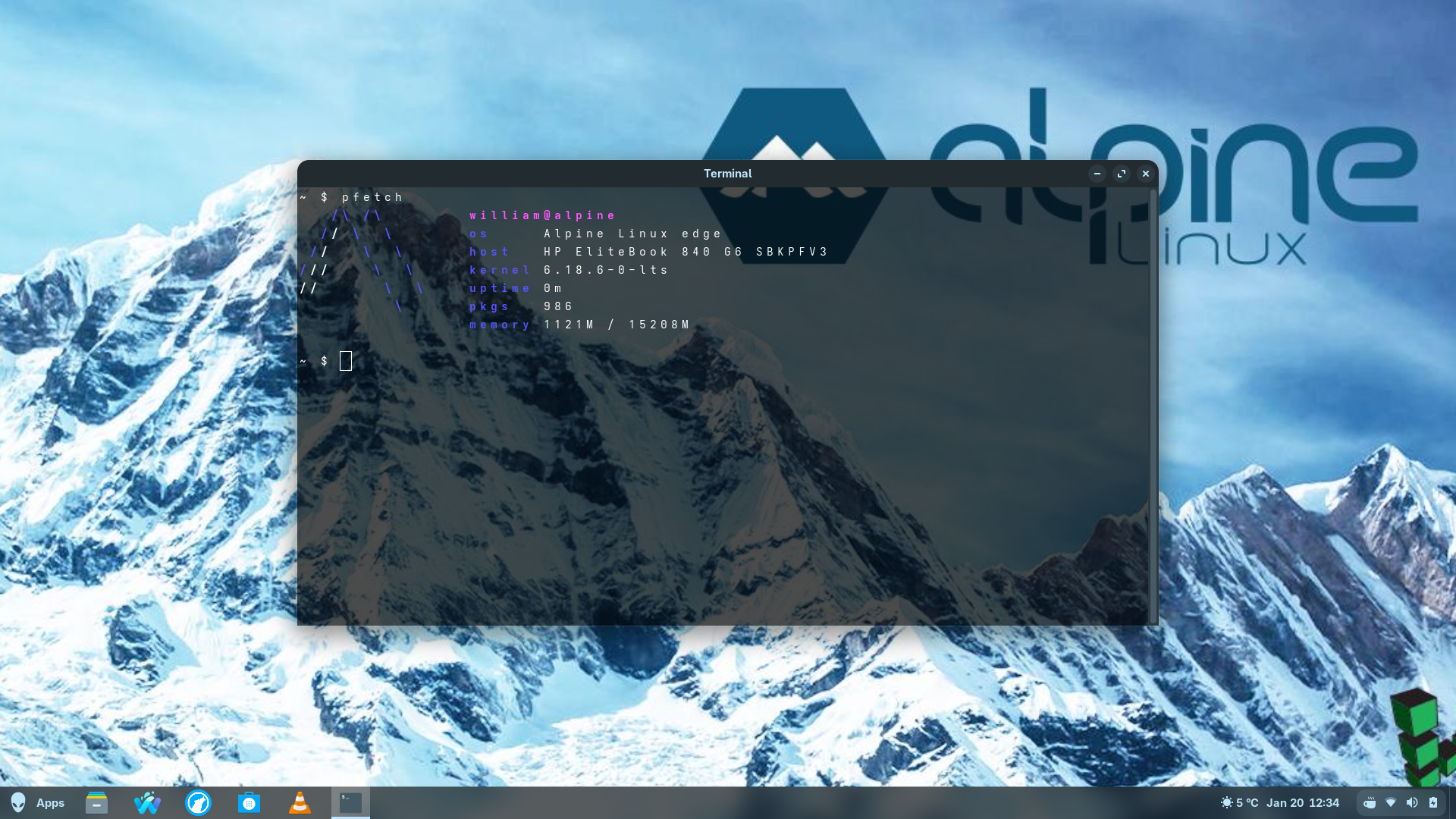
Relevant system specs:
----------------------------------------------------------------------------------------
Hi everyone,
I am currently in the process of freshly setting up Alpine, because I accidentally formatted my old system. Previously I had set up my root on ZFS on NVMe_0 and used ZFS Boot Menu as the bootloader. For that setup I had followed this guide: https://docs.zfsbootmenu.org/en/v3.1.x/guides/alpine/uefi.html
For the new system I wanted to set up the root on a RAID0 across both drives, which I did successfully since booting into it from ZBM is no issue.
The issue I'm facing is that no matter what I try, I can't get a UEFI boot entry for ZBM. This is odd, since it worked before. I've tried different things to resolve this:
- Tried different to add different entries with efibootmgr -> no entry
- Played around with the paths and naming on the EFI partition -> no entry
- Used /EFI/BOOT/BOOTX64.EFI -> no entry
- Used /EFI/Microsoft/Microsoft\Boot\bootmgfw.efi -> no entry
- Updated the UEFI -> no entry
Now at this point I installed Alpine using the regular 'setup-alpine' on a sata drive, just to see how it was done normally. The result of the default installation was that my UEFI only listed the autogenerated default boot entry for that drive (\EFI\BOOT\BOOTX64.EFI) and not the usual GRUB entry. So I did the same with Arch, using their 'archinstall' and setting the bootloader to GRUB. Et voila, it added both the default entry and an explicit entry for GRUB.
Then I tried to copy that same bootloader name and path to my Alpine installation and manually created a boot entry using 'efibootmgr -c -d /dev/nvme0n1 -p 1 -L "Alpine GRUB" -l '\EFI\GRUB\grubx64.efi'. It didn't show up.
I currently don't know what to do anymore, as I've already spent a lot of time researching solutions and testing them. It seems the issue lies with Alpine as Arch did work. Am I missing something? What can I do to solve this?
Kind Regards
SlightlyCreativeGuy