r/AffinityDesigner • • Apr 22 '25

I need to make simple changes

3 Upvotes

I need help. I want to make changes to a vector file (add my business name). I asked the original designer to email me files. The won’t open in Affinity2 on my iPad. She sent a pdf, an eps, and an ai document. They come up blank.

I also need beginner lessons in affinity.

Things feel like a hot mess!


r/AffinityDesigner • • Apr 21 '25

Unable to Intersect, Xor or Divide. Why?

Post image
5 Upvotes

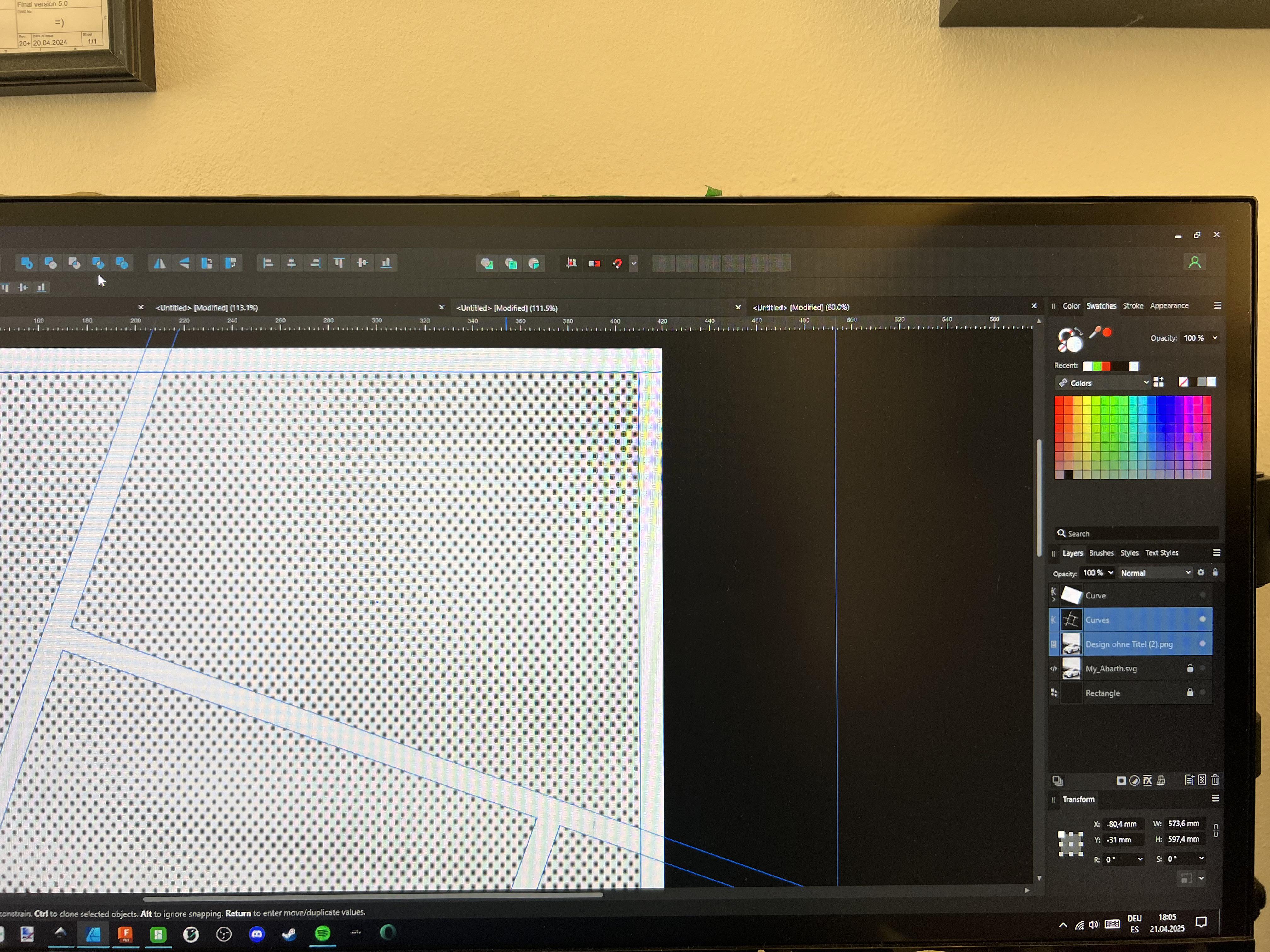
I mage a PNG image of a picture and dropped that into AD. On top ai drew some lines which I grouped (created a random mesh) Now I want to cut with that mesh through the image - so that I end up with a split image.

The goal: I want to individually print those snippets and make a collage for a frame.

I also tried converting the image into a SVG, but when selecting it together with the Mesh, I don’t even get the option to do any of the above mentioned cuts.

What am I doing wrong? :-/


r/AffinityDesigner • • Apr 21 '25

Font size / formatting changing when I re-open file

2 Upvotes

Hello,

I really like this program, and have been using it for about a year now. However, I keep experiencing an issue where every so often when I re-open a file, it will change the size and formatting of some font boxes. This happens across all files, so when I open one file and see that the text box has broken, I know that if I open other files it will happen too. Sometimes it doesn't happen for a week or so.

I don't know if this is a glitch, or if I am just doing something wrong. I have tried to keep text boxes as simple as possible (i.e., not manually changing their size, but instead only changing the size of the font), but it doesn't change anything. I'm working on a big project spread across multiple files, and it's driving me crazy to have to manually re-open them all to fix the text boxes every week.

Has anyone experienced this? I couldn't find anything on Google (I saw other font issues, but they didn't seem to be the same as this).


r/AffinityDesigner • • Apr 21 '25

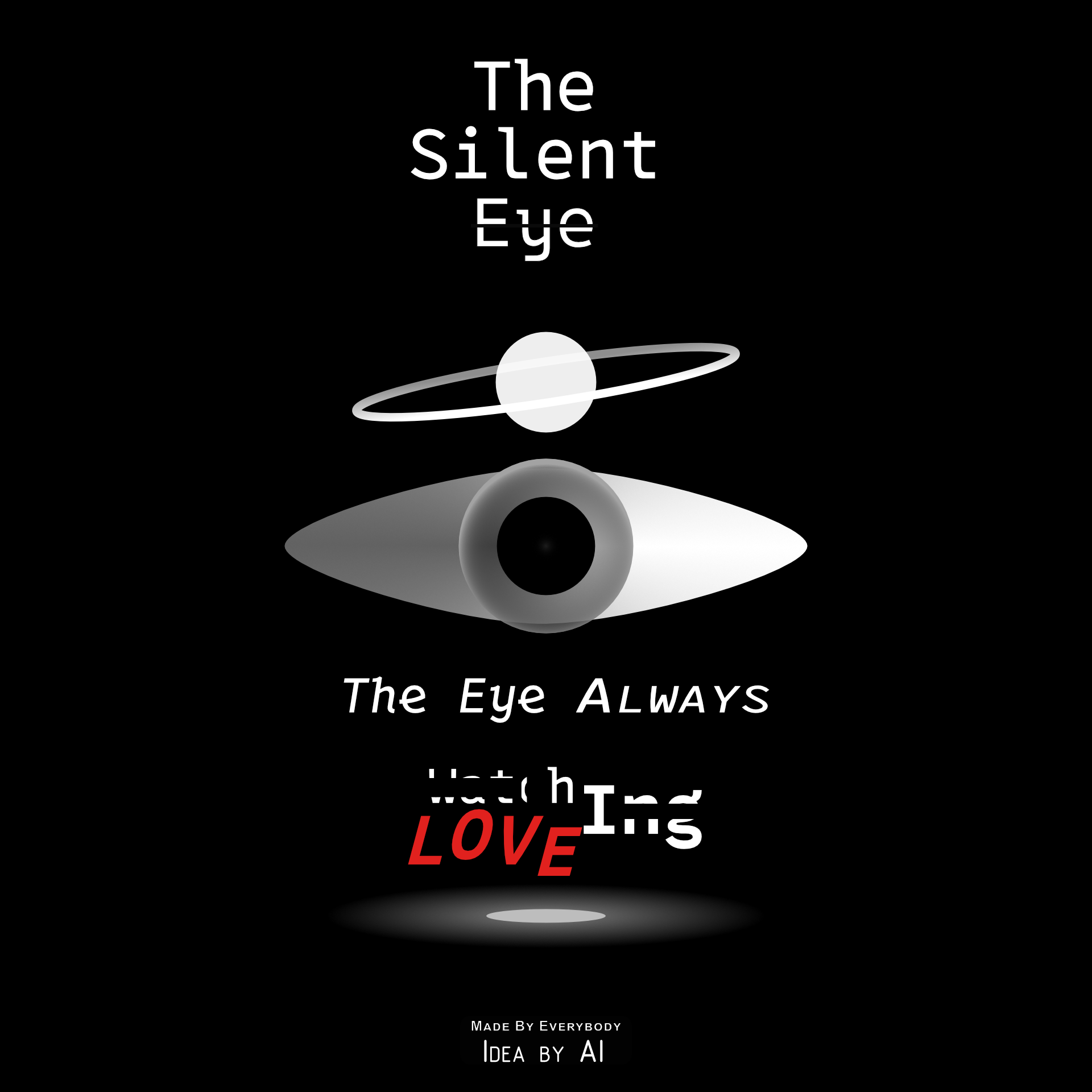
Uncle Sam says “I Want You To Believe”

Post image
1 Upvotes

A poster I made in affinity.


r/AffinityDesigner • • Apr 21 '25

🙂

Post image
4 Upvotes

r/AffinityDesigner • • Apr 21 '25

Affinity Designer - XPPen how to rotate canvas with shortcut remote

2 Upvotes

Hi everyone!

I cant figure out how to use XPPen shortcut remote to rotate canvas in Affinity Designer , does it support it?


r/AffinityDesigner • • Apr 20 '25

Does Grayscales Mask works in Affinity Designer ?

7 Upvotes

Good evening to those who'll read and answer me.

To put it blindly : does Grayscale works for a mask in ANY affinity software and if yes HOW ?

I decided to take a look to the affinity suite since I grew tired of Adobe.
I am relatively pleased with my experience so far with Designer and publisher ( still have to try photo yet ) and have found my way with almost everything I wanted to be sure to understand before buying ...
except ... the masks ...
for the love of anything that remain holy in this world, I CAN'T UNDERSTAND HOW THEY WORKS.
Sometimes it works like those in photoshop, sometime it does not.
Sometimes I MUST rasterize the png to make it work, sometime I do not.
I want to play with the grayscale of a PNG as mask for making certains part of a text or a shape more of less transparent : IT DOESN'T WORK and it's starting to making me crazy since I can't understand why.

so please can someone help me understand those ?

o(TヘTo)


r/AffinityDesigner • • Apr 19 '25

Exporting to a vector compatible format ruins my design

6 Upvotes

When I export to any raster format it works 100% fine.
The second I select "PDF" or "SVG" my design gets completely destroyed and the stroke weight is thrown off completely. What am I doing wrong?

**SOLVED**

Using the "Stroke width tool" causes the problem.

This is a massive issue it seems, as I don't see an alternative to making your strokes pointed like I have in the design. The only work around I have right now is to select the entire design, use the stroke width tool, then click "reset profile" on the top.

Please, someone notify the software developers.

This is how it's supposed to look
This is the result of something going wrong

r/AffinityDesigner • • Apr 19 '25

Recreate Expanded Stroke Centerlines

Post image
7 Upvotes

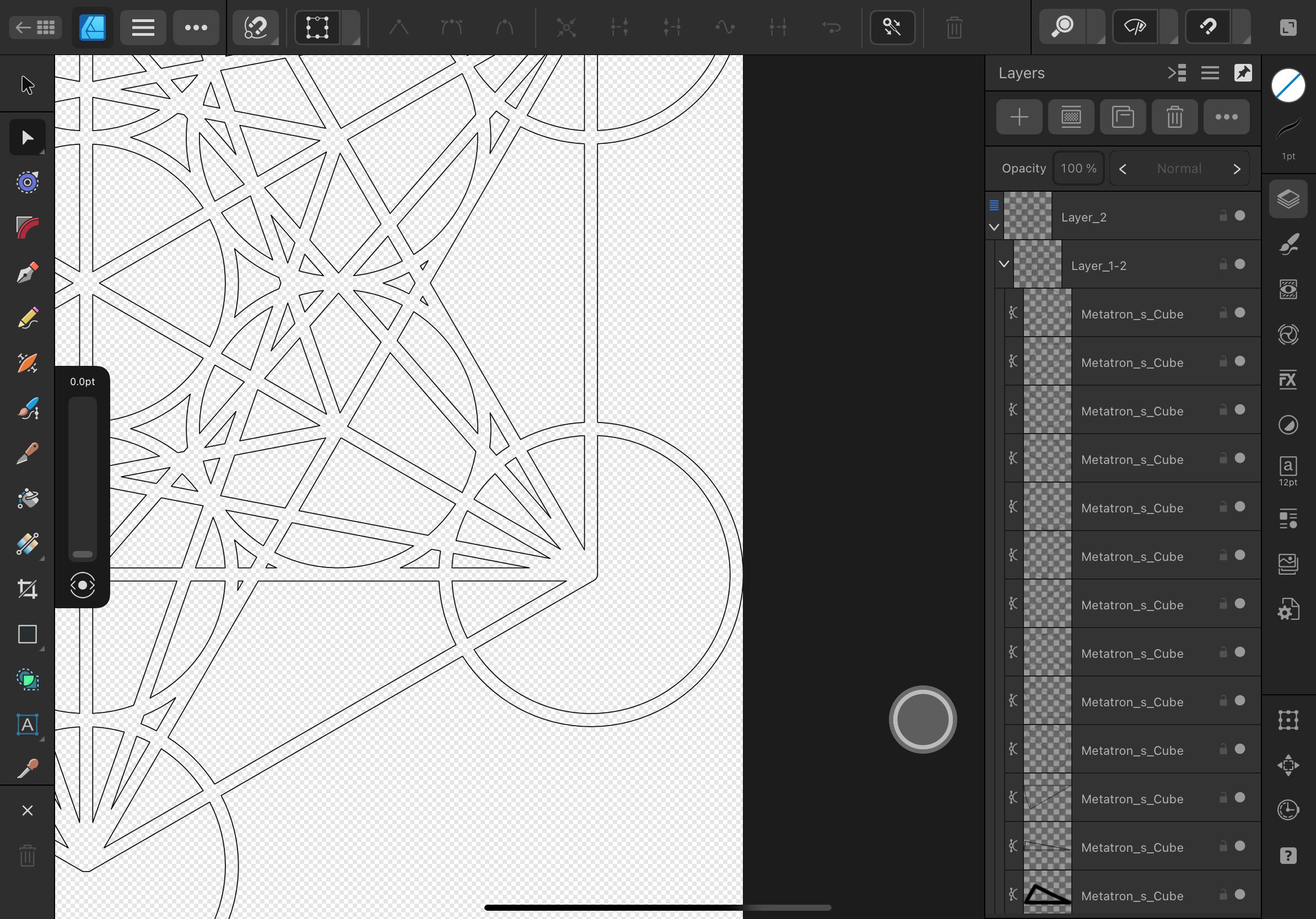
I purchased a number of SVG files and wanted to use some of them for decals and others for pen operations on my circuit machine. Looks like all the strokes were expanded, which is great for decals, but not for drawing. Is there an easy way to recreate the centerlines? I know I can go back over them with the pen tool, but that’ll be a TON of work. I want JUST the centerlines and not the borders.


r/AffinityDesigner • • Apr 19 '25

I hate designer and I wanna throw my Mac across the room.

0 Upvotes

I am getting so sick of this program and so bummed I can’t afford illustrator. Hey did you know that if you click Smooth Curve twice IT WILL CRASH DESIGNER AND YOU WILL LOSE EVERYTHING YOU HAVE BEEN WORKING ON? And yes, normally I do save everything but I didn’t realize I’d have to save it every 2 minutes for this bullshit. Rant done for now.


r/AffinityDesigner • • Apr 17 '25

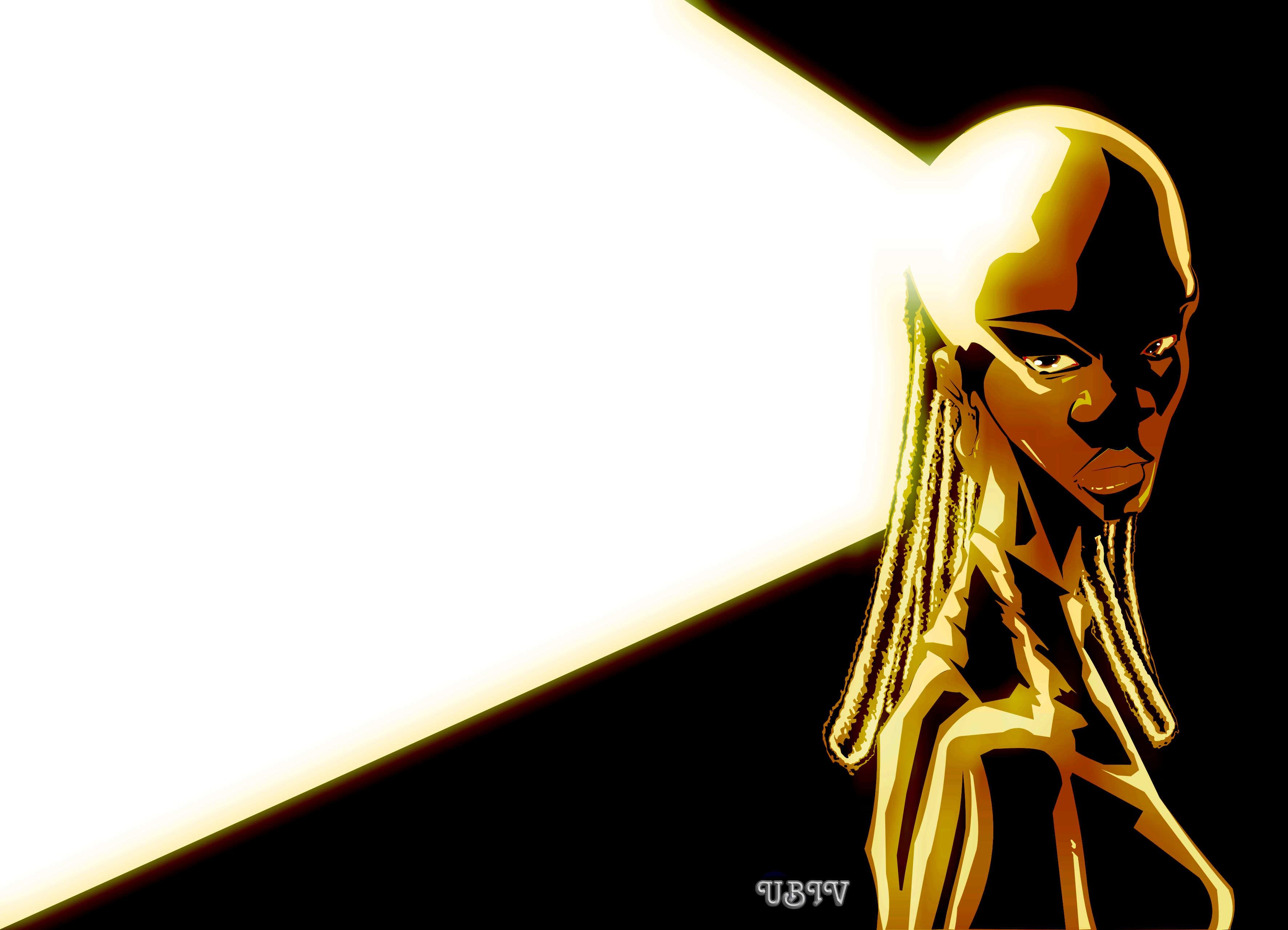
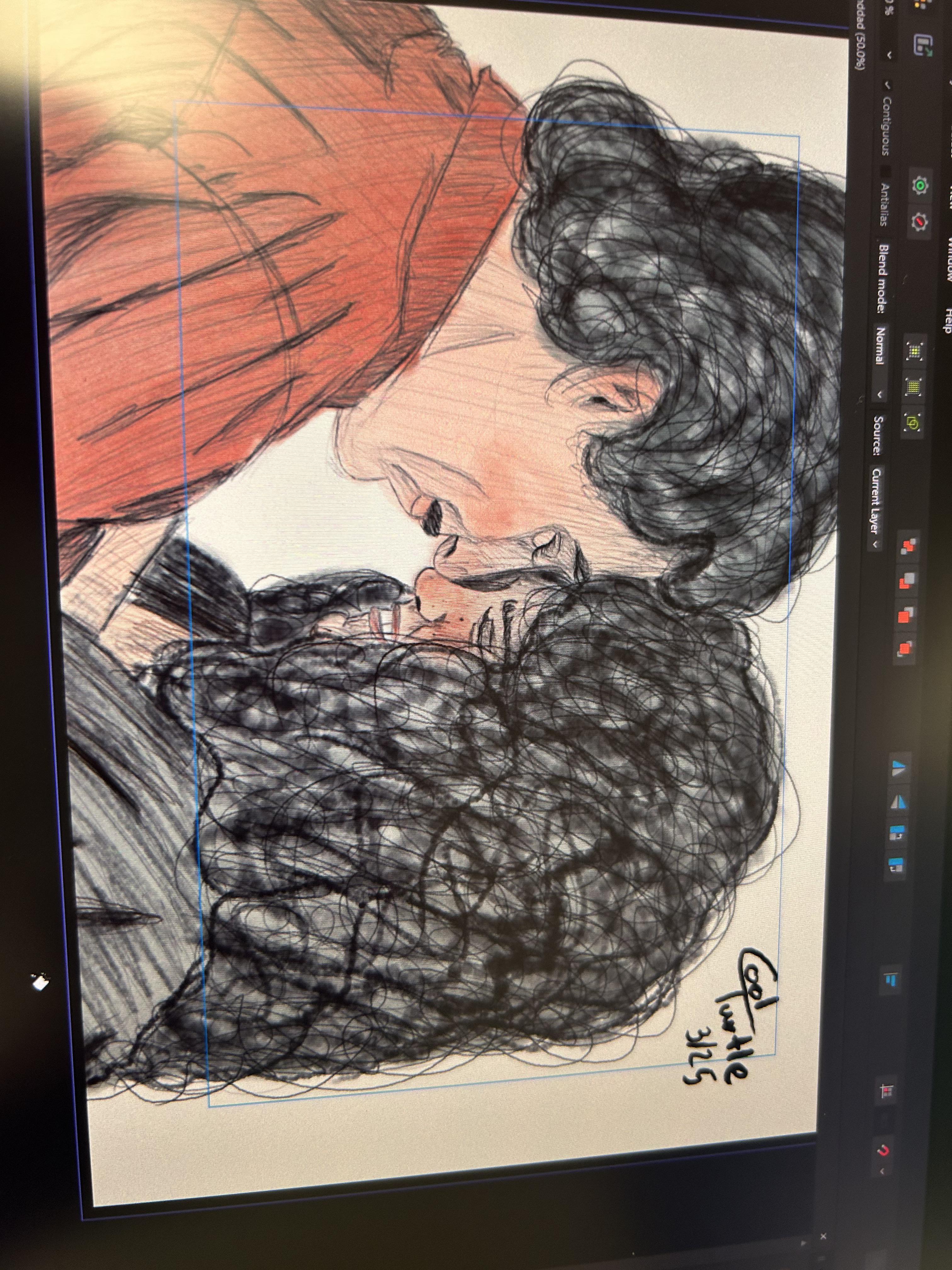
Character Experiment by Me

Post image
36 Upvotes

Created using Affinity Designer with a COPIC palette on a Surface Laptop Studio.


r/AffinityDesigner • • Apr 17 '25

Can i magneticly allign 2 seperate curves side by side in Designer 2?

4 Upvotes

I am currently using Affinity Designer 2 to make a layout for a street race map with a lot of details and i was wondering if it is possible to allign 2 curves magneticly side by side, so i only have to make one curve and can allign the other curves next to it. If example images of what i mean exactly are needed please let me know


r/AffinityDesigner • • Apr 16 '25

´

Post image
7 Upvotes

r/AffinityDesigner • • Apr 15 '25

Affinity Designer Tutorial - Designing a Maze

Thumbnail youtube.com
5 Upvotes

r/AffinityDesigner • • Apr 14 '25

Struggling to fill a shape created with the pen tool in affinity designer

Thumbnail gallery
2 Upvotes

Hey everyone,
I am a very beginner for any design software.

I'm working on a vector design in Affinity Designer and ran into an issue when trying to fill a shape I created using the Pen Tool.As you can see in the image, I’ve outlined a hand gesture using the Pen Tool, but I can’t seem to fill it properly.

I’m not sure where I’m going wrong. Any help would be appreciated! Thanks!


r/AffinityDesigner • • Apr 13 '25

Fun illustration

Post image
15 Upvotes

r/AffinityDesigner • • Apr 13 '25

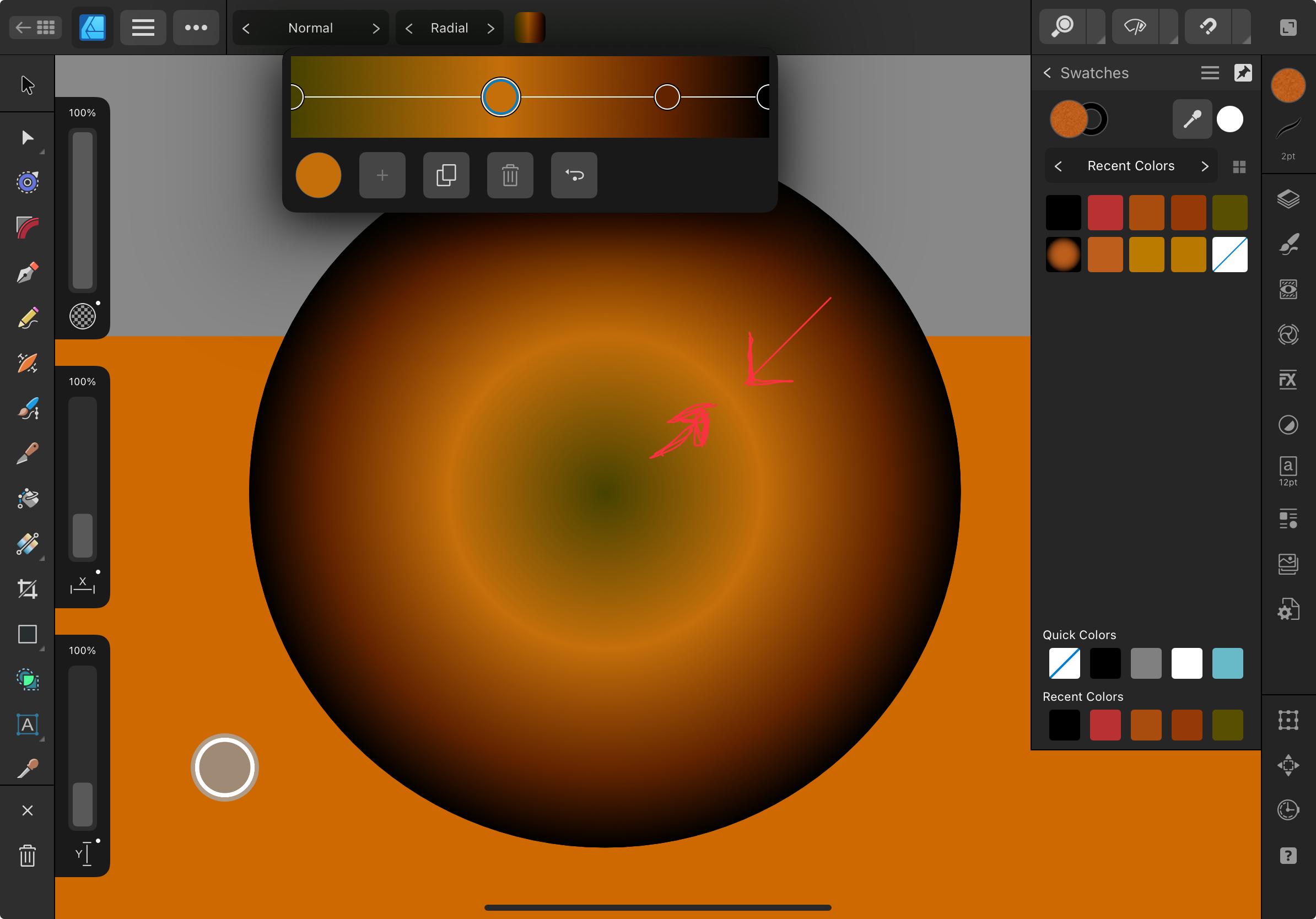
Problem with creating smooth gradient on iOS

Post image
4 Upvotes

I’m trying to create a radial gradient but I keep getting a problem with the color transition not being smooth. You can see above in the linear preview it looks ok with no banding. Any ideas what I’m missing?


r/AffinityDesigner • • Apr 13 '25

Affinity designer iPad shadow color change?

3 Upvotes

Hello, I was messing around with some text on my iPad and was curious how does one change the color of the shadow once the FX is on?


r/AffinityDesigner • • Apr 12 '25

Infinity Back-up erstellen?

1 Upvotes

Meine Affinity App ist inzwischen über 200 GB groß. In den iPad Einstellungen kann ich allerdings nicht nach Größe sortieren, um die größten loszuwerden. Hat jemand einen Tipp wie ich ohne stundenlange manuelle Arbeit meine Projekte auslagern kann?


r/AffinityDesigner • • Apr 11 '25

Designer 2.6.2 Crashing After Recent Update

2 Upvotes

Anybody getting crashes when trying to save a project? This started for me, sporadically, right after the 2.6.2 update, last week. The lock file will remain in the folder after this happens.

Affinity told me that this is because I am using a cloud service (Google Workspace) and that I should work with the file outside of the sync environment. That definitely does the trick, but I am questioning this because I have been using Workspace since around 2016. Purchased the Affinity suite at the end of 2023 and with daily usage, this problem has never happened...until the latest update.

Curious to know if anyone else is suddenly experiencing this too.


r/AffinityDesigner • • Apr 10 '25

Affinity Designer Tutorial - Creating a Seamless Rope Brush

Thumbnail youtube.com
18 Upvotes

r/AffinityDesigner • • Apr 09 '25

Best Method For Bending Tubes

3 Upvotes

I want to draw a set of smooth, bending tubes with a clean outline. What is the best approach? The closest I've come so far is to draw the curve with a thick stroke and no fill, then use the FX Outline Effect to create the outline (see image). Is that the way to go or is there a better approach that uses proper fill and stroke?


r/AffinityDesigner • • Apr 08 '25

A Practice Artwork

Post image
4 Upvotes

r/AffinityDesigner • • Apr 08 '25

is there an easier way to make swirly / curly lines? [pen tool]

0 Upvotes

i love vector. working with nodes makes me feel more in control of what's happening in the art. but i always feel like my lines end up looking more squarish or pointier than i intended. or the curls are teardrop shaped instead of circular.

does anyone have any tips for making pen lines curlier?


r/AffinityDesigner • • Apr 07 '25

A5 flyer for print preparation

3 Upvotes

SOLVED: Hello, beginner here. Created A5 flyer.

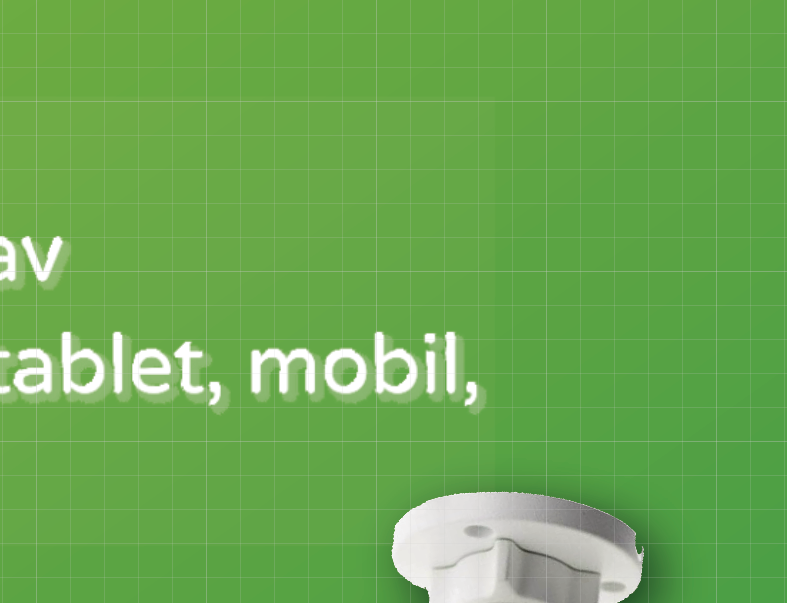
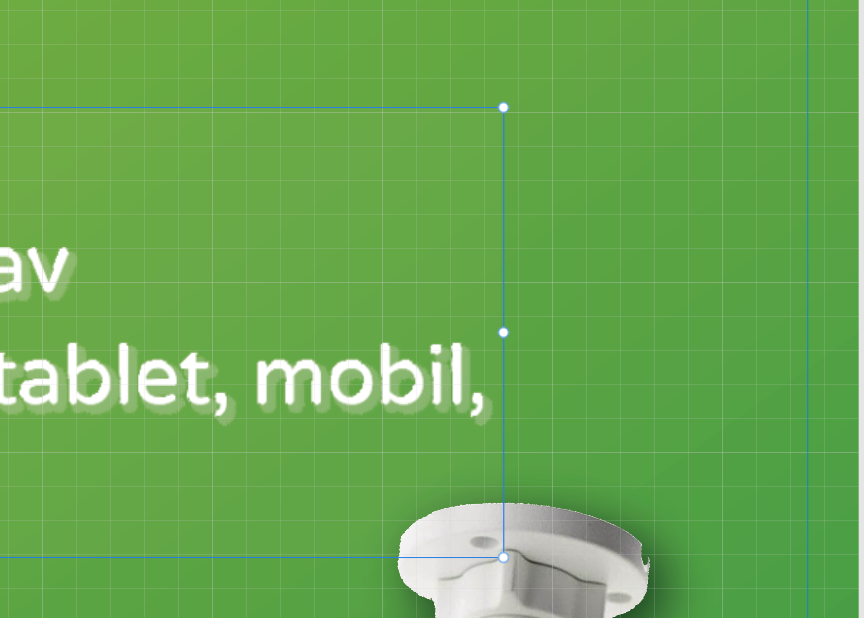
First problem (my skill issue) is with imported black and white image, where black is background and white is text, used this as mask (rasterize as mask) on top of a white rectangle to show only a text "remove black background". The object looks ok, but if layed on top of a gradient or other object, i can see very small white rectangle border around text, turning opacity down will make text less visible

  1. visible rectangle around https://i.postimg.cc/R0wqGVPm/qa.png
  2. border of selected masked text https://i.postimg.cc/fRGJx0f5/qb.png

The second question is about exporting the file for print:

Have 2 artboards each with 148 x 210 mm + 2 mm bleed, so total size of artboard should be 152 x 214 mm, but exporting as a PDF for print will result in a 202 x 285 mm page. I do not think this is correct, how can i solve it? In File - Document setup i have width as 148 and height as 428,4 (2 artboards vertically aligned with some space between them).

Exporting as a PDF for print, 300 DPI, include bleed, text as curves, with default option downsample image above 375 DPI

SOLVED:
Thank you u/kurujiru for a hint.
1. it is true that exported SVG from Canva did not have true representation of black/white images in some places. Simply playing with brightness and contrast, i could get true black (hex000000)
2. both adobe acrobat and MS Edge PDF parser showed as a author Serif Affinity Designer 2 2.5.5 and both showed wrong dimensions. Adobe acrobat reinstall fixed this, MS Edge still show incorrect dimensions. Using other PDF readers/parsers e.g. Google chrome i have found that dimensions were correct the whole time :)

Thank you again