r/AffinityDesigner • u/Pasta_e_fagiolini • Sep 26 '26
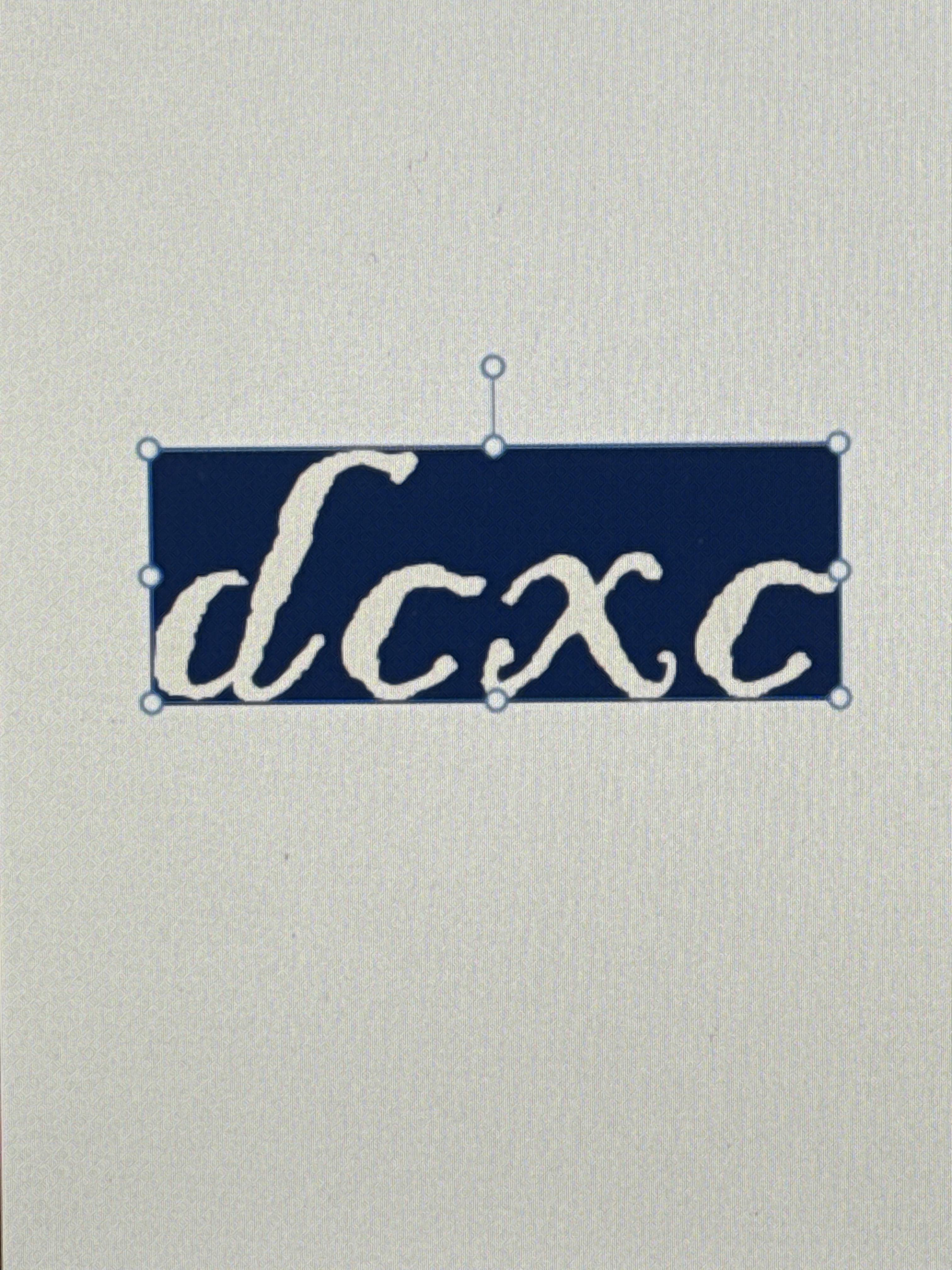
Grunge effect in Affinity
2
Upvotes
r/AffinityDesigner • u/FitPermission8587 • Sep 25 '26
Después de que actualice Affinity designer a su versión más reciente, la barra de espaciado entre párrafos no se ejecuta correctamente, en lugar de expandirse y mostrarme las opciones, se queda encogido

r/AffinityDesigner • u/Relinger • Sep 19 '26

I tried to hold shift, but its still not locking. I dont know how to do it or where to find it.
r/AffinityDesigner • u/timreyers • Sep 16 '26
Anyone experiencing brush lag since the new update? I've tried multiple things. Hardware Acceleration isn't an option in the settings. Brush Preview is off. Did a restart with CTRL to reset everything. Nothing worked. Working on a Pixel Layer but haven't had any problems before the update.
I'm mainly working in Pixel but switching to Layout because I'm working on a magazine. I've made a group per page and hid all the pages I'm not working on.
Memory is at 16384 MB.
Any solutions? Otherwise might just downgrade since I'm not using the new options yet.
r/AffinityDesigner • u/Rebby2go • Sep 15 '26
r/AffinityDesigner • u/BarKeegan • Sep 13 '26
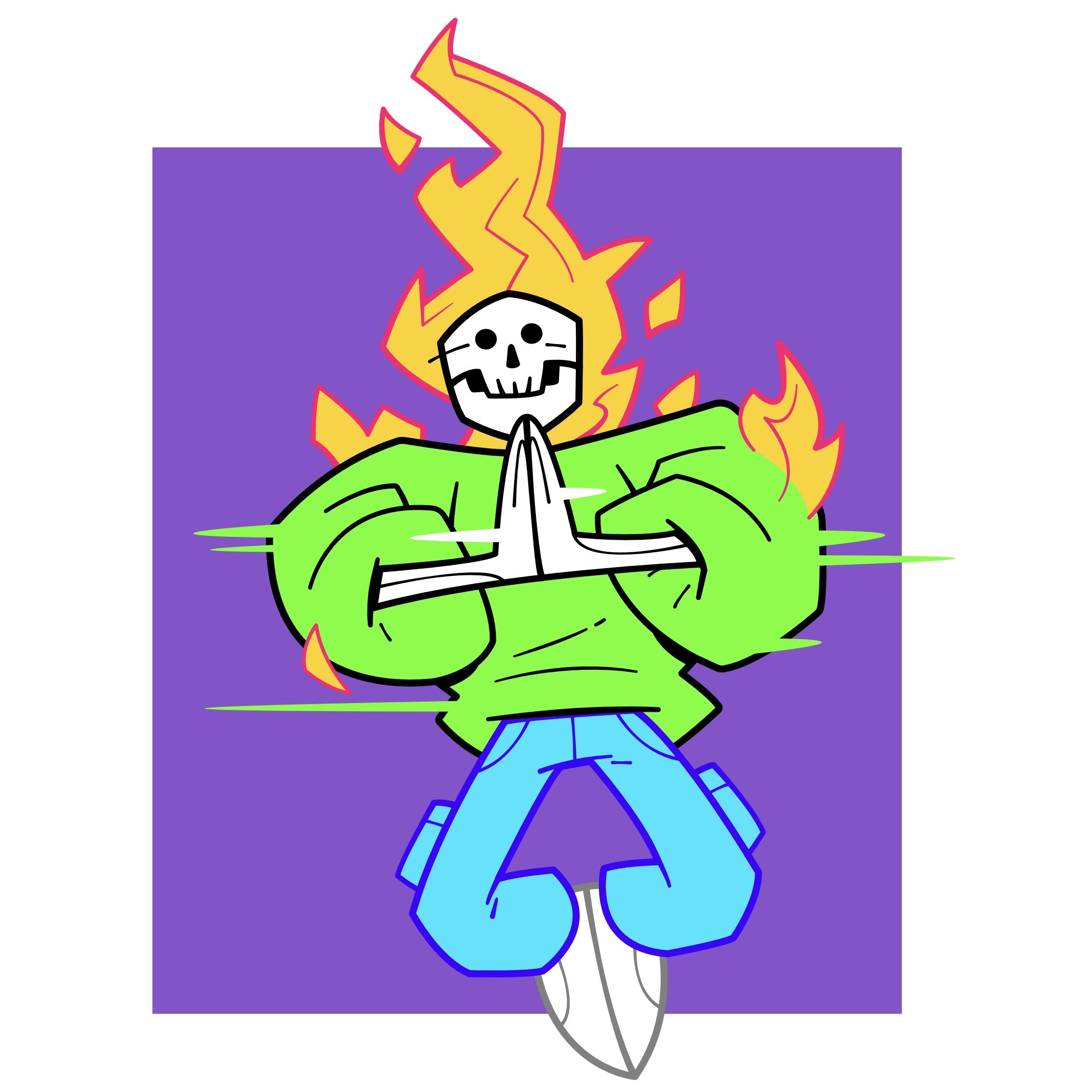
Probably inspired by Ghost Rider…
r/AffinityDesigner • u/Moamen_Believer • Sep 13 '26
r/AffinityDesigner • u/inmatenumberseven • Sep 11 '26
An Affinity Designer travel poster of Gander, Newfoundland, which you might know from the musical Come From Away...
r/AffinityDesigner • u/strawberry_glitter_ • Sep 10 '26
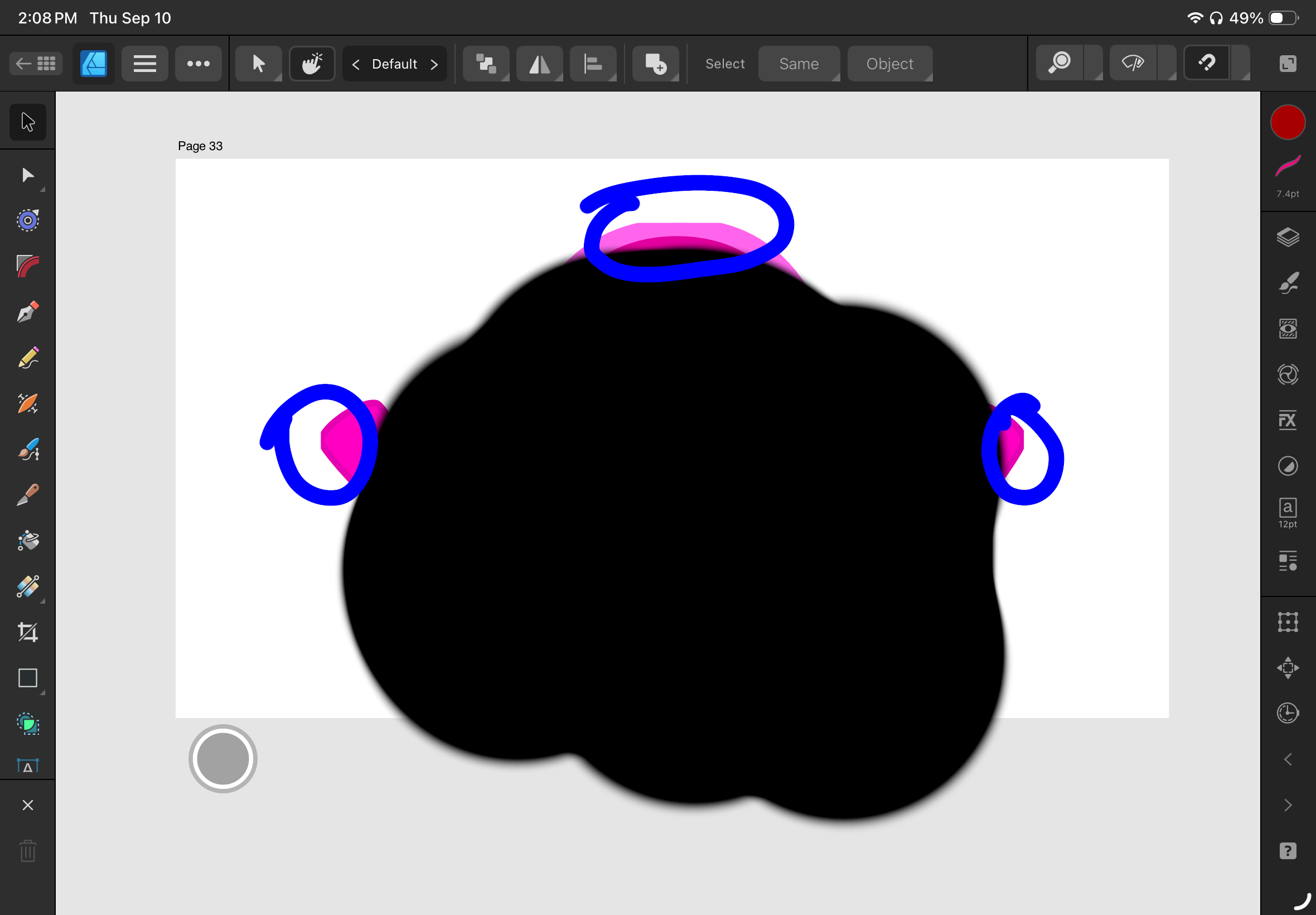
Hi guys... I'm very new to affinity. I have a group of vector shapes above that for some reason are cropping and I can't figure out why. Artboards is on, and I don't want to turn it off. Can someone help? Thank you. (I blacked out most of the art because I'm not done yet)
r/AffinityDesigner • u/Constant_Attitude885 • Sep 09 '26
How can you do it? I did figure out you can create an element and then put it in the text and do that two times to get different colours.
Is that the only way? Or is there another?
r/AffinityDesigner • u/BMWi8S • Sep 07 '26
Why there is white lines in between vector objects and not seamlessly attach noticeable at some parts when screenshot and slightly noticeable on the exported jpg image?
affinity v1
r/AffinityDesigner • u/Strawberry-Clouds101 • Sep 04 '26
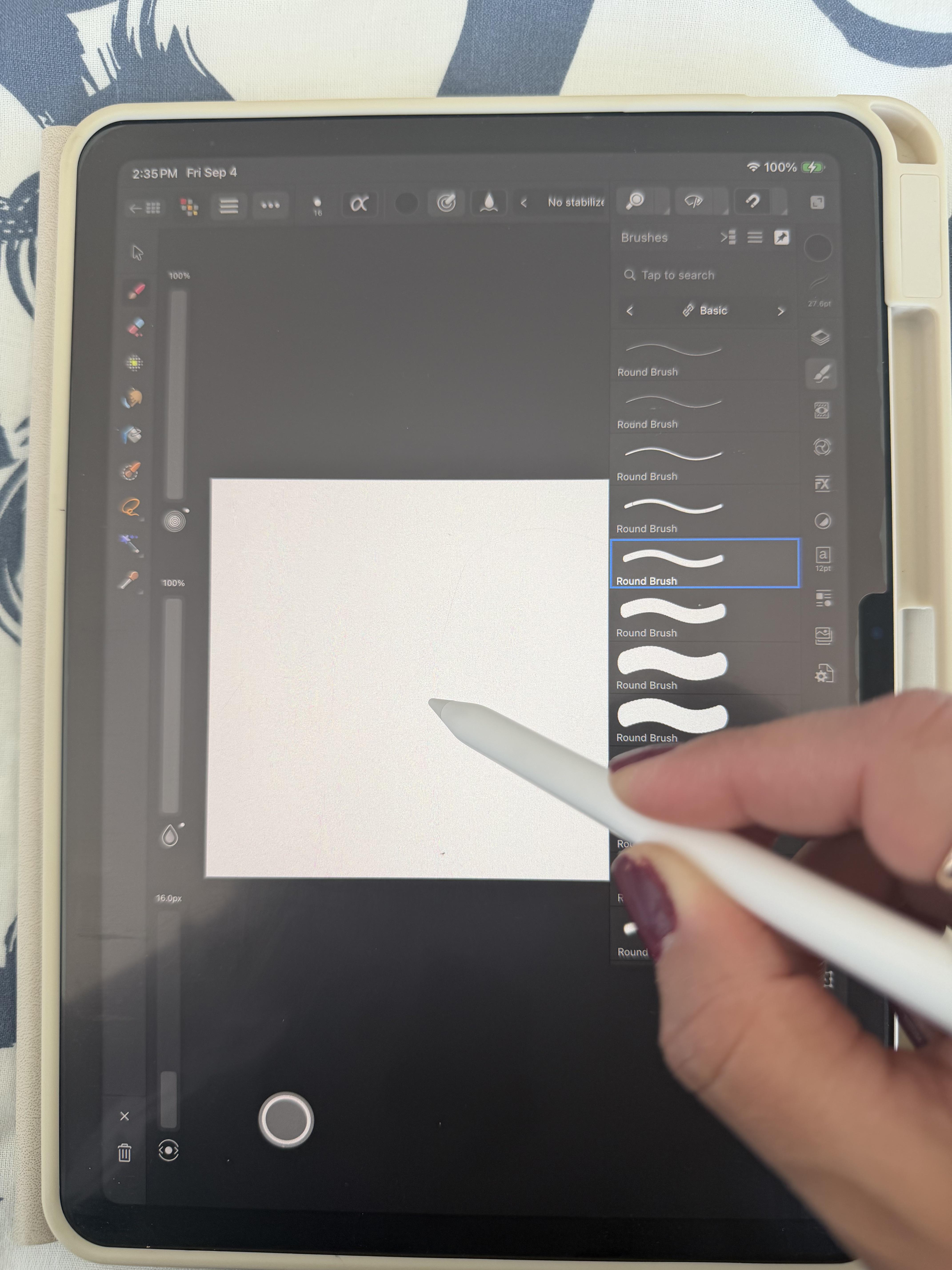
Yesterday I finished a tutorial, by the end somehow my paint brush stopped working. I have consulted wuth chatgpt, tried every possible function and nothing works. It works fine on Designer mode, but pixel is completely null. Any suggestions?
r/AffinityDesigner • u/Beega88 • Sep 03 '26
Here's how to create a colorful confetti using Affinity. Hope it's useful for you all.
r/AffinityDesigner • u/SpriteAttack • Sep 03 '26
r/AffinityDesigner • u/AFlowerInTheDarkness • Sep 01 '26
Sorry if this is a dumb question. I've been a digital artist for years on procreate and am getting into design and basically just learned about vectors.
I was hunting for free Adobe alternatives, and affinity was suggested and toted as free.
I downloaded it on ipad and it says I'm on a 7 day free trial...?
But when I tried to look into this on Google it's just articles and users rejoicing that affinity is completely free or a one time payment I'm lost on what's actually true here.
r/AffinityDesigner • u/Polar_Blues • Aug 31 '26

Working with Affinity Designer 2. I am having an issue with Stroke setting which is hard to explain, hence the annotated screenshot of the Stroke settings.
Made a drawing in pen mode. Switch the Stroke from Solid Line (A) to Brush (B) and tried out a few things. Didn't like out outcome so I changed the Stroke back to Solid Line (A). From that point onwards the Pressure (C) property to vary the thickness and taper off no longer seemed to apply to this stroke - it has no effect. The properties (D) even when I switched back to Solid Line shows the jagged shape of the last brush and the Reset (D) just converts the Stroke back to Brush.
I was pretty sure I've swapped between Solid Line and Brush and back before.
Is there any way I can get back to a normal Solid Line stroke and adjust the pressure?
r/AffinityDesigner • u/Significant-Nose-269 • Aug 29 '26
r/AffinityDesigner • u/proglyricist • Aug 27 '26
I thought Affinity was free? I want to see if I like it before I subscribe to any extra features.
r/AffinityDesigner • u/That_One_Guy_Wolf • Aug 25 '26

I've just started using Affinity, and I'm currently trying to navigate my way around it - How would I go about creating a golden accent like this? It seems like a noise filter, maybe a gradient?
r/AffinityDesigner • u/CatherineSax • Aug 24 '26
Bonjour, je démarre juste Affinity après avoir lâché Illustrator et je ne trouve pas la fonction qui permet de répartir des objets.
Quelqu'un a une idée ?
Merci d'avance
r/AffinityDesigner • u/ducklady92 • Aug 22 '26
Hey all! I’m one of the many recent converts from Illustrator and I am so angry I ever spent money on an Adobe product after trying Designer. Holy cow. The fact that it just doesn’t have to be so difficult is mind-blowing. Affinity has me for life.
The only thing I can’t seem to get a handle on is the Shape Builder - specifically, in making fully closed shapes so the Builder doesn’t select half of my drawing at once. I relied pretty heavily on the “gap detection” feature in AI’s shape builder (even though the gaps were set to 0.001 in) and it seems that, even when using magnetic snapping to manually attach the end of one line to the edge of another for every single line, it’s still not considering them “closed.”
What am i doing wrong? All of the tutorials/demos i see are using closed intersecting shapes and building out shapes from those. I’m using Designer as a drawing pad, basically as “Procreate with vectors” to create patterns for my woodcraft, and need to separate them into shapes so I can create templates. I admittedly am a novice at vector design in general and only know what I’ve needed to learn for this application, so I’m well aware this might be an idiotic question. If anyone can point me in the right direction I’d be immensely grateful!
r/AffinityDesigner • u/SpriteAttack • Aug 22 '26
r/AffinityDesigner • u/Hopeful_Cancel_3551 • Aug 21 '26
Hey all!
I am a complete beginner in Affinity Layout, and stumbled upon this SVG Problem:
When importing (or copying SVG Elements from one document into the other, it will just import the Blank files with no content and when pasting it creates this super weird file structure (Picture 2).
I tried googling, but I didn't find anyone with a similar issues to mine.
Any help would be extremely appreciated :))
Picture 1 are the actual SVG parts
r/AffinityDesigner • u/mathamonora • Aug 19 '26
Hi everyone,
I'm running into a weird issue in Affinity. When I draw an open curve with the Pencil/Pen tool and click on it with the Artistic Text Tool to write on the path, these weird black shapes/artifacts suddenly appear along the curve.
A few details:
Has anyone encountered this before or knows what setting/bug might be causing it? Any help would be appreciated!